AI in your app
AI features for your users, without a model key in the browser.
Suggest a class, draft a reply to a ticket, summarise a month, give a student a hint. One call from a screen or a workflow returns text. The model key never reaches the browser, and you decide how much each app and each user may spend.
Priya My export has been stuck at 90% since this morning. Can you check?
Sorry about that, Priya. I've restarted the export on our side; it should finish in a few minutes and you'll get an email when it's ready.
Key on the server · 1,240 of 50,000 tokens used today
- app.ai
- ask and chat from any screen
- ctx.ai
- The same calls in workflows
- Your key or credits
- Pinned per project
- Budgets
- Per app and per user, with rate limits
How AI calls work
Turn AI on for the project. Calls use your plan's AI credits, or your own model key (Anthropic, OpenAI, Azure OpenAI and many more) pinned to the project.
Call app.ai.ask(prompt, { system, maxTokens }) behind a user action, or app.ai.chat for a conversation. Catch the error and show a fallback.
For server-side AI, call ctx.ai.ask in a workflow or server function, for example to tag every new ticket before anyone looks.
// in the browser: the key stays on the server
const draft = await app.ai.ask(
  `Draft a reply to: ${ticket.body}`,
  { system: "You are a calm support agent.", maxTokens: 600 },
);

// workflows/triage.ts: on every new ticket
const a = await ctx.ai.ask(`Ticket: ${row.body}`,
  { system: "Reply with one word: urgent, normal or low." });
await ctx.db.update("ticket", String(row.id), { priority: a.trim() });
In-app AI you stay in control of
Ask and chat
app.ai.ask returns one answer; app.ai.chat holds a conversation with a system prompt, from any screen.
AI in background jobs
ctx.ai runs in workflows and server functions, so triage and summaries can run on a schedule or on every new row.
Keys never leave the server
Screens call Appbricx, Appbricx calls the model. Nothing secret is shipped to the browser.
Bring your own key
Pin your own provider key per project and your provider bills you directly, or use plan credits.
Budgets and limits
On or off per project, a model allow-list, token budgets for the app and per user, and rate limits that cut a loop off quickly.
Embeddings too
The AI API also serves embeddings with the project's key or credits, metered the same way.
Learnly's tutor gives hints, not answers
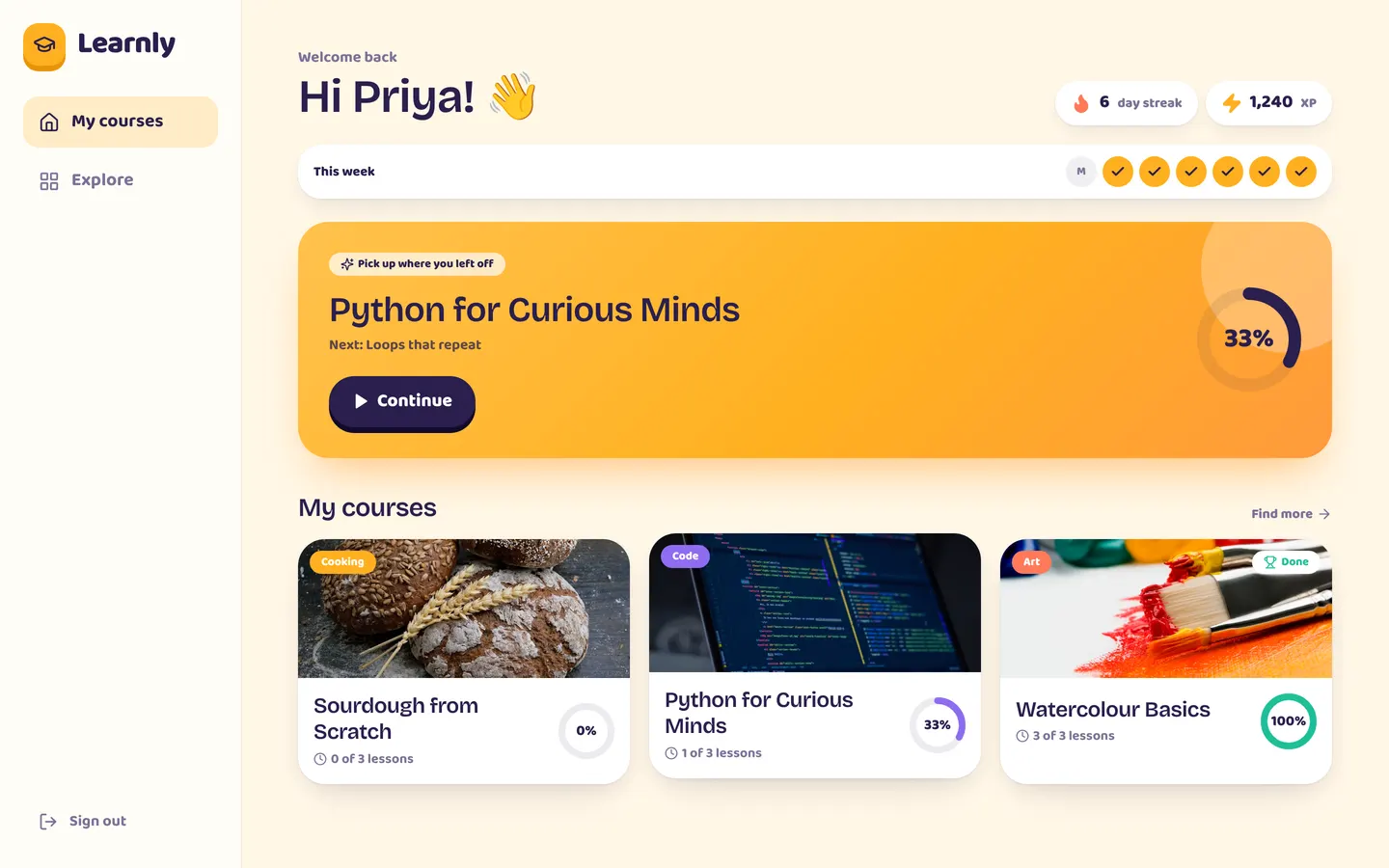
Take a quiz in Learnly and ask for a hint: the tutor answers with a system prompt that forbids giving the answer away. Relay suggests replies to agents and Ledgerly explains a member's month in plain English.
Works with
AI in your app: common questions
Is my model API key exposed to the browser?
No. Screens call app.ai, Appbricx calls the model on the server, and the key never reaches the browser.
Can I use my own OpenAI or Anthropic key?
Yes. Add your own key under AI settings and pin it to the project; your provider bills you directly. With no key pinned, calls use your plan's AI credits.
How do I stop one user running up a bill?
Set token budgets for the whole app and per user over a window you choose, add rate limits and a model allow-list, or switch AI off for the project.
What happens when AI is unavailable?
Calls reject when AI is off, a budget is reached or there are no credits. Catch the error and show a fallback so the screen keeps working.