Sign-in and auth
Sign-in your users expect, on a screen that carries your brand.
Every app comes with accounts from day one. People sign up with email and password or a magic link, sign in with Google in one click, add a second factor and join their team from an invite. You write no auth code and store no passwords.
- Google, no setup
- One switch, no Google Cloud project
- Magic links
- Passwordless sign-in by email
- Two-factor codes
- Authenticator apps and backup codes
- Organisations
- Teams with invites and roles
How sign-in is switched on
Sign-in with email and password, verification and reset comes with every app. Add "auth": { "google": true } to the contract, or flip it in Project settings, Sign-in.
Publish. Continue with Google works on your apps.appbricx.com link straight away, through the platform's own Google client. Bring your own client to show your name on Google's consent screen.
Choose who may sign up: open, invite-only or disabled, for development and production separately. A new user becomes your first consumer role.
// your own sign-in screen gets the providers that are on
{app.auth.providers.map((p) => (
  <button key={p.name}
    onClick={() => void app.auth.startProvider(p.name)}>
    Continue with {p.label}
  </button>
))}

// switching Google on from an agent
sign_in_providers { "provider": "google", "enabled": true }
Everything sign-in needs
Email and password
Passwords are hashed and stored by the platform, with email verification and a one-time reset link.
Magic links
Sign in from a link in the inbox, for people who would rather not keep a password.
Google and GitHub
Google works with no Google Cloud setup; GitHub uses your own OAuth app. Both can use your own client for your name on the consent screen.
Two-factor codes
Users add an authenticator app and get single-use backup codes, so a lost phone doesn't lock them out.
Organisations and invites
Business apps put users in organisations; an admin invites colleagues by email and manages accounts and roles.
Secure sessions
Sessions use an HttpOnly cookie on your app's own host, so page scripts never see the token.
Ten apps, ten branded sign-in screens
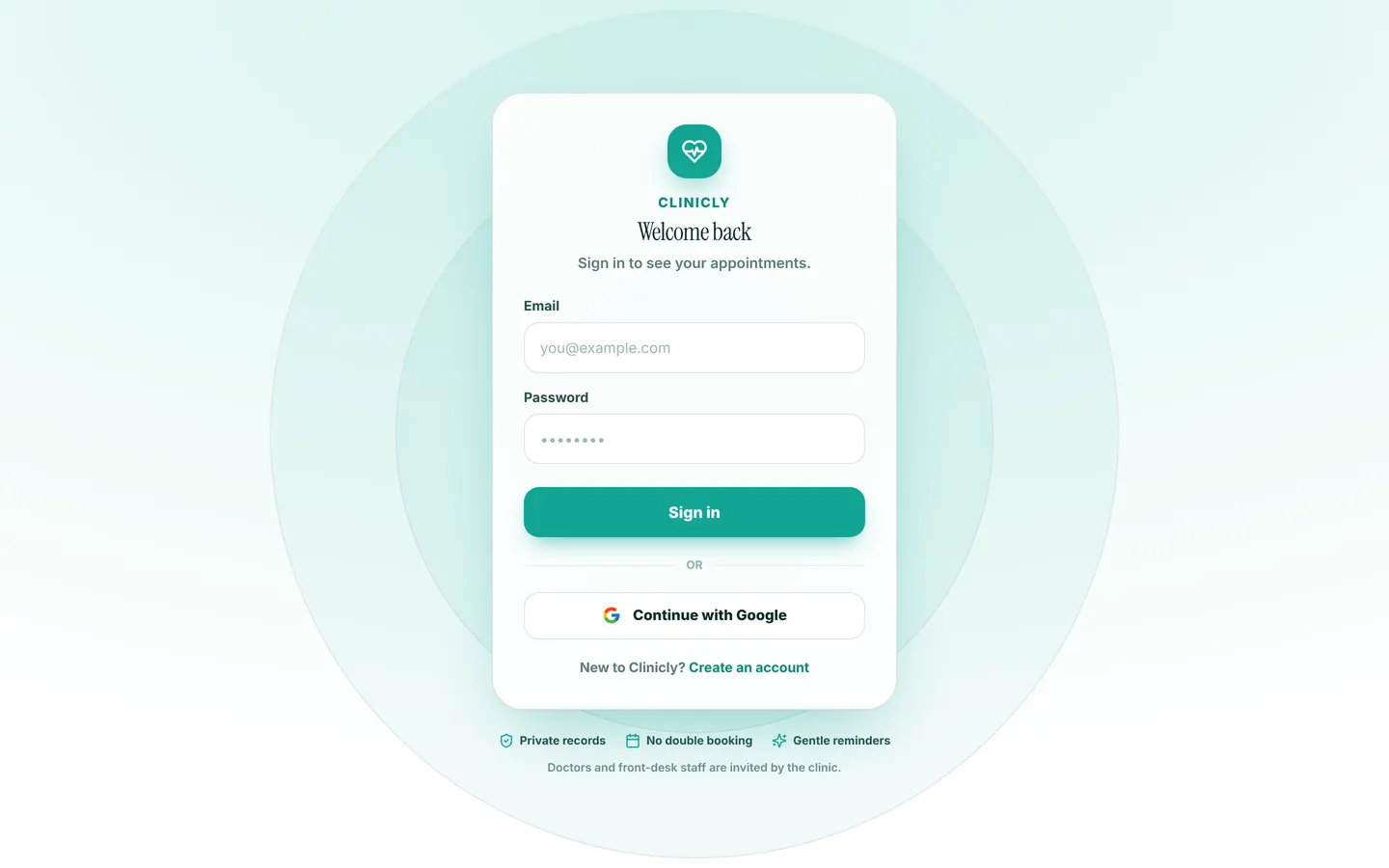
Each showcase app has its own sign-in screen in its own colours, with Continue with Google switched on. Clinicly's is shown here, and every app has demo logins for each role so you can try it.
Works with
Sign-in and auth: common questions
Do I need a Google Cloud project for Sign in with Google?
No. Turn it on with one switch and it works through the platform's Google client. Create your own Google OAuth client only if you want your own name on Google's consent screen.
Does Appbricx support passwordless sign-in?
Yes. Users can sign in with a magic link sent to their email, or with Google or GitHub.
Is two-factor authentication included?
Yes. Users can add an authenticator app for six-digit codes and receive single-use backup codes.
Can I make an app invite-only?
Yes. Set the sign-up policy to open, invite_only or disabled. It applies to every sign-in method, Google included, and development and production keep their own setting.
Can I design my own sign-in screen?
Yes. A custom React sign-in screen gets the providers that are switched on, and keeps your brand colour and layout.