App · Productivity
Kanbo
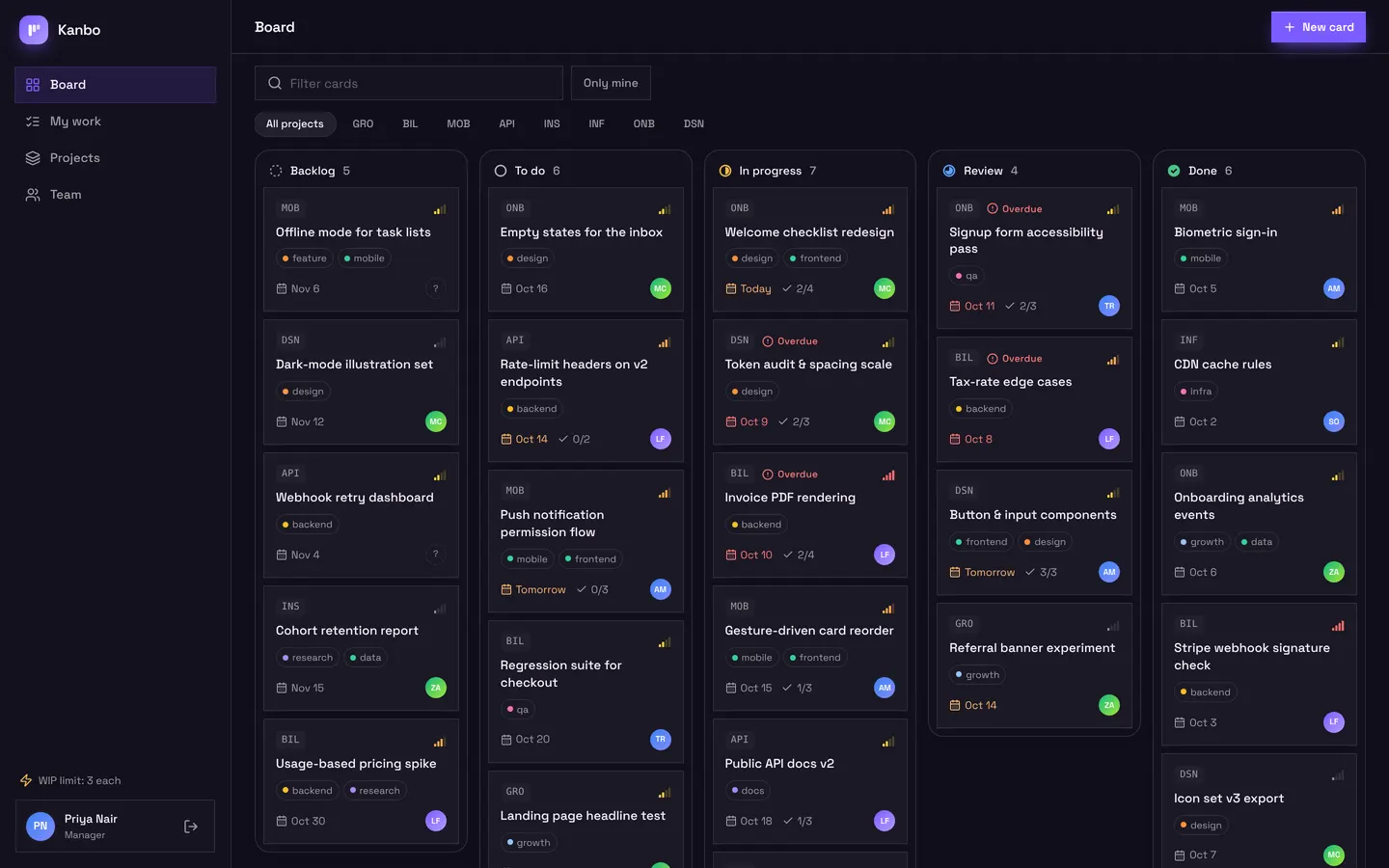
A project board for a small team: columns with draggable cards, a card sheet with checklist and comments, and a My work view per person. A rule enforces a work-in-progress limit, the board updates live, assignees are notified and a daily job flags overdue cards.
Managers and members, invited by the team.
Use in AppbricxFree. Already have an account? Log in
What's inside
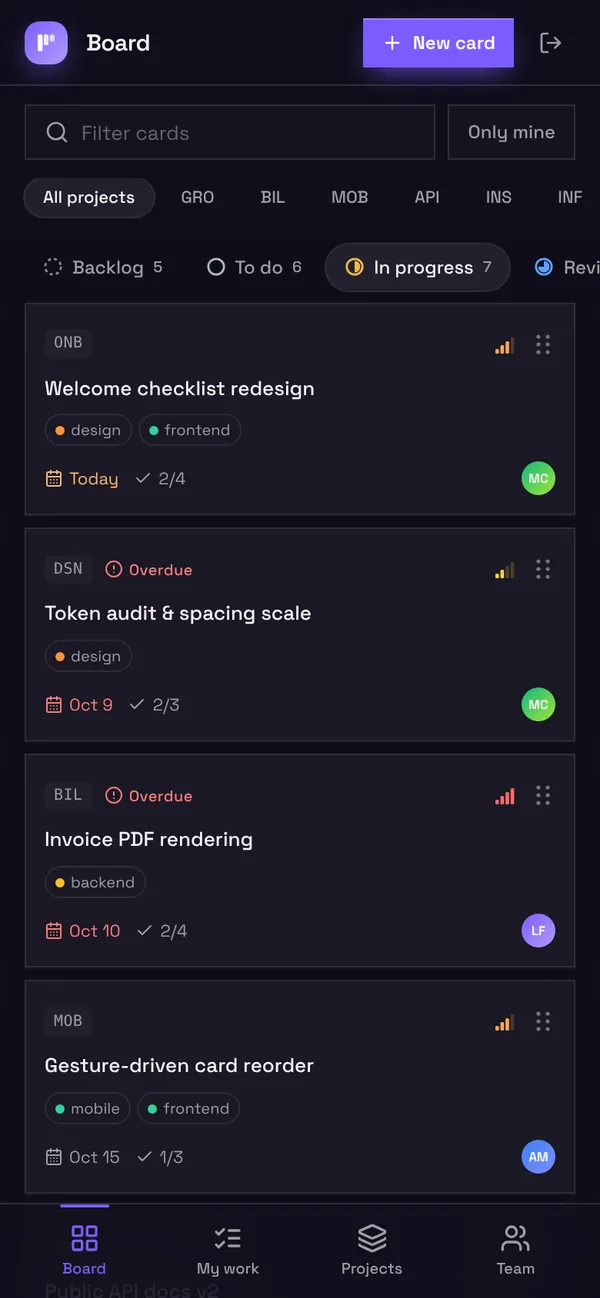
Board with columns and draggable cards. Card sheet with checklist and comments. My work and project progress.
Tables
managername, email, title, avatarmembername, email, title, avatarprojectname, code, summary, cover, due, status, statecardtitle, description, project, assignee, stage, priority, due, labels, …checklist_itemcard, text, done, positioncommentcard, assignee, author, bodyassignmentcard, assignee, by, title
Roles
managerManager, staffmemberMember, staff
Pages
/boardBoard (manager, member)/my-workMy work (manager, member)/projectsProjects (manager)/teamTeam (manager)/accessSign-in access (manager)
Workflows
assign-notifyTell people when a card is assigned to them. On assignment createdcomment-notifyTell the assignee about new comments. On comment createdoverdue-flagFlag overdue cards every morning. On schedule daily 09:00 over card
Components
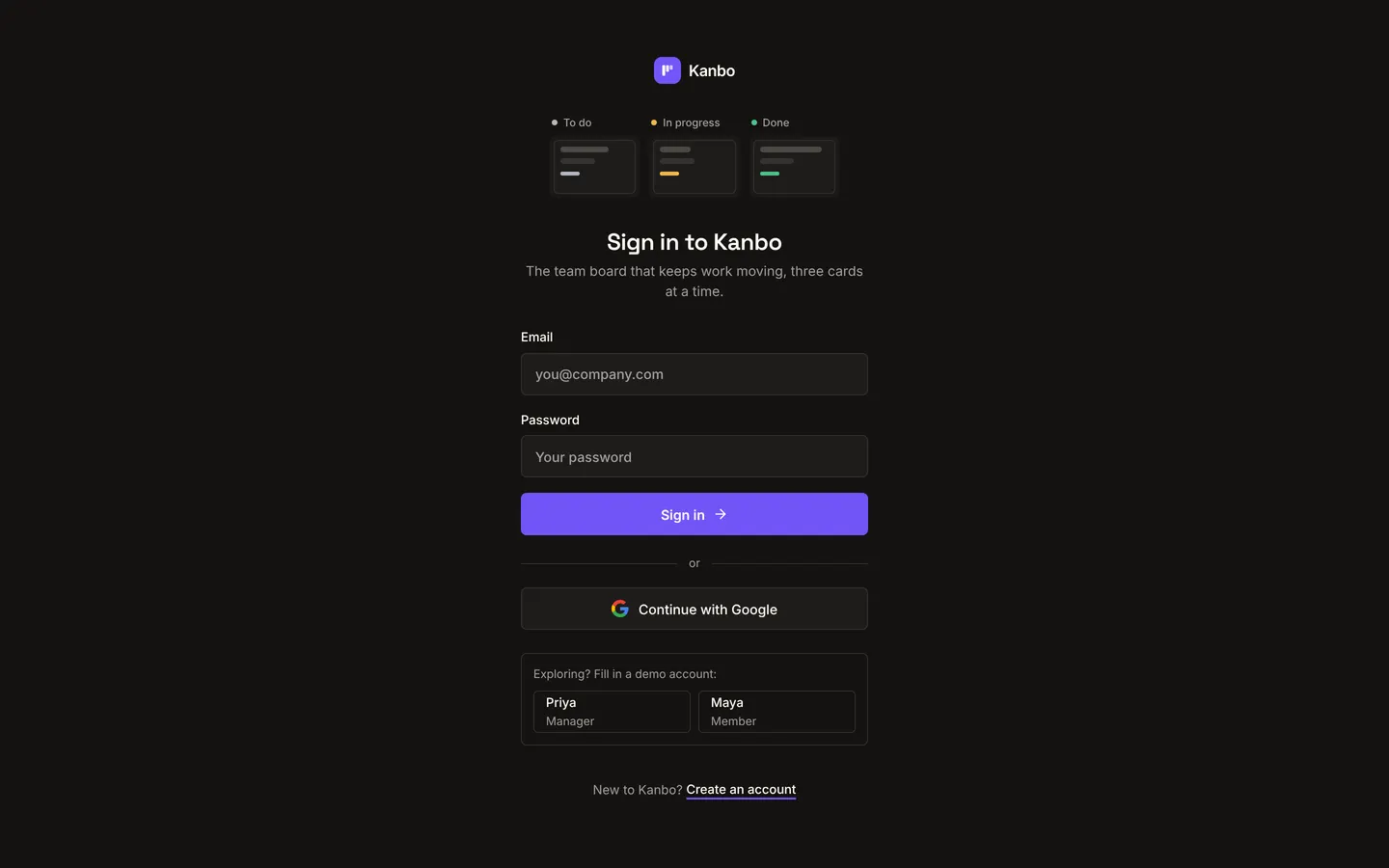
KanboLoginKeyboard-first sign-in in the app's own dark theme: animated board illustration, narrow form, GoogleKanboBoardKanban board with drag-and-drop, live updates, card sheet (checklist, comments, AI breakdown)KanboWorkMy work (cards by due date, inline checklist + stage moves), Projects overview with progress and lifecycle, and Team workload with recent activity
Rules on every write
cardWIP limit reached: this teammate already has 3 cards in progress.
Use with your coding agent
- Connect the Appbricx MCP server to Claude Code, Cursor or any MCP client (quickstart).
- Paste the prompt. The agent creates the project and builds it.
- It applies to dev. Check it, then deploy when you are happy.
Start a new Appbricx project from the Kanbo template (slug "kanbo") with use_template. Call it "My Kanbo", then sign in as each role, verify it and tell me what to change first.{
"tool": "use_template",
"arguments": {
"slug": "kanbo",
"name": "My Kanbo"
}
}appbricx templates use kanbo --name "My Kanbo"Screens
Goes well with
Overdue alerts
Workflow. Each morning, flags rows past their due date, tells the person assigned and sends the team a list.
‹entity›.overdue_sinceoverdue-checkoverdue-clearStudio Bookings
App. Class booking for a yoga and pilates studio: members book in two taps, instructors run the schedule.
memberinstructorsessionbookingClassScheduleTablefor
App. Restaurant reservations with a host floor plan and a live kitchen board.
guesthostchefdishopening_hour