Templates
Start from a checked app, or add a checked feature to yours.
The template marketplace holds whole apps and the features most apps end up needing: Stripe subscriptions, organisations and teams, a booking calendar, comments, notifications, digests and reminders. Each one is ordinary contract JSON that already passes the checker. Your agent finds one, previews the diff and applies it to dev.
- organisations-and-teamsblock checks clean
- stripe-subscriptionsblock checks clean
- daily-digestworkflow checks clean
- trend-chartcomponent checks clean
use_template with dry_run shows the diff before anything changes.
- 26 templates
- Apps, blocks, workflows, components
- Free
- Published by Appbricx
- Dry run first
- The diff and check report, nothing changed
- Never overwrites
- Clashes are refused; add a prefix
How your agent uses a template
search_templates (or appbricx templates search) finds candidates by words, kind and category. get_template shows what one adds, its README, its params and the fragment itself.
use_template with dry_run: true returns the merged diff and the check report. Params attach it to your app: one of your tables, roles, fields or enum values.
The same call without dry_run applies it to dev, never prod. What it added is yours: change it with patch_contract, then verify and deploy as usual.
search_templates { "query": "subscriptions" }
✓ stripe-subscriptions (block)

use_template { "slug": "stripe-subscriptions",
  "project_id": "3b7e…", "dry_run": true }
✓ + table plan
✓ + table subscription
✓ + workflow stripe-subscription-events
✓ + page /billing
✓ check passes; requires STRIPE_SECRET_KEY,
  STRIPE_WEBHOOK_SECRET

# or from a terminal
appbricx templates use stripe-subscriptions --dry-run
Four kinds, all checked
Whole apps
11 complete apps, the showcase apps among them, with roles, rules, workflows, their own screens and demo logins. use_template creates a new project from one.
Features for your app
organisations-and-teams, stripe-subscriptions, one-off-payments, booking-calendar, comments and notifications add tables, access, rules, workflows and pages.
Workflows
welcome-email, slack-on-signup, booking-confirmation-and-reminder, daily-digest, overdue-alerts, reply-deadline-escalation and stripe-payment-received.
Components
trend-chart and csv-export, each placed on a page of your app.
Checked merges
The merged contract must check as cleanly as your app did before, or the use is refused with the report. A name clash is refused too; pass a prefix.
Says what it needs
Each template lists the secrets and integrations it needs, such as STRIPE_WEBHOOK_SECRET, and the reply repeats them.
Every showcase app is a template
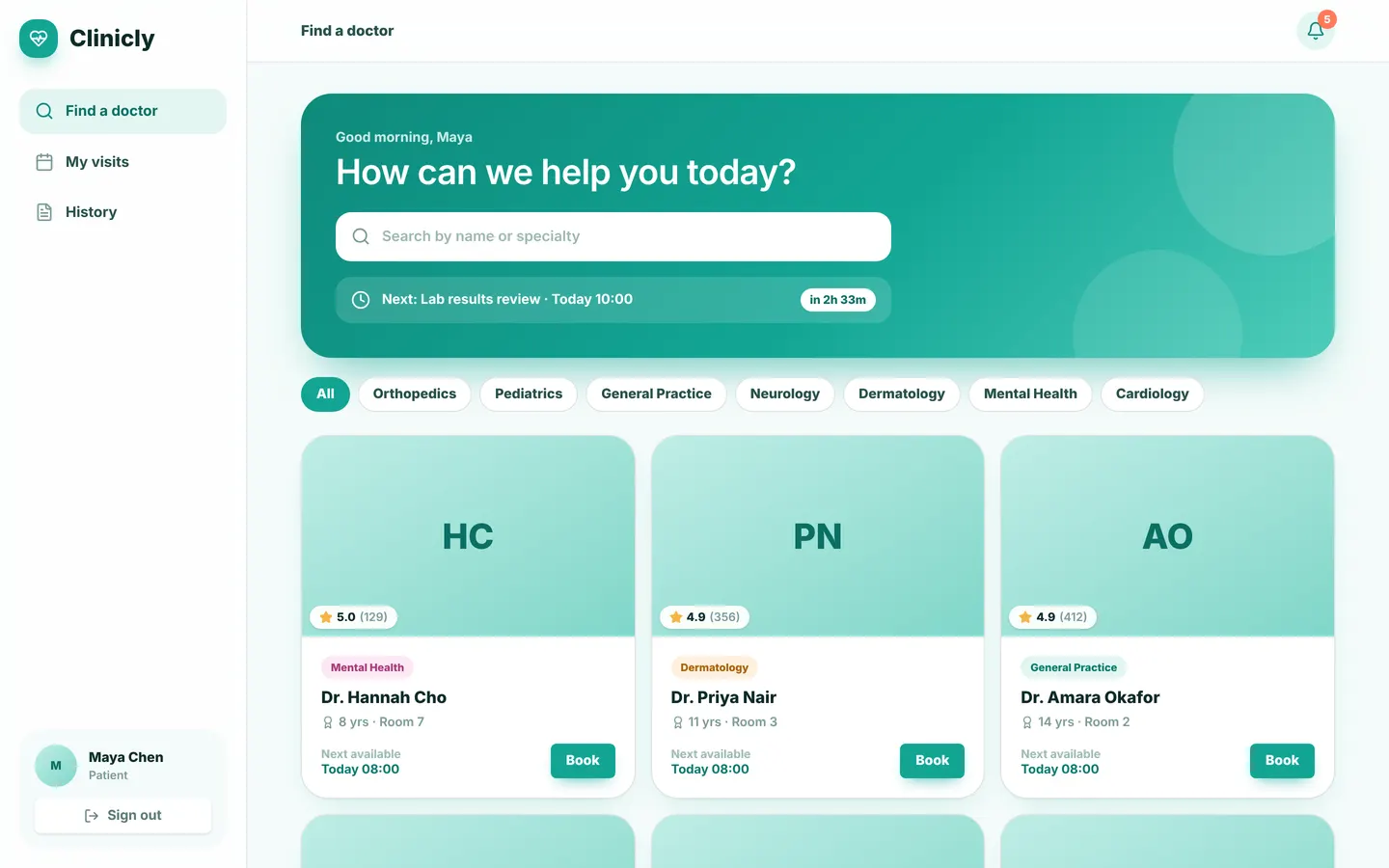
Clinicly, Tablefor, Learnly and the other showcase apps are published as app templates: complete contracts with their own screens. Try one live with its demo logins, then start a project from it.
Templates: common questions
Are templates free?
Yes. Every template in the marketplace is free and published by Appbricx.
Can I add a template to an app I already have?
Yes, for blocks, workflows and components. Params attach it to your own tables and roles, and a dry run shows the diff first. App templates always create a new project.
What if a template uses a name my app already has?
Nothing is overwritten. The use is refused with the list of clashes; pass a prefix, such as crm, or rename yours.
Does a template change production?
No. use_template applies to the development database only. You verify and deploy as you would any other change.