Stripe
Create payment intents, manage customers, invoices, and subscriptions with Stripe. In Appbricx, your workflows and server functions call it by name once it is connected.
What you can do
19 actions, each one call from a workflow or a server function. Triggers come from your app: a row changing, a schedule or a webhook.
- Create CustomerCreate a customer in stripe
create_customer - Create InvoiceCreate an Invoice in stripe
create_invoice - Create Payment (Payment Intent)Creates a new payment intent to start a payment flow.
create_payment_intent - Cancel SubscriptionCancel an existing subscription, either immediately or at the end of the current billing period.
cancel_subscription - Create Payment LinkCreates a shareable, Stripe-hosted payment link for one-time purchases or subscriptions.
create_payment_link - Create PriceCreate a price (one-time or recurring), associated with a product.
create_price - Create ProductCreate a new product object in Stripe.
create_product - Create a RefundCreate a full or partial refund for a payment.
create_refund - Create SubscriptionStart a subscription for a customer with specified items/prices.
create_subscription - Deactivate Payment LinkDisable or deactivate a Payment Link so it can no longer be used.
deactivate_payment_link - Find InvoiceFinds an invoice by its unique ID.
find_invoice - Retrieve CustomerRetrieve a customer in stripe by id
retrieve_customer
Set it up
About two minutes, once per project or once for the whole workspace.
- Open Integrations in the builder
Backend panel, Integrations tab, then Stripe. To connect it for every project, use Workspace settings, Integrations.
- Add your credentials
An API key (or token) from your Stripe account, pasted once. It is stored encrypted and only read on the server when an action runs.
- API key From Stripe's settings
- Call an action
From a workflow, by integration id and action name. The call answers with success, output and, when it fails, the reason.
Workflow // .workflow.js (native ctx) export async function run(ctx) { const res = await ctx.integrations.invoke("stripe", "create_customer", { "email": "<email>", "name": "<name>" }); if (!res.success) throw new Error(res.error); ctx.log.info("Stripe answered", { output: res.output }); }
Templates that use Stripe
Add one to your app and it arrives wired to Stripe: connect it and the workflows run.
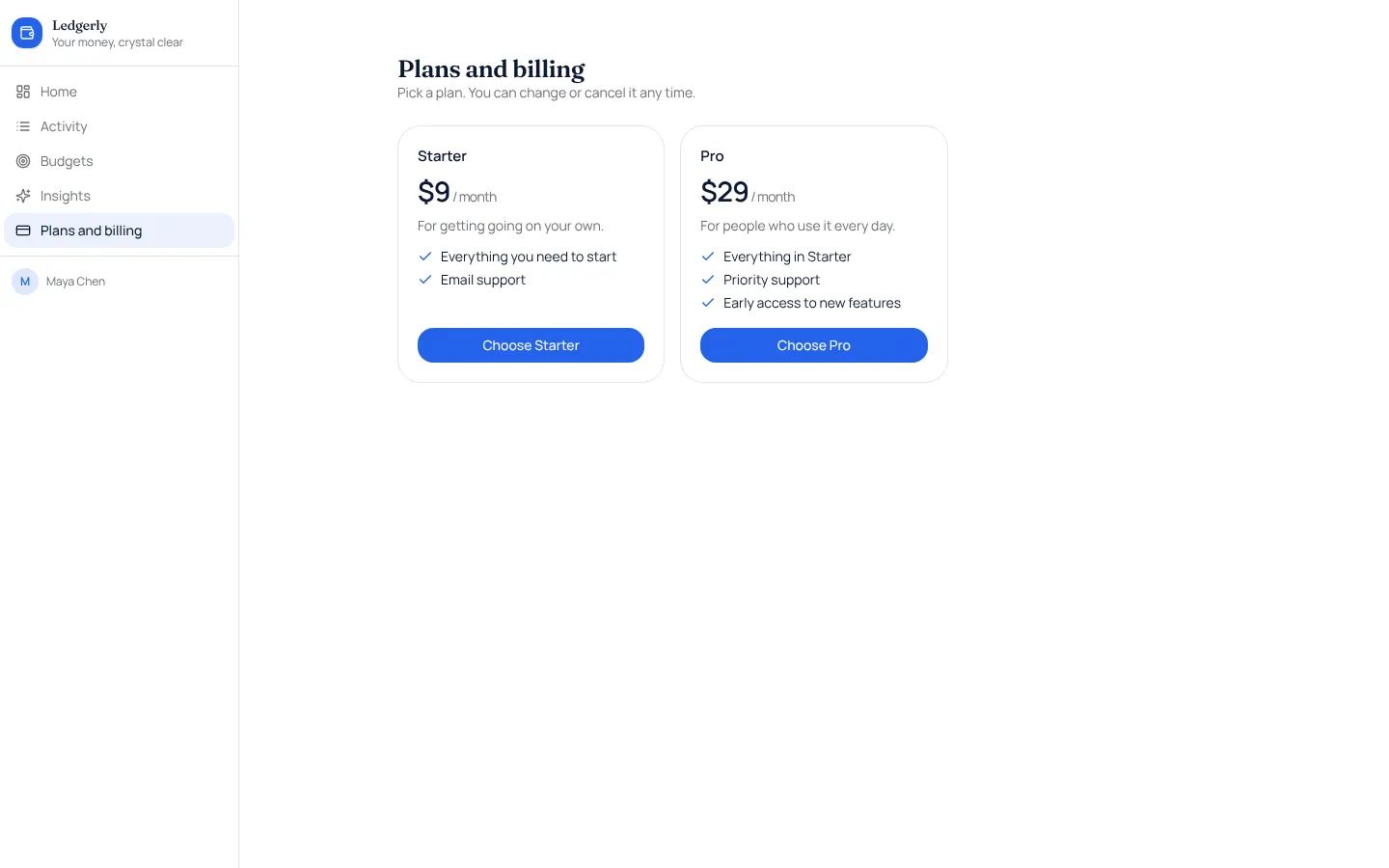
Stripe subscriptions
Monthly or yearly plans paid through Stripe Checkout, with a billing page and Stripe's own billing settings.
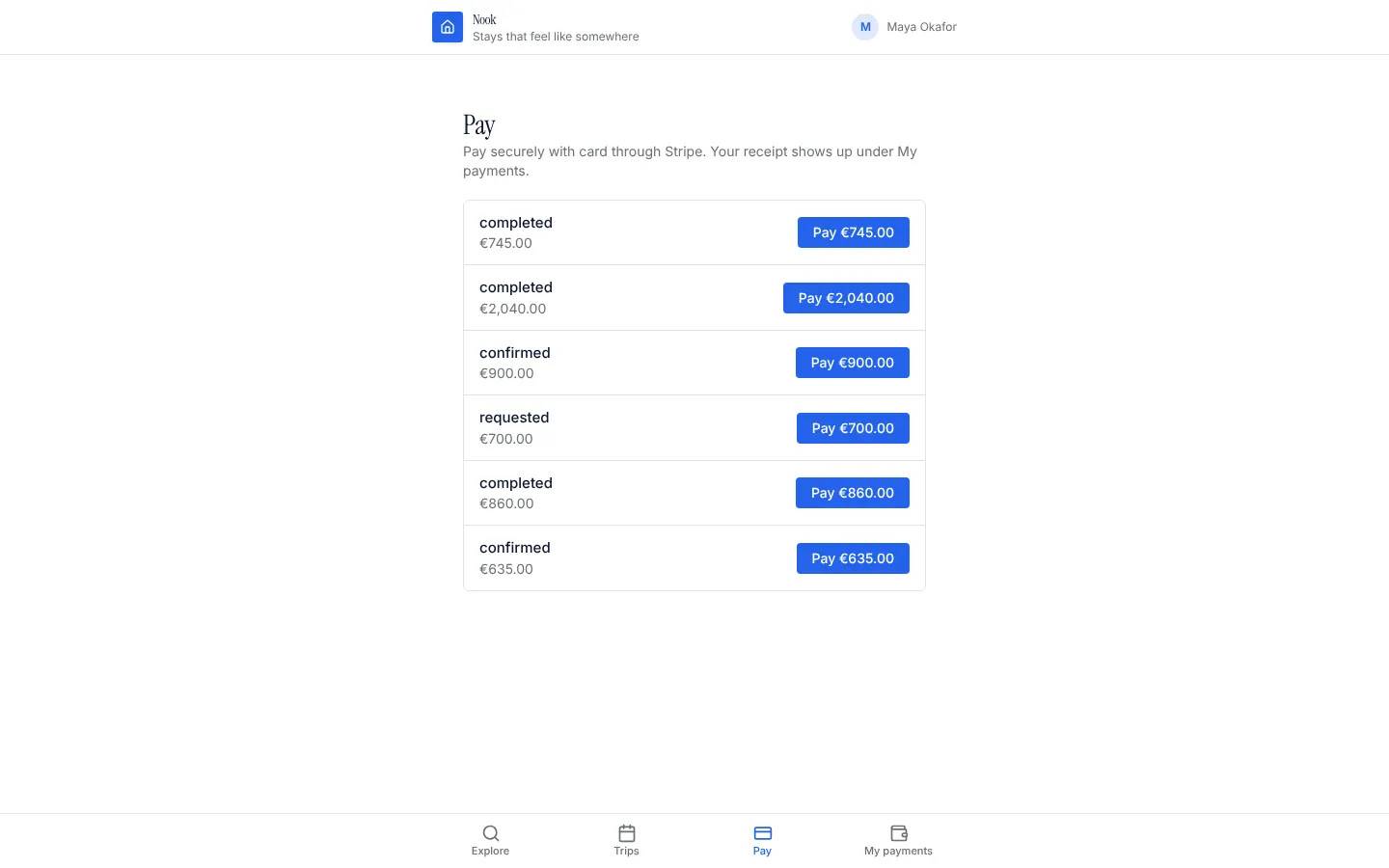
One-off payments
Take a card payment for any record (a booking, an order, an invoice) through Stripe Checkout, confirmed by the server.
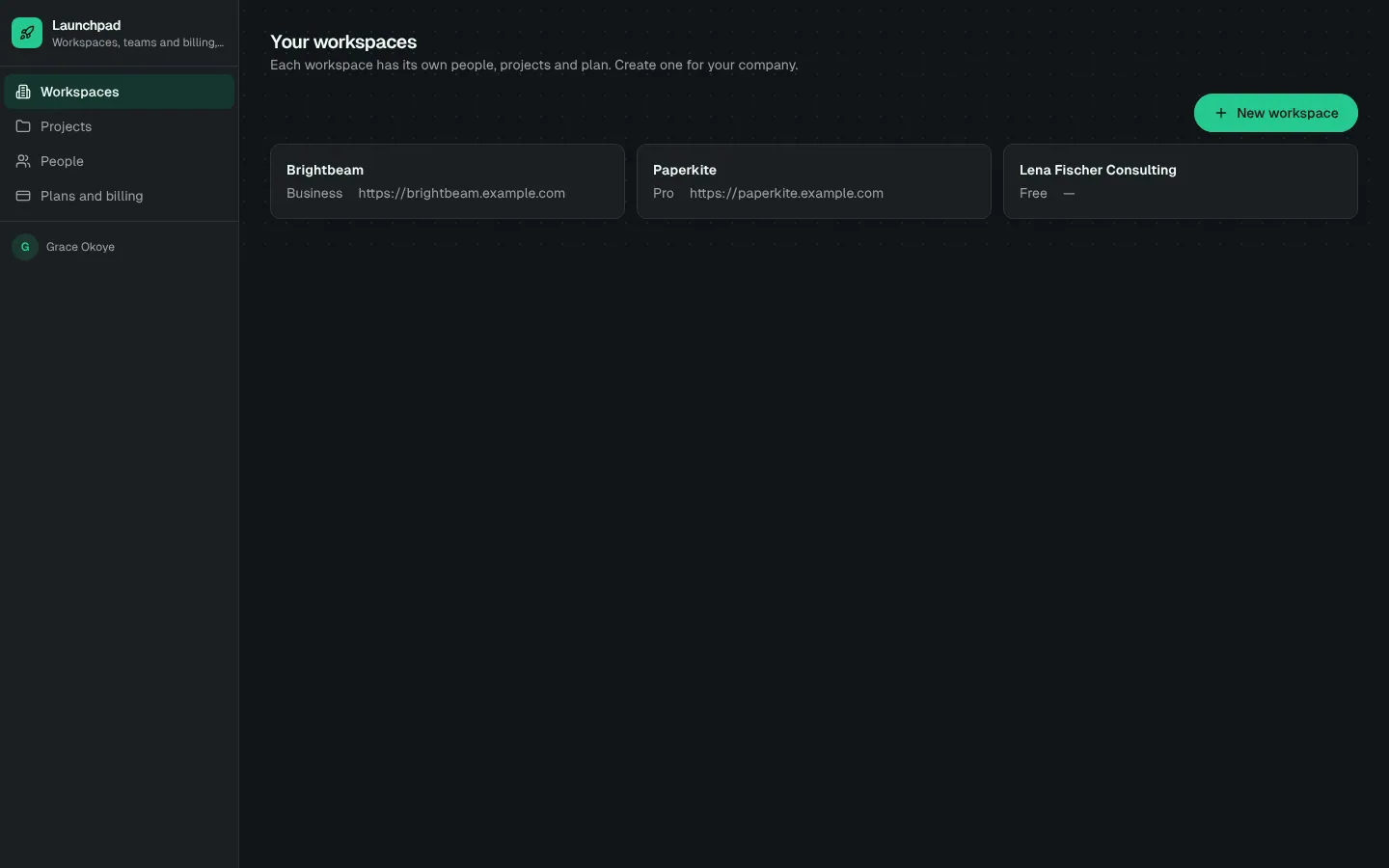
SaaS starter (Stripe)
B2B SaaS starter with a public landing page, sign-up, workspaces and teams, plan limits and Stripe subscription billing confirmed by signed webhooks.
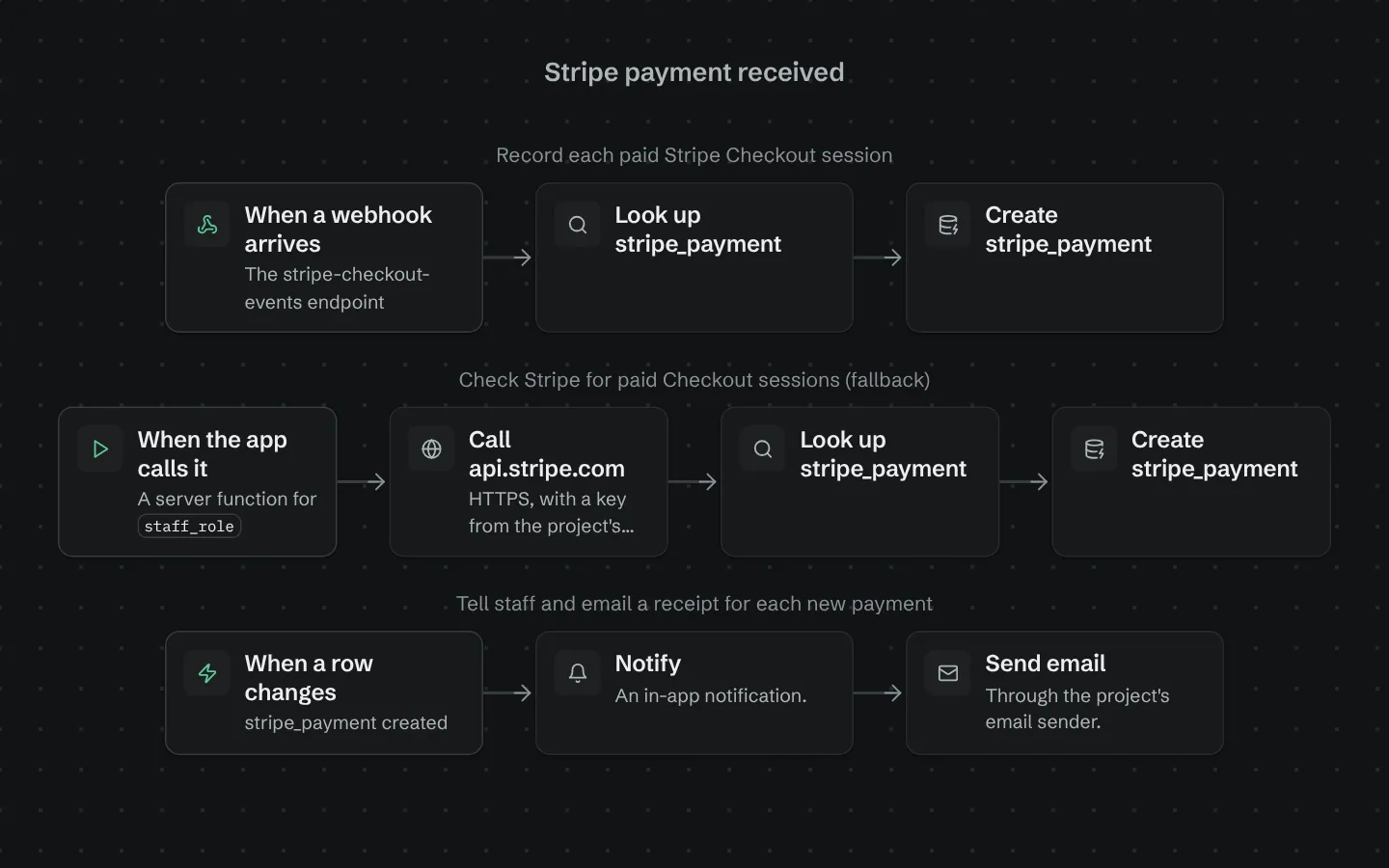
Stripe payment received
Records every paid Stripe Checkout session the moment Stripe reports it, once, and tells your team.
More in Finance and payments
Stripe and its logo are trademarks of their owner, shown only to identify the service this integration connects to. Their use does not imply endorsement by, or affiliation with, that company.