App · Commerce
Atelier
A marketplace where makers sell handmade pieces. Buyers shop and follow their orders; sellers run a studio with stock and earnings; an admin approves products. Rules stop overselling stock and buying your own piece, and a payment webhook marks orders paid.
Buyers sign up. Sellers run a studio. An admin approves products.
Use in AppbricxFree. Already have an account? Log in
What's inside
Shop with product pages and a cart. Orders with a status timeline. Seller studio with stock and earnings.
Tables
buyername, email, citysellername, email, shop_name, location, tagline, story, avatar, cover, …adminname, emailproductseller_id, title, description, category, price, stock, photo, photo_2, …cart_itembuyer_id, product_id, quantityorderbuyer_id, seller_id, product_id, product_title, quantity, total, status, placed_on, …paymentorder_id, provider_ref, amount, state
Roles
buyerBuyer, consumersellerSeller, staffadminAdmin, staff
Pages
/teamTeam & access (admin)/shopShop (buyer, seller)/studioStudio (seller)/consoleConsole (admin)/ordersMy orders (buyer)/studio/productsStudio products (seller)/studio/ordersStudio orders (seller)/console/salesSales (admin)
Workflows
order-placedOrder placed: reserve stock and tell the maker. On order createdpayment-callbackPayment provider callback (inbound webhook). On webhook payment-callbackpayment-marks-paidA successful payment marks the order paid. On payment createdorder-paidTell the maker an order is paid. On order updatedorder-shippedTell the buyer their order shipped. On order updated
Components
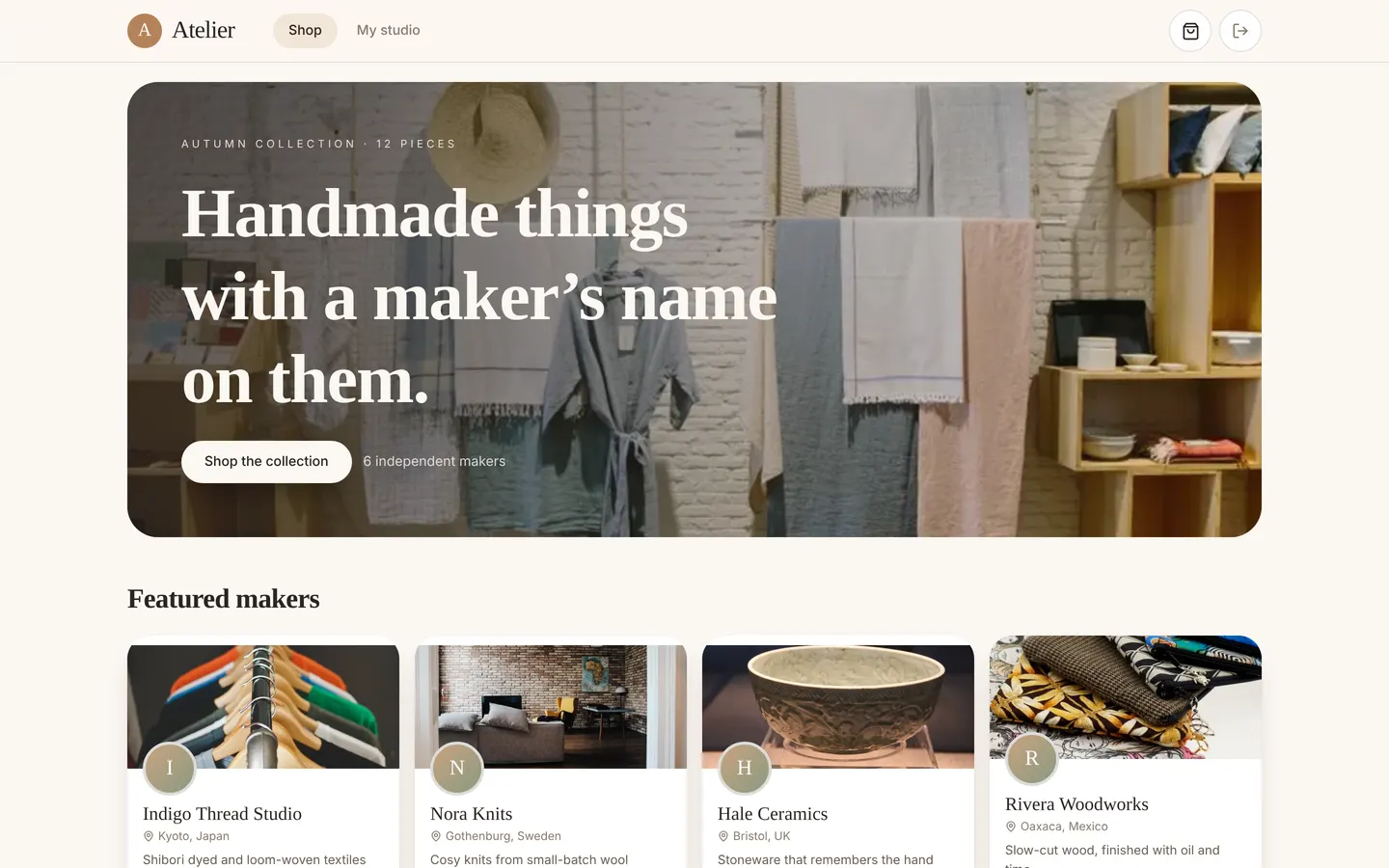
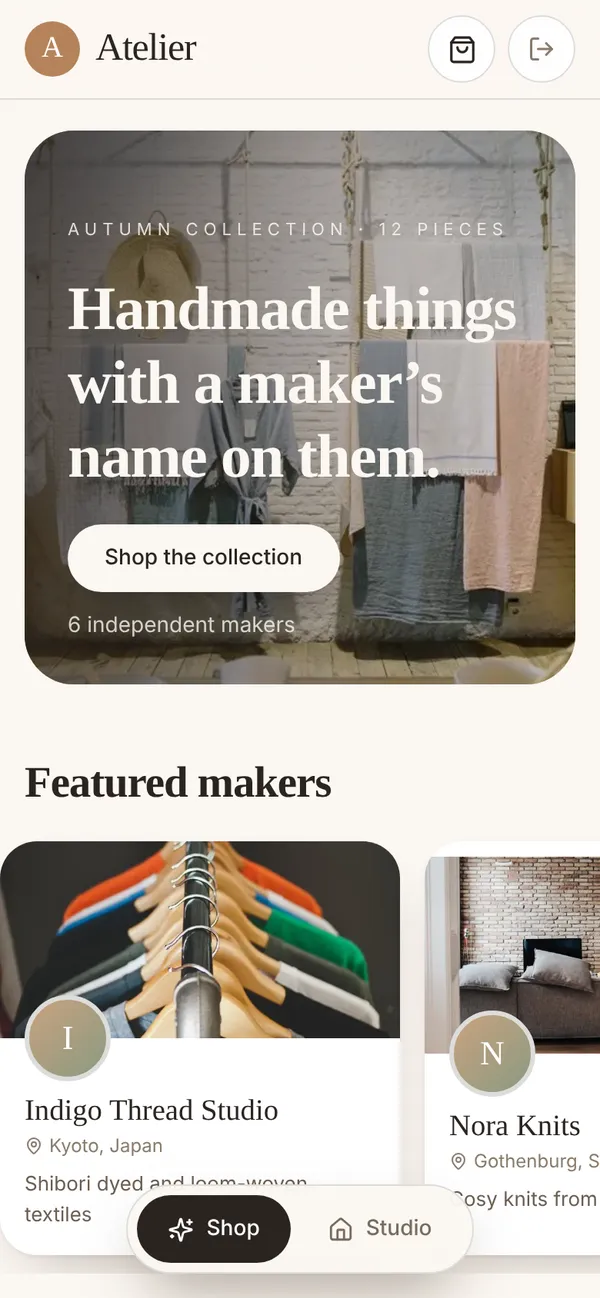
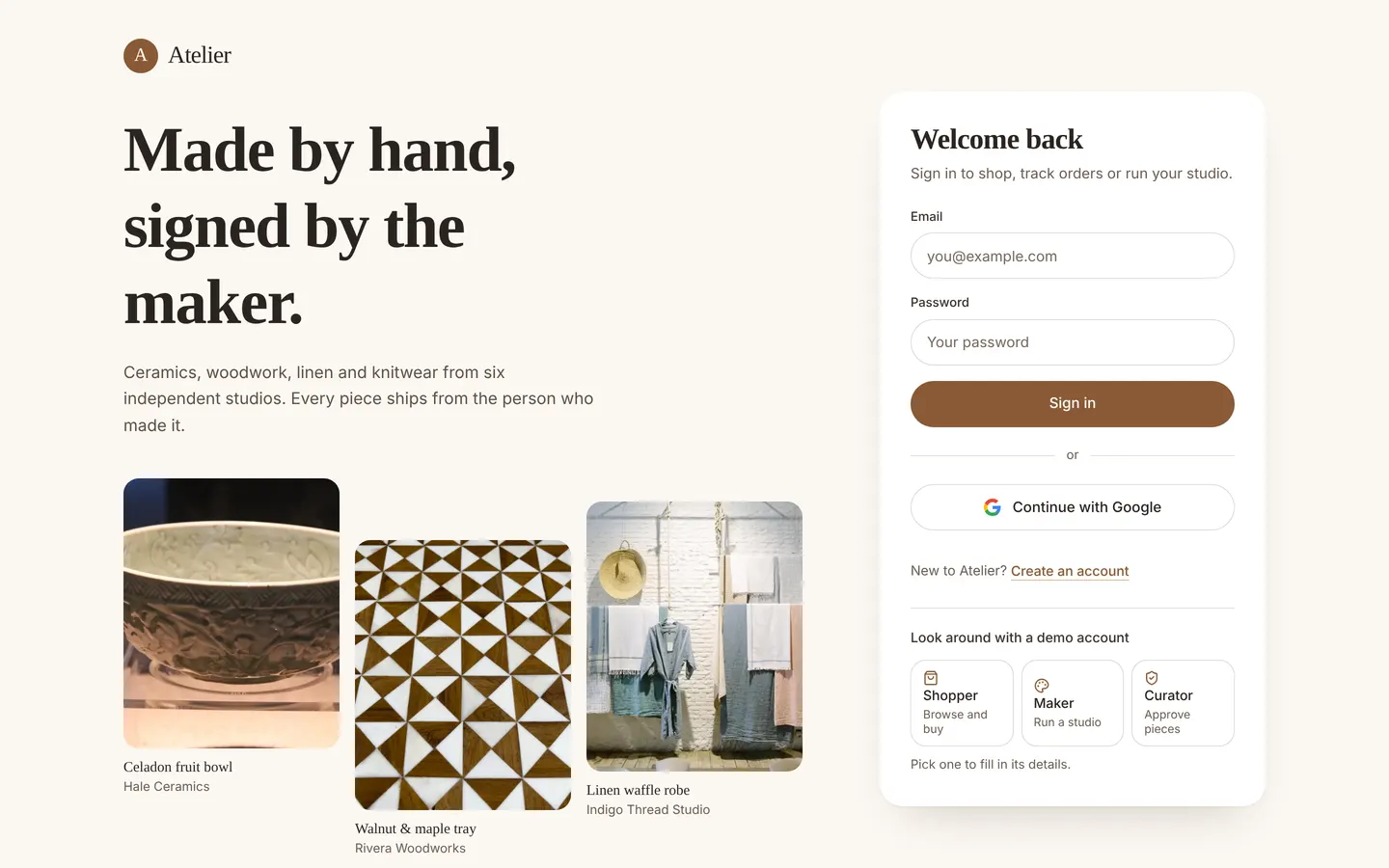
AtelierLoginType-led sign-in: serif headline, three real product photos, white form card, Google sign-inStorefrontBuyer storefront: split hero with real pieces, makers, filterable collection, product page with gallery, bag drawer and checkoutStudioMaker studio: monthly earnings chart, what needs attention, products with add/edit sheet (AI description draft, photo upload), orders to shipAdminConsoleCurator console: review queue with approve/hide and undo, marketplace sales with maker and pipeline breakdowns, recent orders tableMyOrdersBuyer order history: on-the-way and delivered tabs, each order with a status timelineTeamIntroHeading for the Team & access page in the Atelier type style
Rules on every write
productOnly Atelier curators can approve a piece.orderThis order can't be placed.
Use with your coding agent
- Connect the Appbricx MCP server to Claude Code, Cursor or any MCP client (quickstart).
- Paste the prompt. The agent creates the project and builds it.
- It applies to dev. Check it, then deploy when you are happy.
Start a new Appbricx project from the Atelier template (slug "atelier") with use_template. Call it "My Atelier", then sign in as each role, verify it and tell me what to change first.{
"tool": "use_template",
"arguments": {
"slug": "atelier",
"name": "My Atelier"
}
}appbricx templates use atelier --name "My Atelier"Screens
Goes well with
Studio Bookings
App. Class booking for a yoga and pilates studio: members book in two taps, instructors run the schedule.
memberinstructorsessionbookingClassScheduleTablefor
App. Restaurant reservations with a host floor plan and a live kitchen board.
guesthostchefdishopening_hourStride
App. Fitness coaching: plans, workout logs, daily check-ins and coach feedback.
coachathleteplan_dayworkoutcheckin