Huddle
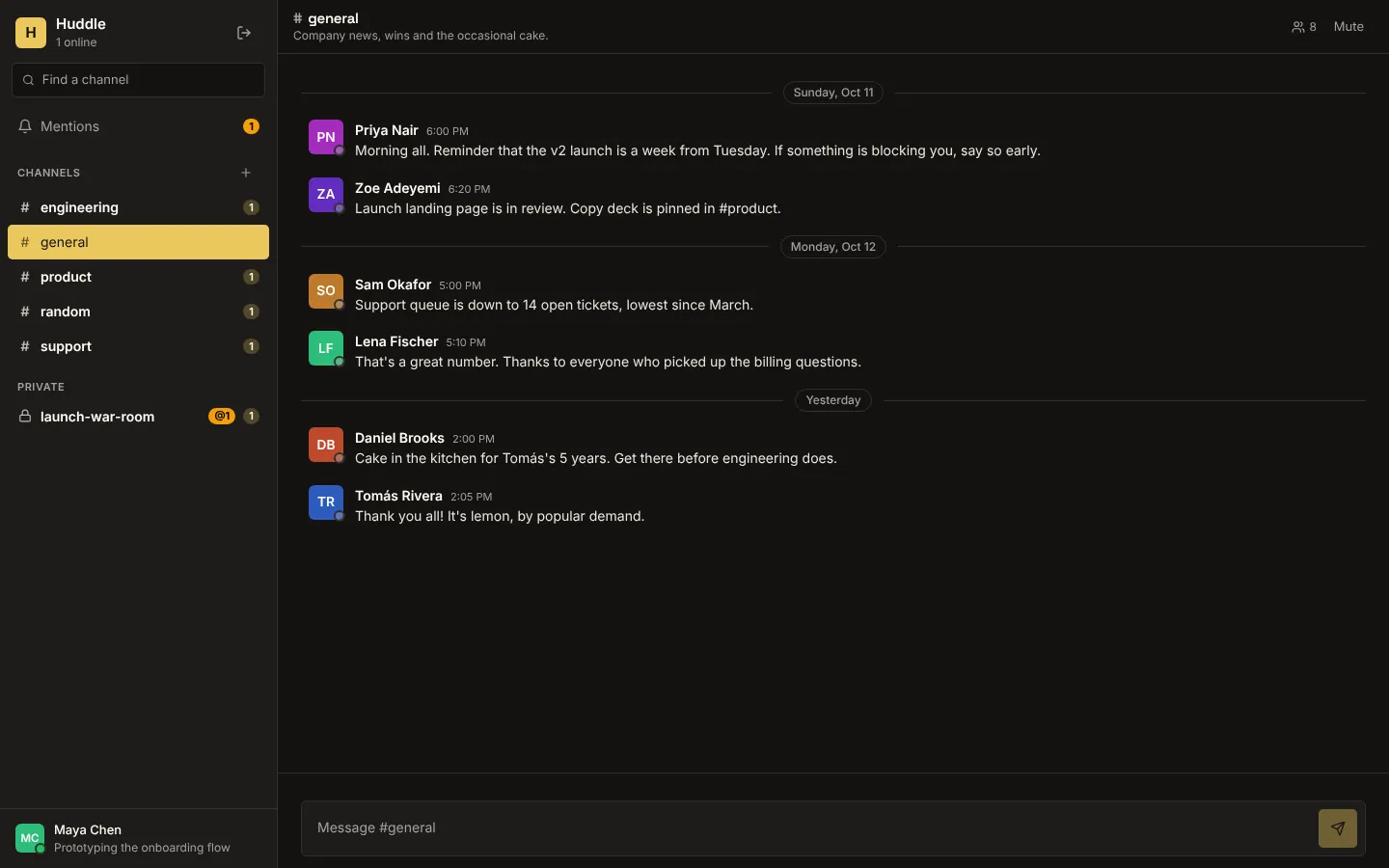
A Slack-style chat for a small team. Public channels seat everyone; private channels are visible only to the people in them, enforced by the database (channel membership is the row-level security), so someone outside a private channel can't read its messages, join its live room or even see its name. Messages stream live to the people who may read them, typing indicators and presence travel over a realtime channel per room, unread counts follow your read markers and an @mention notifies the person mentioned.
Members of one team, invited by a teammate. Each private channel has its own owner and admins.
What's inside
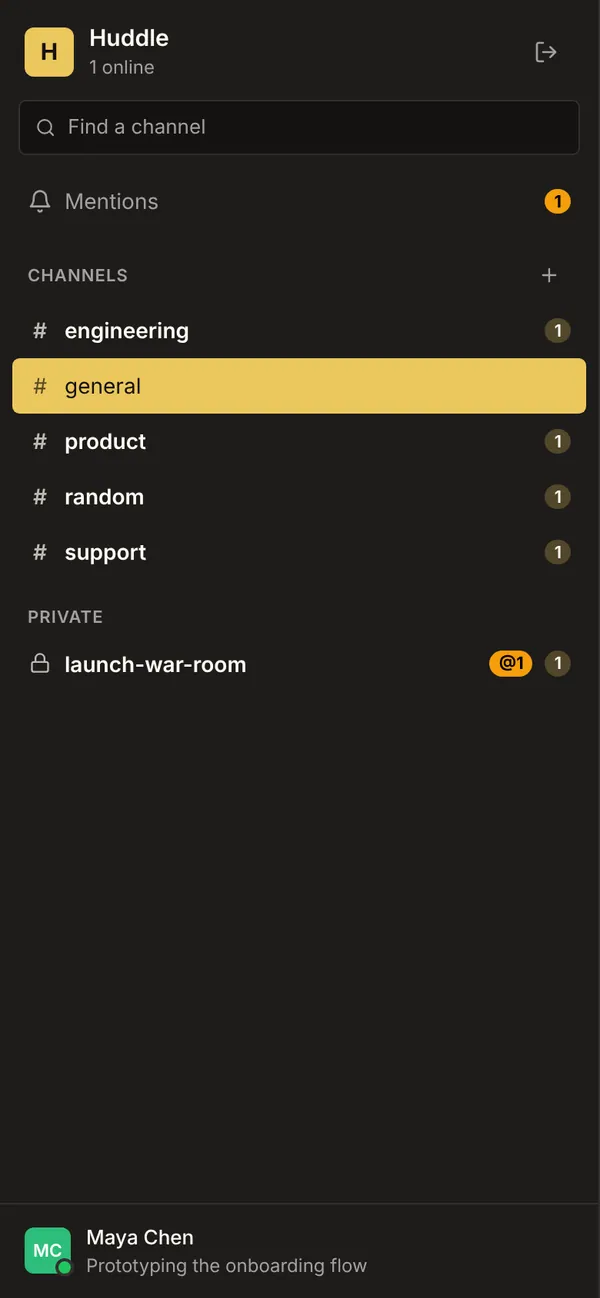
Public and private channels with topics. Live messages with edit and delete. Typing indicators and who's in the channel now. Who's online, unread counts and a Mentions inbox. New channel and add-people dialogs.
Tables
membername, email, title, status_text, avatarchannelname, topic, private, owner_id, archived, inviteeschannel_memberchannel_id, member_id, role, joined_viamessagechannel_id, author_id, body, mentions, edited_atread_markerchannel_id, member_id, last_read_at, mutedmentionmember_id, message_id, channel_id, seen
Roles
memberMember, staff
Pages
/chatChat (member)/accessPeople (member)
Components
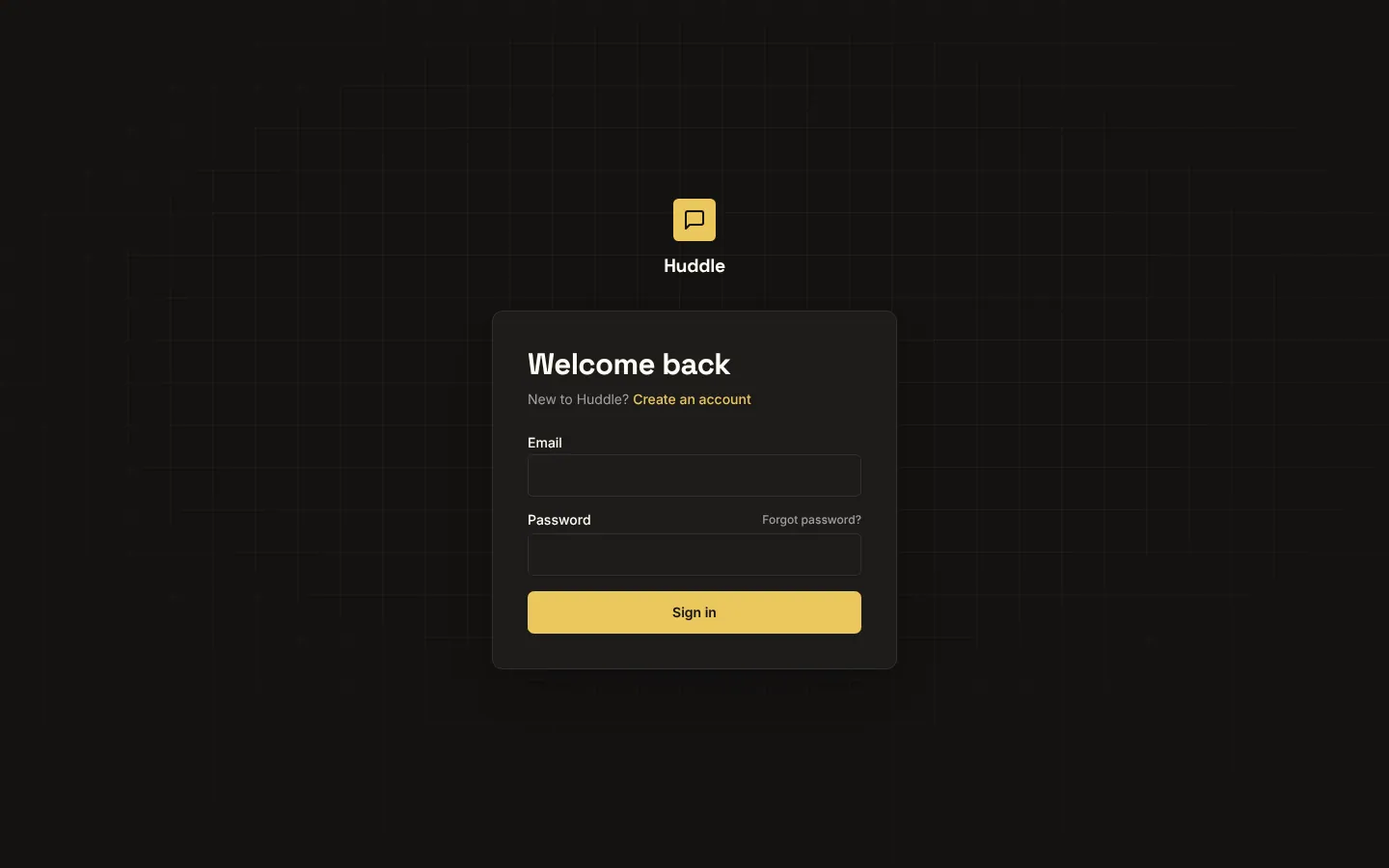
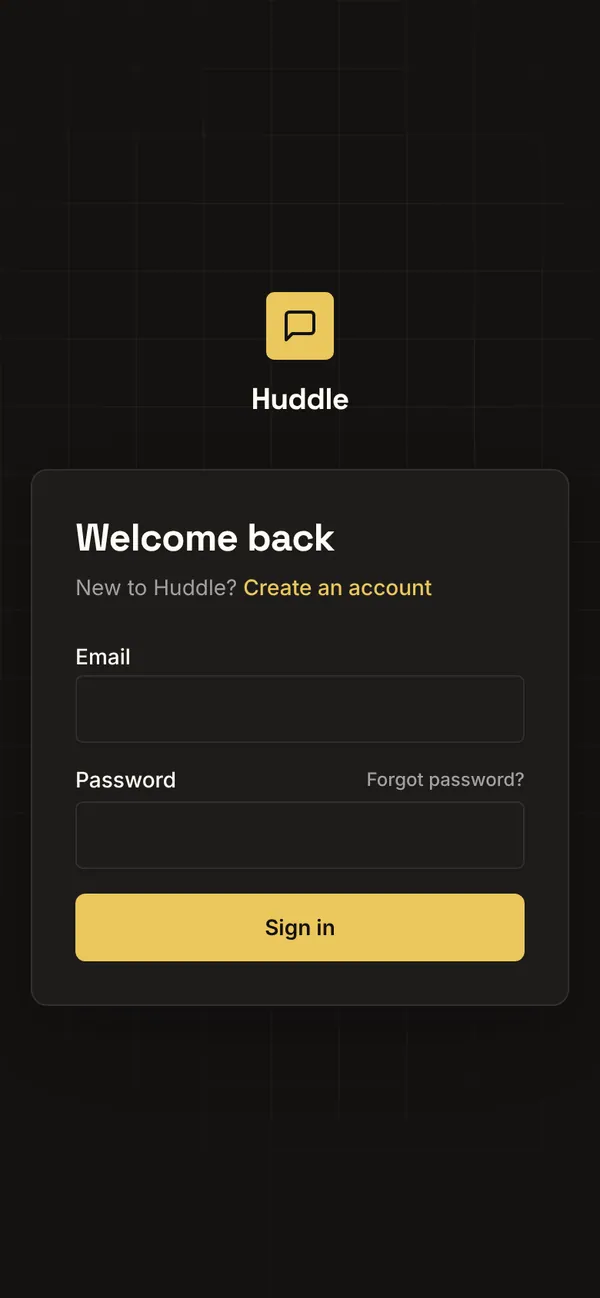
HuddleLoginSign-in for Huddle: email and password, Google, reset, beside a live channel previewHuddleChatTeam chat: public and private channels, live messages, typing, who is online and here, unread counts, @mentions, new channels and adding people
Rules on every write
memberKeep your status under 80 characters.channelChannel names are 2 to 40 lowercase letters, numbers or dashes.channelThere's already a channel with that name.channelYou create channels as yourself.channelKeep the topic under 250 characters.channel_memberA membership stays with its channel and person; add a new one instead.messageWrite something before you send.messageYou send messages as yourself.messageA message stays in its channel and keeps its author.read_markerRead markers are your own.
Realtime
memberLive: each change reaches whoever can read the rowchannelLive: each change reaches whoever can read the rowchannel_memberLive: each change reaches whoever can read the rowmessageLive: each change reaches whoever can read the rowread_markerLive: each change reaches whoever can read the rowmentionLive: each change reaches whoever can read the rowroom:<channel>Channel. Join: member (and can read the channel). Send: members. Shows who is hereofficeChannel. Join: member. Send: none. Shows who is here
How its workflows run
Each one is a server workflow in your project: it runs on its trigger, with retries, and its runs show in the builder's log.
- Seat a new channel's owner and the people it starts with (everyone, for a public one)
When a row changes:
channel created. Then: Create channel_member, then Look up member. - Seat everyone when a private channel is made public
When a row changes:
channel updated. Then: Look up channel_member, then Create channel_member. - Put new teammates in every public channel
When a row changes:
member created. Then: Look up channel, then Create channel_member. - Tell people they were mentioned
When a row changes:
message created. Then: Look up member, then Create mention, then Notify.
Set it up
It starts a new project, with its data, roles and sign-in ready.
- Start the project
Use the button above, or ask your coding agent with the Appbricx MCP server connected (quickstart).
- Sign in as each role
The demo logins open each role's home. Change what you like in plain words or in the contract.
- Deploy
When dev looks right, deploy. Production gets a snapshot first, so you can roll back.
Use it with your coding agent
The agent creates the project, builds it and signs in as each role.
Start a new Appbricx project from the Huddle template (slug "huddle") with use_template. Call it "My Huddle", then sign in as each role, verify it and tell me what to change first.{
"tool": "use_template",
"arguments": {
"slug": "huddle",
"name": "My Huddle"
}
}appbricx templates use huddle --name "My Huddle"Goes well with
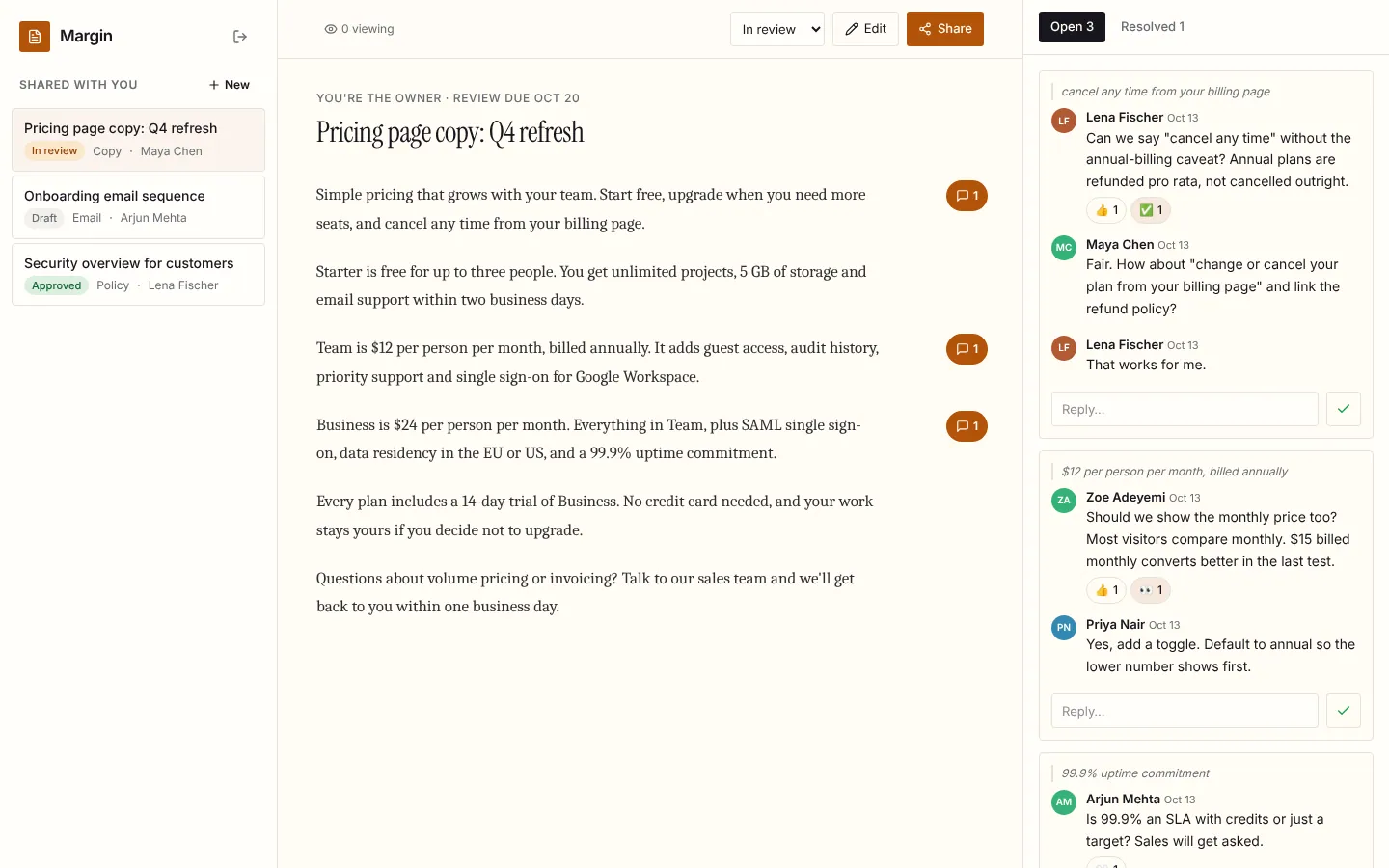
Margin
Live document review: comments in the margin, replies, reactions and resolve, who's viewing, and edits that appear for every reader as they're saved.
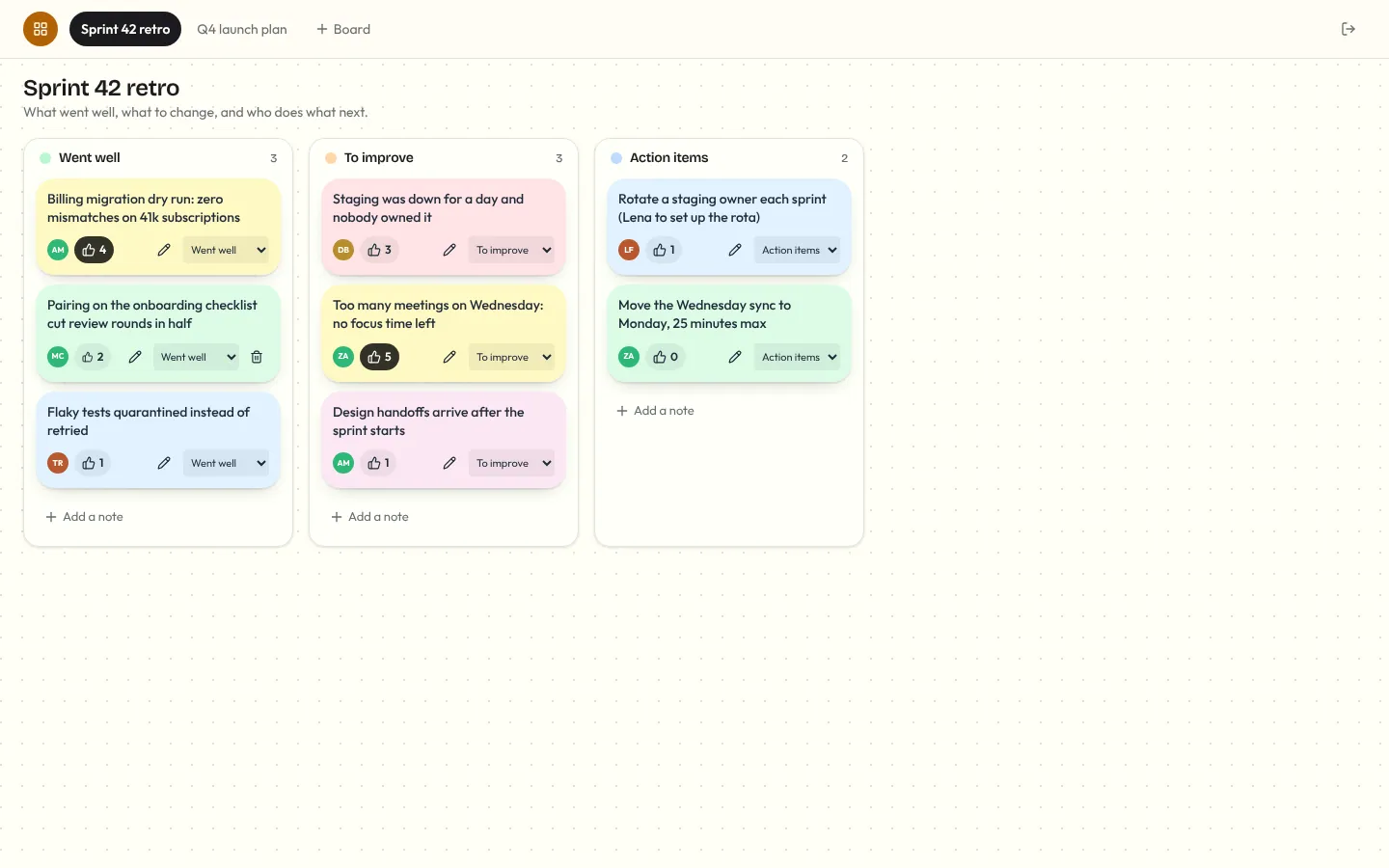
Corkboard
Multiplayer sticky-note board for retros and planning: notes you add, edit, drag between lanes and vote on, live for everyone, with who's on the board and who's editing which note.
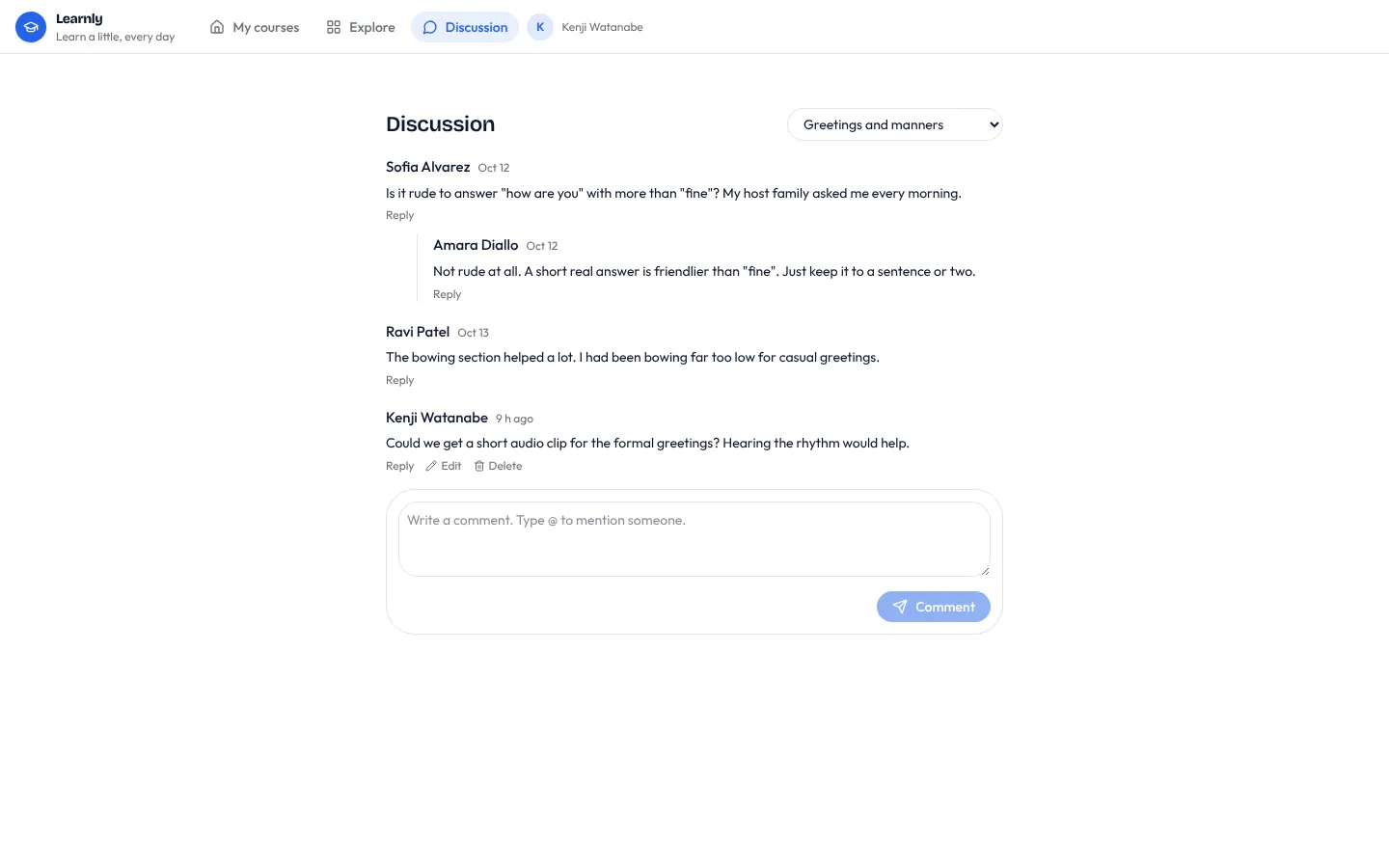
Comments
Threaded comments on any record, with replies, @mentions, edits and live updates.