Inventory and stock control
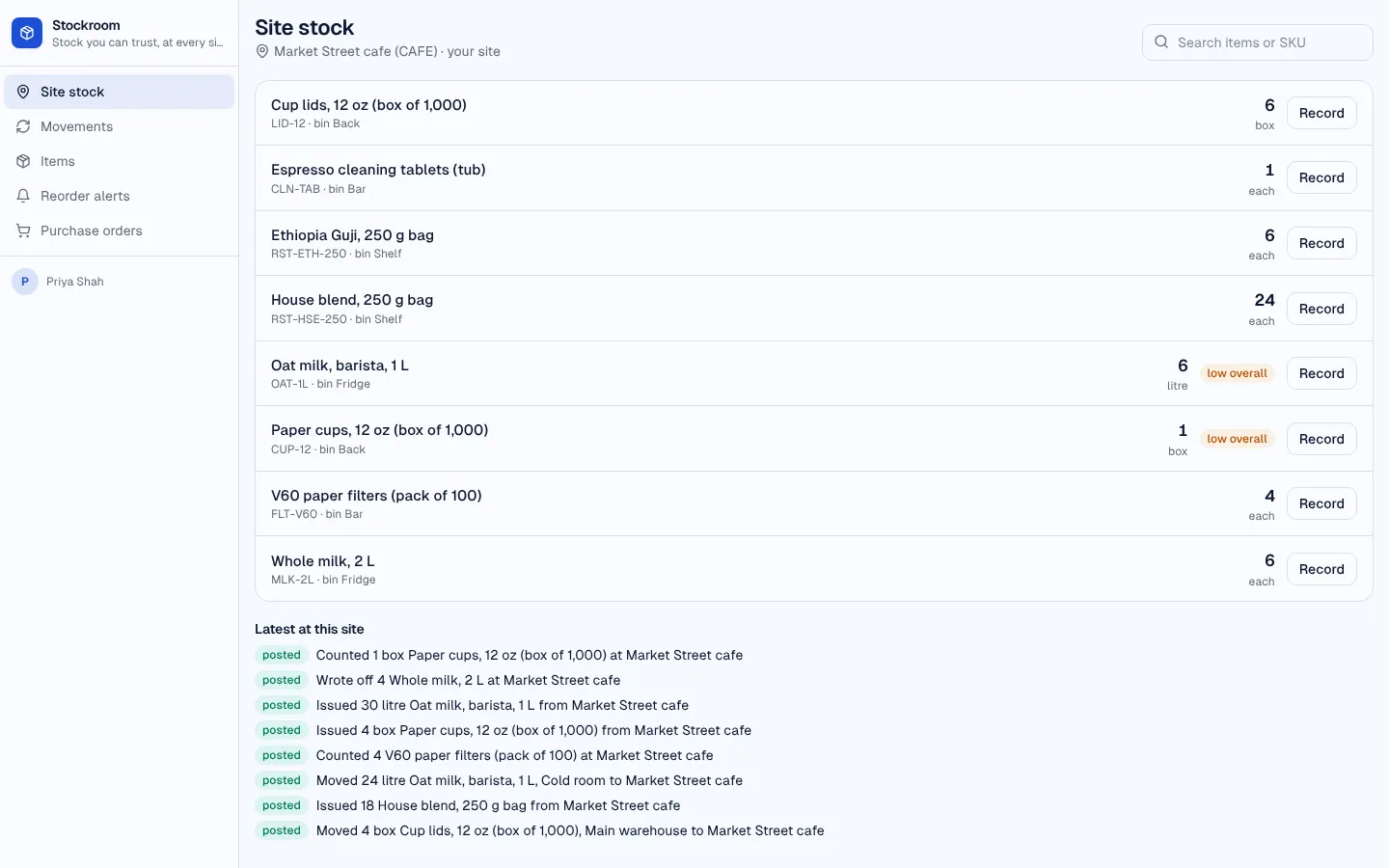
Stock control for a business with more than one place to keep things: a warehouse, a shop, a van. Every change is a movement in an append-only ledger (receive, issue, transfer, count, write off); rules refuse a movement that would take a site below zero, and the ledger is replayed in time order so two clerks working at once can't overdraw it either. Each site's balance and each item's total update from the ledger. When an item reaches its reorder point an alert is raised and added to its supplier's draft purchase order; sending the order emails the supplier, and marking it received books the stock in. Clerks work at their own site only: a quick site view to record movements, the ledger, items and incoming orders. Managers run items, sites, suppliers and orders, with a daily low-stock email.
Managers run items, sites, suppliers and purchase orders; clerks record movements at their own site and receive orders delivered there.
What's inside
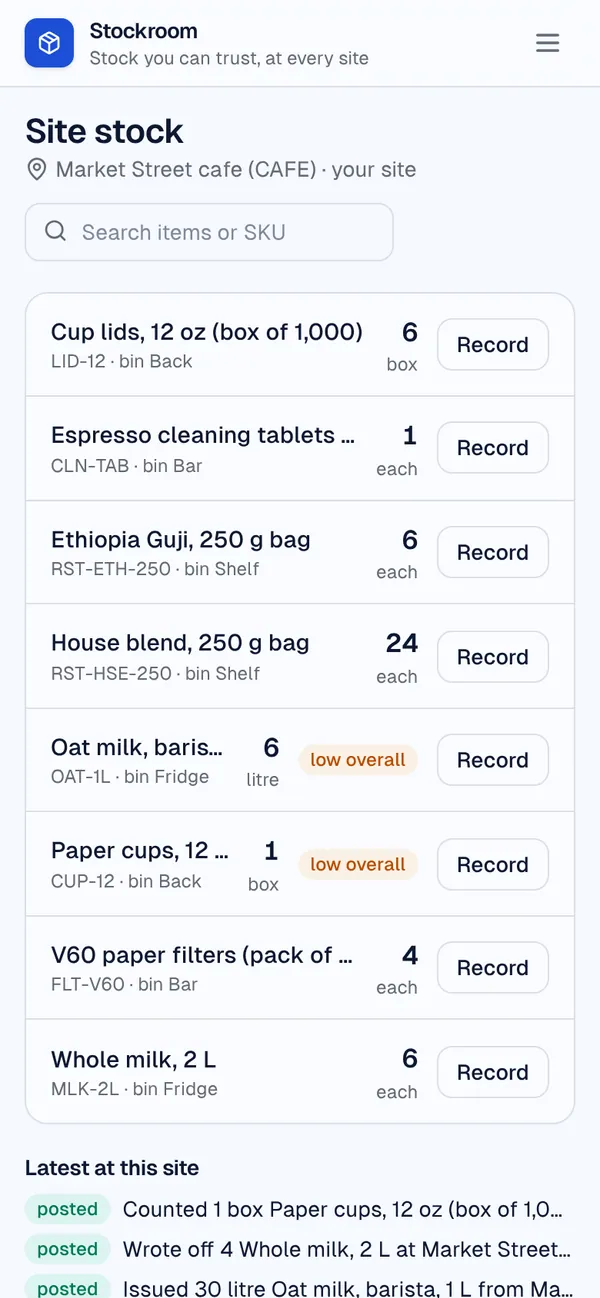
Overview: low and out-of-stock items, open alerts, orders on the way, latest movements. SiteStock: one site's stock with quick receive, issue, transfer, count and write-off. Movements ledger with filters, items with per-site balances and history. Reorder alerts board and purchase orders with lines. Sites, suppliers, clerks, managers, team and access.
Tables
managername, email, focusclerkname, email, location_id, shift, gradelocationname, code, kind, temperature, addresssuppliername, email, contact_name, phone, terms, order_via, lead_time_days, notesitemsku, name, category, unit, supplier_id, unit_cost, reorder_point, reorder_qty, …stockitem_id, location_id, quantity, binmovementitem_id, kind, quantity, from_location_id, to_location_id, reason, reference, note, …purchase_ordernumber, supplier_id, location_id, status, expected_on, total, note, sent_at, …po_linepo_id, item_id, quantity, unit_cost, received_qty, descriptionreorder_alertitem_id, item_name, status, on_hand, reorder_point, po_id, note, raised_by
Roles
managerManager, staffclerkClerk, staff
Pages
/overviewOverview (manager)/siteSite stock (manager, clerk)/movementsMovements (manager, clerk)/itemsItems (manager, clerk)/items/:idItem (manager, clerk)/alertsReorder alerts (manager, clerk)/purchase-ordersPurchase orders (manager, clerk)/purchase-orders/:idPurchase order (manager, clerk)/order-linesOrder lines (manager)/stockStock lines (manager)/locationsSites (manager)/suppliersSuppliers (manager)- and 3 more
Components
SiteStockOne site's stock with quick receive, issue, transfer, count and write-off; a clerk sees their own site, a manager picks one
Rules on every write
itemCheck the itemstockStock changes through movementsmovementThis movement can't be recordedpurchase_orderThis order can't change that waypo_lineLines change on draft orders onlyreorder_alertAlready flagged
How its workflows run
Each one is a server workflow in your project: it runs on its trigger, with retries, and its runs show in the builder's log.
- Post a movement to the stock ledger
When a row changes:
movement created. Then: Look up item, then Update movement, then Create stock, then Notify, then Look up item, then Update item, then Create reorder_alert. - Add a reorder alert to the supplier's draft order
When a row changes:
reorder_alert created. Then: Look up item, then Notify, then Send email, then Create purchase_order, then Update reorder_alert. - Number a new purchase order
When a row changes:
purchase_order created. Then: Look up purchase_order, then Update purchase_order. - Price a new order line and total the order
When a row changes:
po_line created. Then: Look up purchase_order, then Update po_line. - Re-total an order when a line changes
When a row changes:
po_line updated. Then: Look up purchase_order, then Update po_line. - Email the supplier a sent order
When a row changes:
purchase_order updated, when status is sent. Then: Look up supplier, then Update purchase_order, then Send email. - Book a received order into stock
When a row changes:
purchase_order updated, when status is received. Then: Look up po_line, then Create movement, then Update po_line, then Notify. - Reopen alerts when an order is cancelled
When a row changes:
purchase_order updated, when status is cancelled. Then: Look up reorder_alert, then Update reorder_alert, then Notify. - Morning low-stock list for managers
On a schedule:
schedule daily 07:00 over item. Then: Look up item, then Send email. - Weekly movement summary
On a schedule:
schedule weekly mon 08:00 over movement. Then: Send email.
Set it up
It starts a new project, with its data, roles and sign-in ready.
- Start the project
Use the button above, or ask your coding agent with the Appbricx MCP server connected (quickstart).
- Sign in as each role
The demo logins open each role's home. Change what you like in plain words or in the contract.
- Deploy
When dev looks right, deploy. Production gets a snapshot first, so you can roll back.
Use it with your coding agent
The agent creates the project, builds it and signs in as each role.
Start a new Appbricx project from the Inventory and stock control template (slug "inventory") with use_template. Call it "My Inventory and stock control", then sign in as each role, verify it and tell me what to change first.{
"tool": "use_template",
"arguments": {
"slug": "inventory",
"name": "My Inventory and stock control"
}
}appbricx templates use inventory --name "My Inventory and stock control"Goes well with
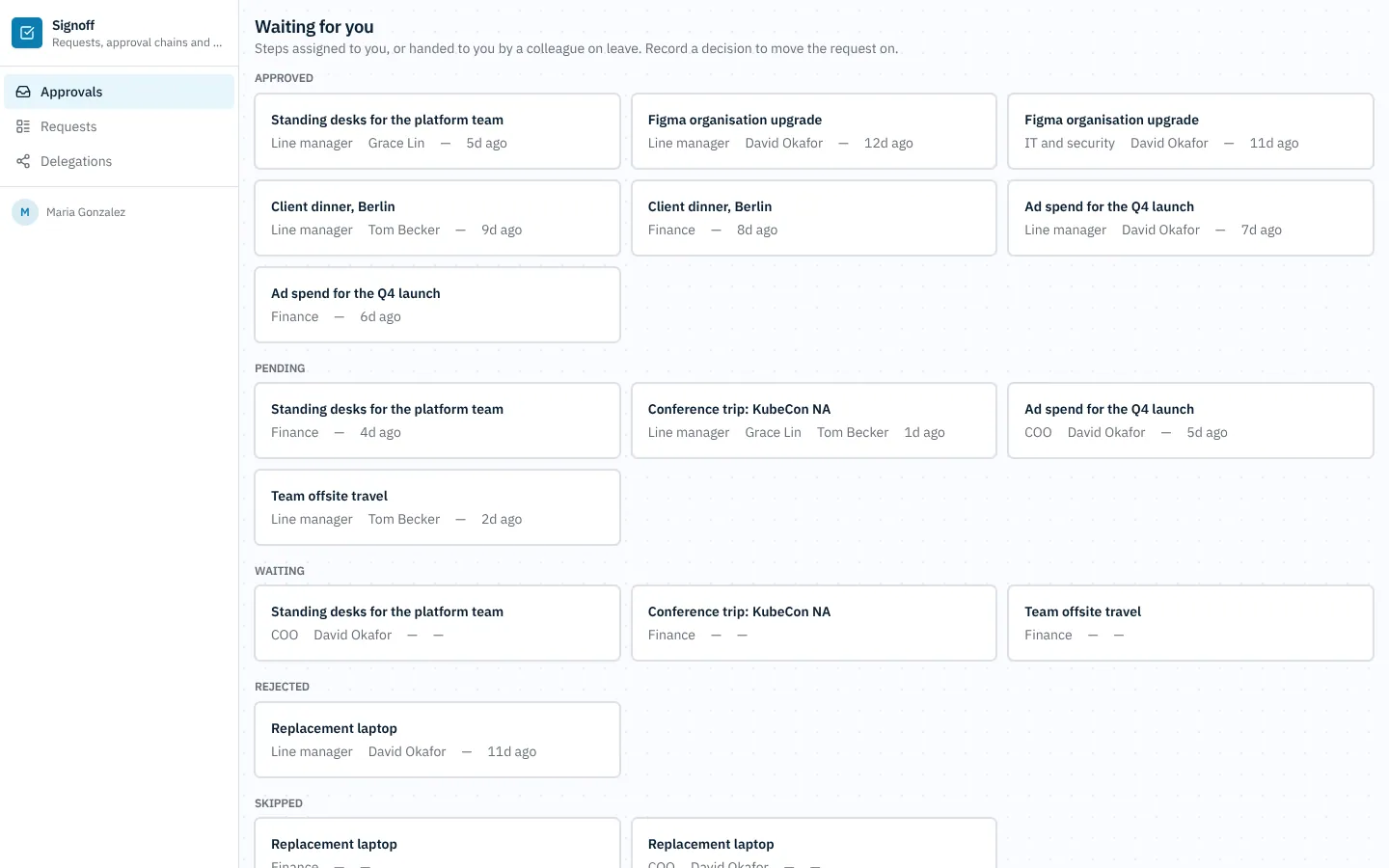
Approvals
Internal approvals: purchase, expense, travel, software and contract requests routed through multi-step approval chains by policy, with delegation, escalation and a full audit trail.
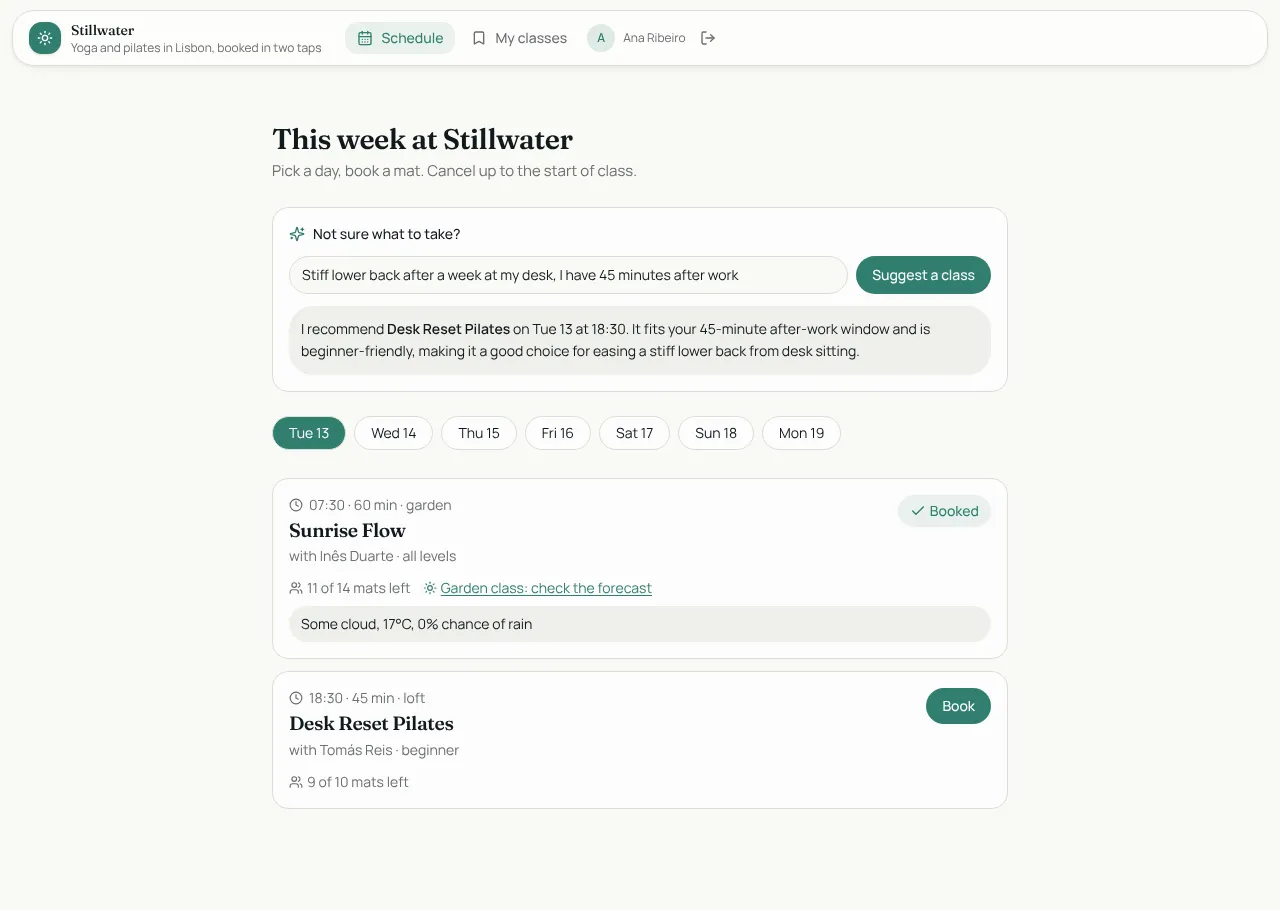
Studio Bookings
Class booking for a yoga and pilates studio: members book in two taps, instructors run the schedule.
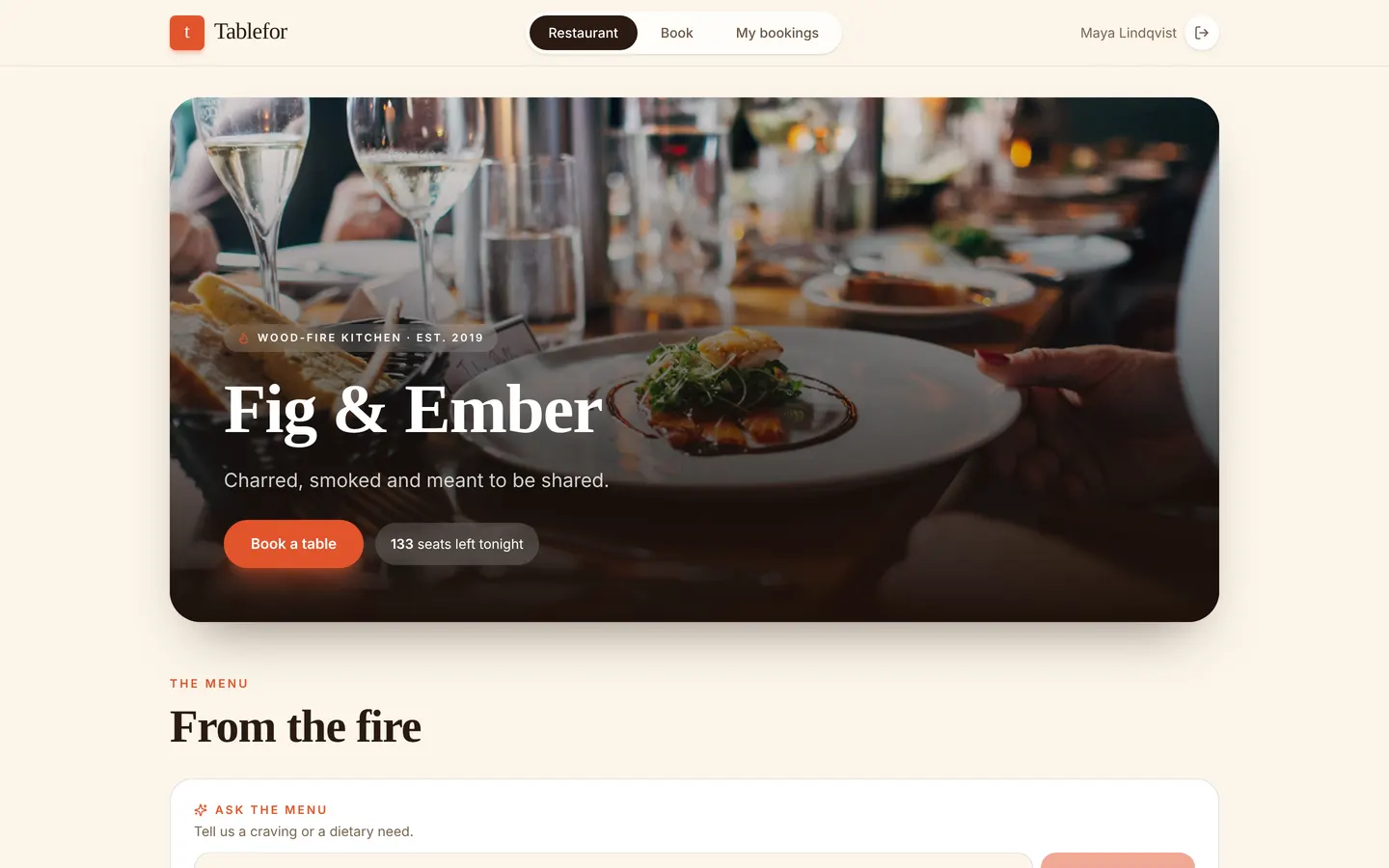
Tablefor
Restaurant reservations with a host floor plan and a live kitchen board.