App · Learning
Learnly
Students enrol, read lessons, take quizzes and earn a certificate; instructors build courses and see scores. A rule allows three quiz attempts, completing a course fires a workflow, and an AI hint helps without giving the answer away.
Students sign up. Instructors build courses.
Use in AppbricxFree. Already have an account? Log in
What's inside
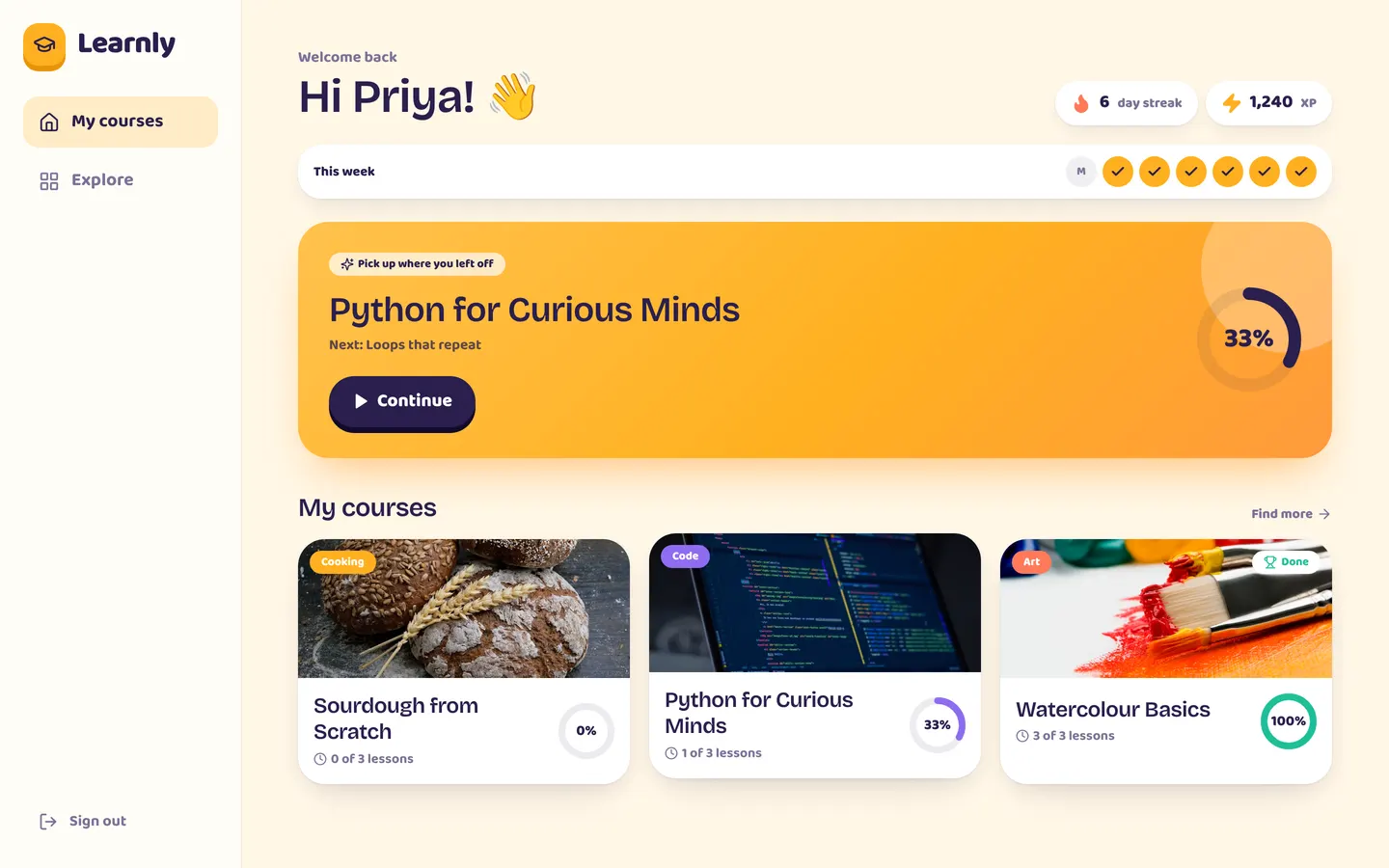
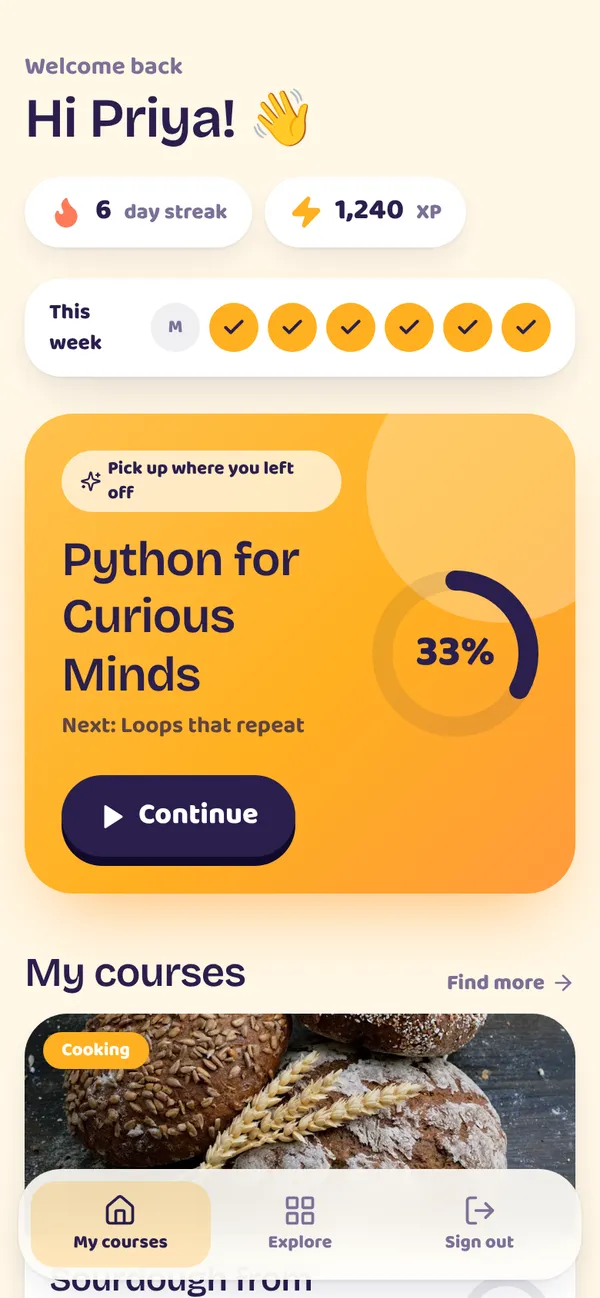
My courses with progress rings. Lesson reader and quizzes. Instructor course builder and scores.
Tables
studentname, email, avatar, xp, streak, last_activeinstructorname, email, avatar, biocoursetitle, summary, cover, category, level, instructor_idlessoncourse_id, instructor_id, position, title, body, thumb, minutesquiz_questionlesson_id, instructor_id, prompt, option_a, option_b, option_c, option_d, correct, …enrollmentstudent_id, course_id, instructor_id, status, done_lessons, total_lessonslesson_progressstudent_id, lesson_id, course_id, instructor_idquiz_attemptstudent_id, lesson_id, course_id, instructor_id, score, total, result
Roles
studentStudent, consumerinstructorInstructor, staff
Pages
/homeMy courses (student)/exploreExplore (student)/courses/:idCourse (student)/lessons/:idLesson (student)/certificate/:idCertificate (student)/teachMy courses (instructor)/teach/:idCourse (instructor)/teamTeam & access (instructor)
Workflows
lesson-doneTrack lesson completion. On lesson_progress createdcourse-completedCelebrate a completed course. On enrollment updatedquiz-failedTell instructors about a failing quiz. On quiz_attempt created
Components
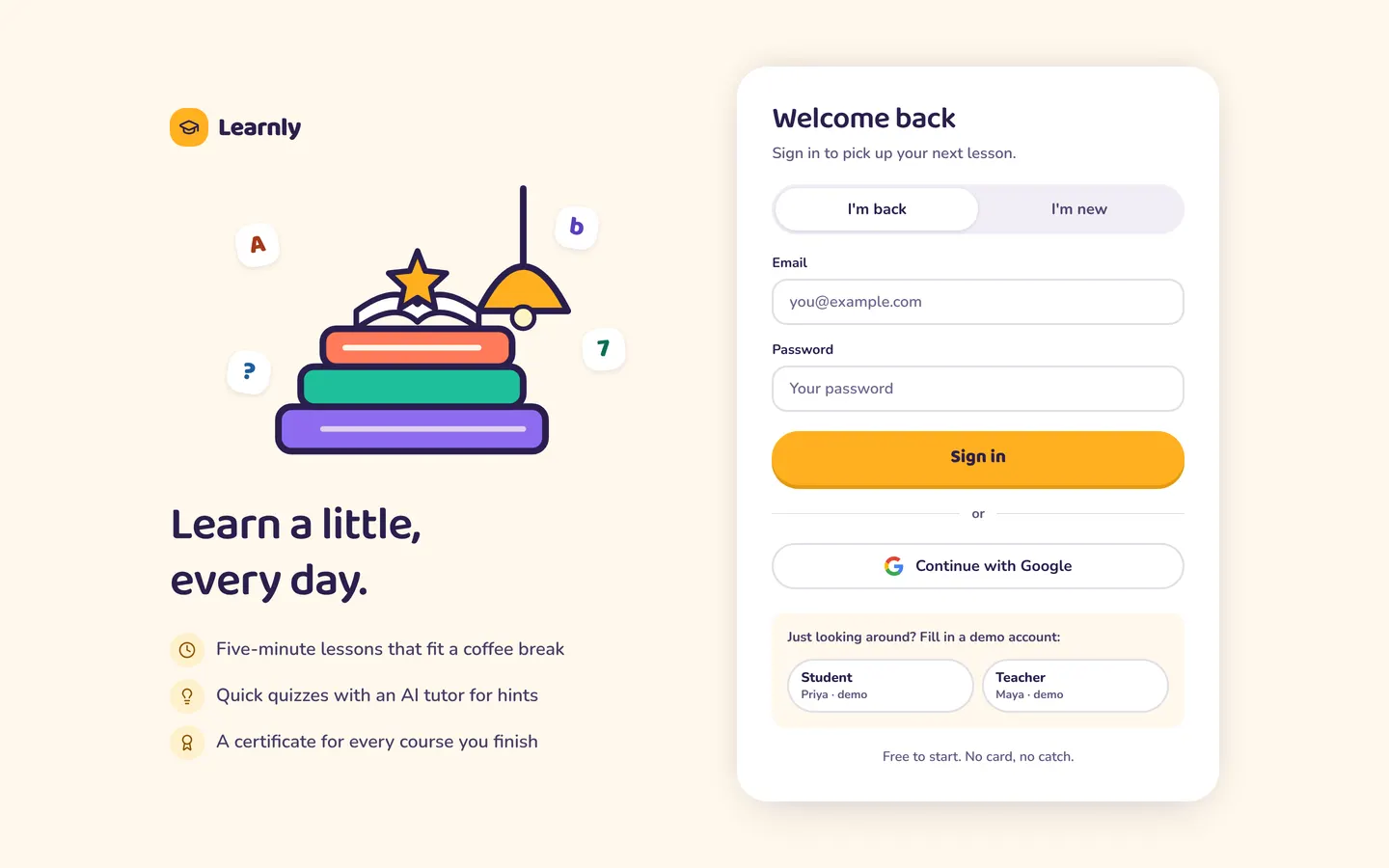
StudentHomeStudent home (continue card, streak week, my courses with progress) and Explore catalogue with search and categoriesCourseViewCourse page: cover, summary, facts, enrol/continue card with instructor, lesson list with progress and quiz resultsLessonViewLesson reader: text with a try-it callout, AI tutor (explain another way + quiz hints), quiz with 3 attempts, completion and course celebrationCertificateCertificate of completion for a finished course (locked state until every lesson is done)LearnlyLoginSign-in: illustrated brand panel with a sheet (phone) or side card (desktop); email/password with visible labels, Google sign-inInstructorHomeInstructor studio: weekly summary, course list with completion and quiz scores, students who need a nudge, recent activity, new-course sheetInstructorCourseInstructor course editor: lessons with their quiz questions (add lesson / add question), and each student's progress and quiz resultsStudioNavInstructor studio header for platform-rendered studio pages (Team & access); also pads the page around it
Rules on every write
quiz_attemptYou have used all 3 attempts for this quiz.
Use with your coding agent
- Connect the Appbricx MCP server to Claude Code, Cursor or any MCP client (quickstart).
- Paste the prompt. The agent creates the project and builds it.
- It applies to dev. Check it, then deploy when you are happy.
Start a new Appbricx project from the Learnly template (slug "learnly") with use_template. Call it "My Learnly", then sign in as each role, verify it and tell me what to change first.{
"tool": "use_template",
"arguments": {
"slug": "learnly",
"name": "My Learnly"
}
}appbricx templates use learnly --name "My Learnly"Screens
Goes well with
Studio Bookings
App. Class booking for a yoga and pilates studio: members book in two taps, instructors run the schedule.
memberinstructorsessionbookingClassScheduleTablefor
App. Restaurant reservations with a host floor plan and a live kitchen board.
guesthostchefdishopening_hourStride
App. Fitness coaching: plans, workout logs, daily check-ins and coach feedback.
coachathleteplan_dayworkoutcheckin