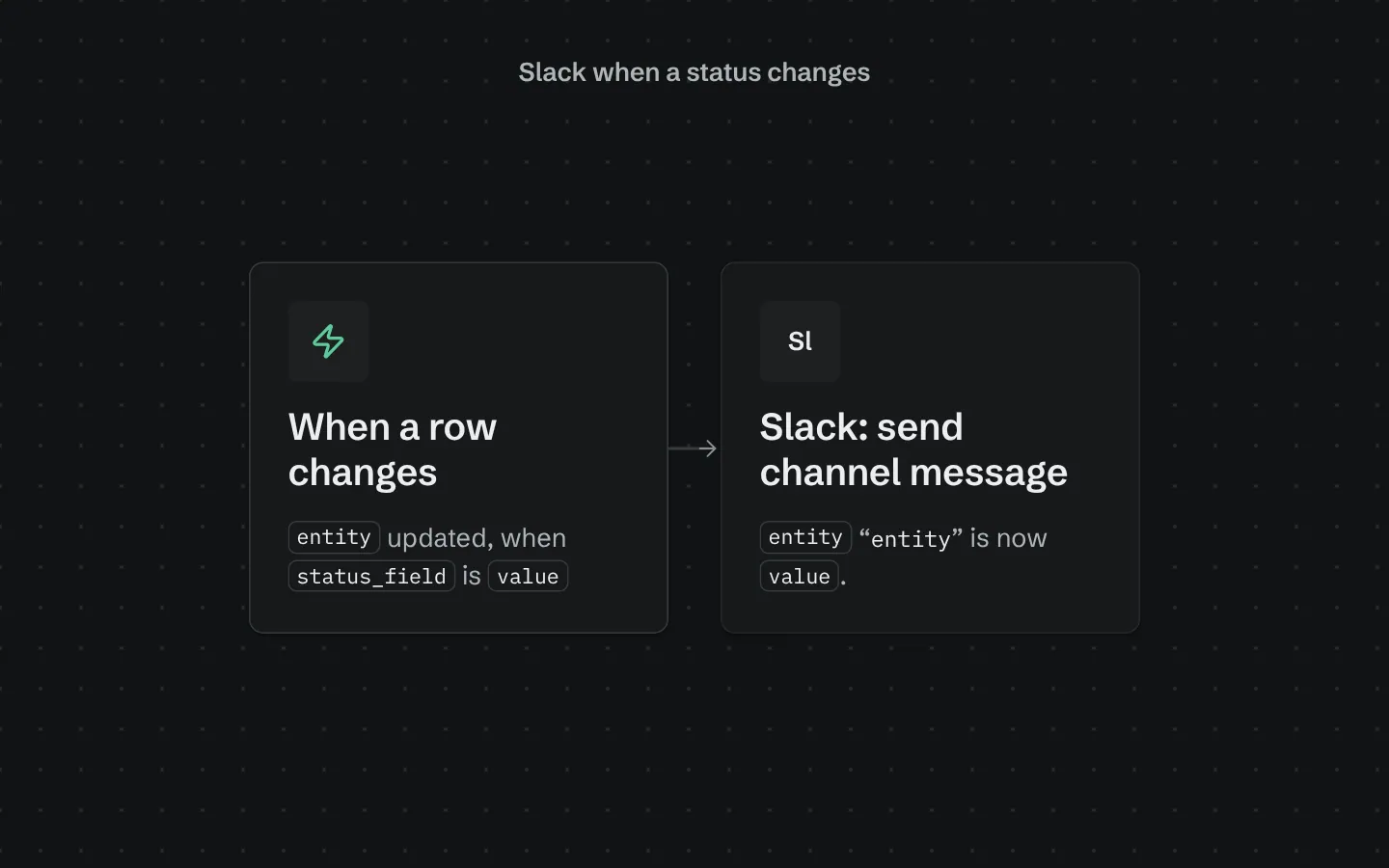
Slack when a status changes
Fires when a row of the table you choose is updated and its status field changes to the value you pick (not on every edit, and not again while it stays there), and posts the row's name and new status to your Slack channel through your connected Slack integration. Add it once per status you care about (use a prefix for the second one). Until Slack is connected in the builder the step is skipped, so it is safe to add first.
What it adds to your app
One workflow: when the status changes to your value, post to Slack.
How its workflows run
Each one is a server workflow in your project: it runs on its trigger, with retries, and its runs show in the builder's log.
- Tell Slack when a ‹entity› becomes ‹value›
When a row changes:
‹entity› updated, when ‹status_field› is ‹value›. Then: Send channel message.
Set it up
It merges into the contract of an app you already have. Nothing is overwritten: a name you already use is refused until you pass a prefix.
- Pick the project
Use the button above, or ask your coding agent with the Appbricx MCP server connected (quickstart).
- Point it at your tables and roles
Leave out the ones with defaults; a wrong one is refused with the options your app has.
Param What it is Example entityThe table whose rows change status. orderstatus_fieldThe choice field that changes. Optional. statusvalueThe value that triggers the message. shippedchannelThe id of the Slack channel to post in (in Slack: channel details, at the bottom, like C0123ABCD). C0123ABCD - Connect what it calls
connect Slack (builder, Backend, Integrations). Connect Slack in the builder's Integrations panel; until then the step is skipped.
- Preview, then apply to dev
A dry run shows the diff and the check report; applying it changes your dev environment only.
- Deploy
When dev looks right, deploy. Production gets a snapshot first, so you can roll back.
Use it with your coding agent
The agent reads the template, runs a dry run, shows you the diff and applies it.
Add the Slack when a status changes template (slug "slack-on-status-change") to my Appbricx project. Read it with get_template, run use_template with dry_run first and show me the diff, then apply it. Ask me where it attaches if you can't tell from my contract (entity: table to watch; status_field: status field; value: when it becomes; channel: slack channel id).{
"tool": "use_template",
"arguments": {
"slug": "slack-on-status-change",
"project_id": "<your project id>",
"params": {
"entity": "order",
"status_field": "status",
"value": "shipped",
"channel": "C0123ABCD"
},
"dry_run": true
}
}appbricx templates use slack-on-status-change --param entity=order --param status_field=status --param value=shipped --param channel=C0123ABCD --dry-runWorks with
The services this template calls. Each page lists every action and what connecting it takes.
Goes well with
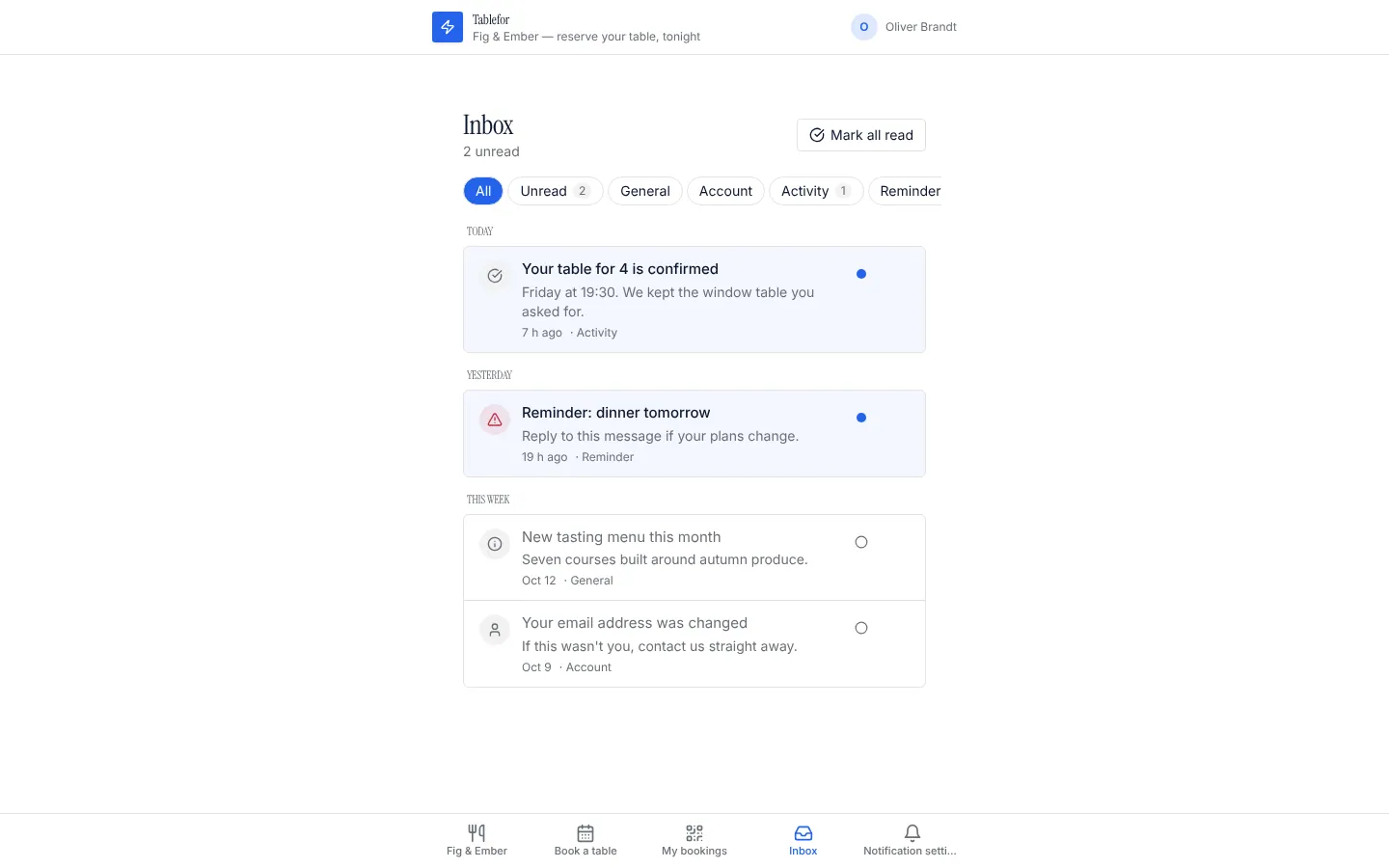
Notifications
A notification centre for each person, with a bell for any page and email and text message preferences they control.
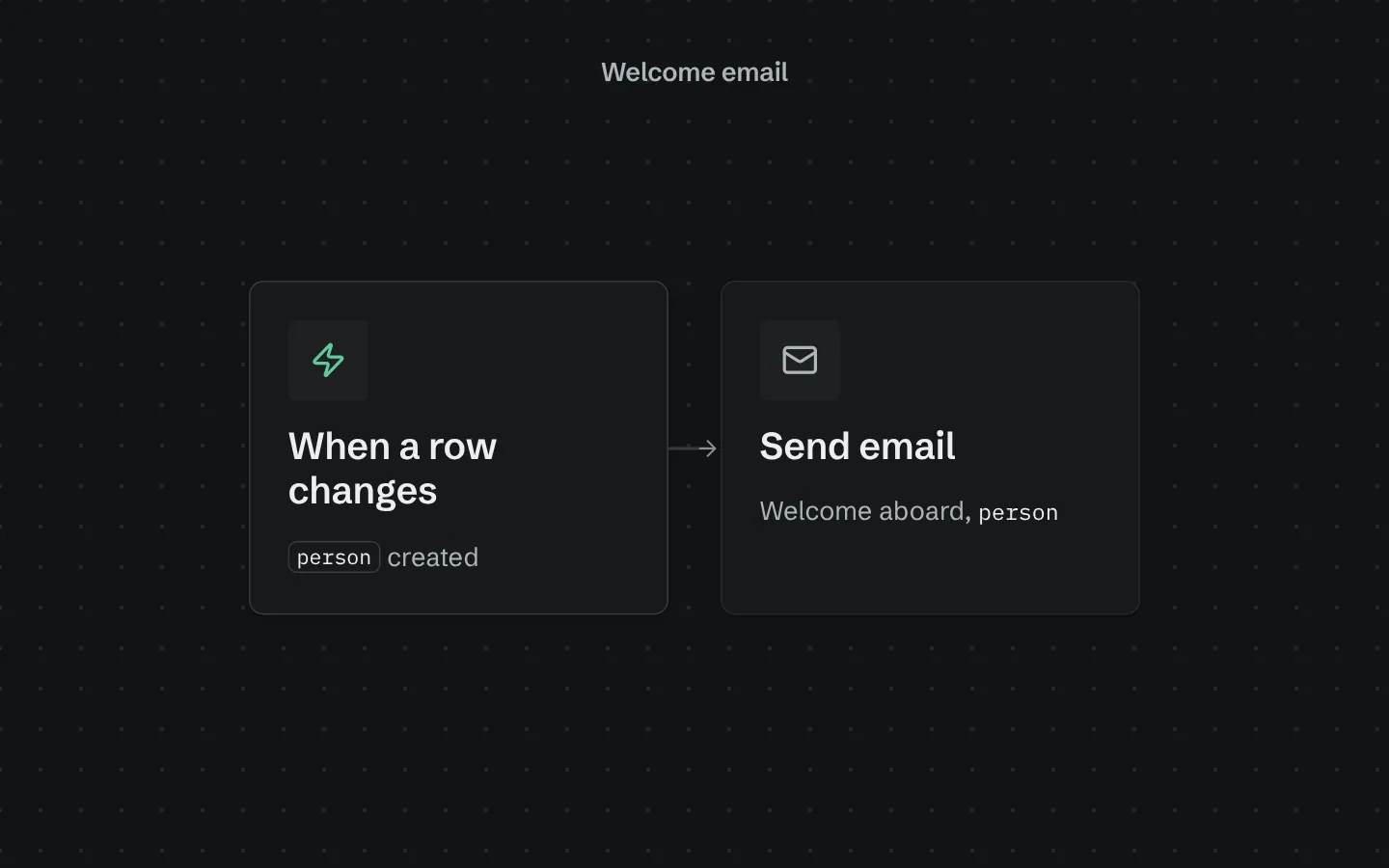
Welcome email
Emails every new person a short, friendly welcome the moment they sign up.
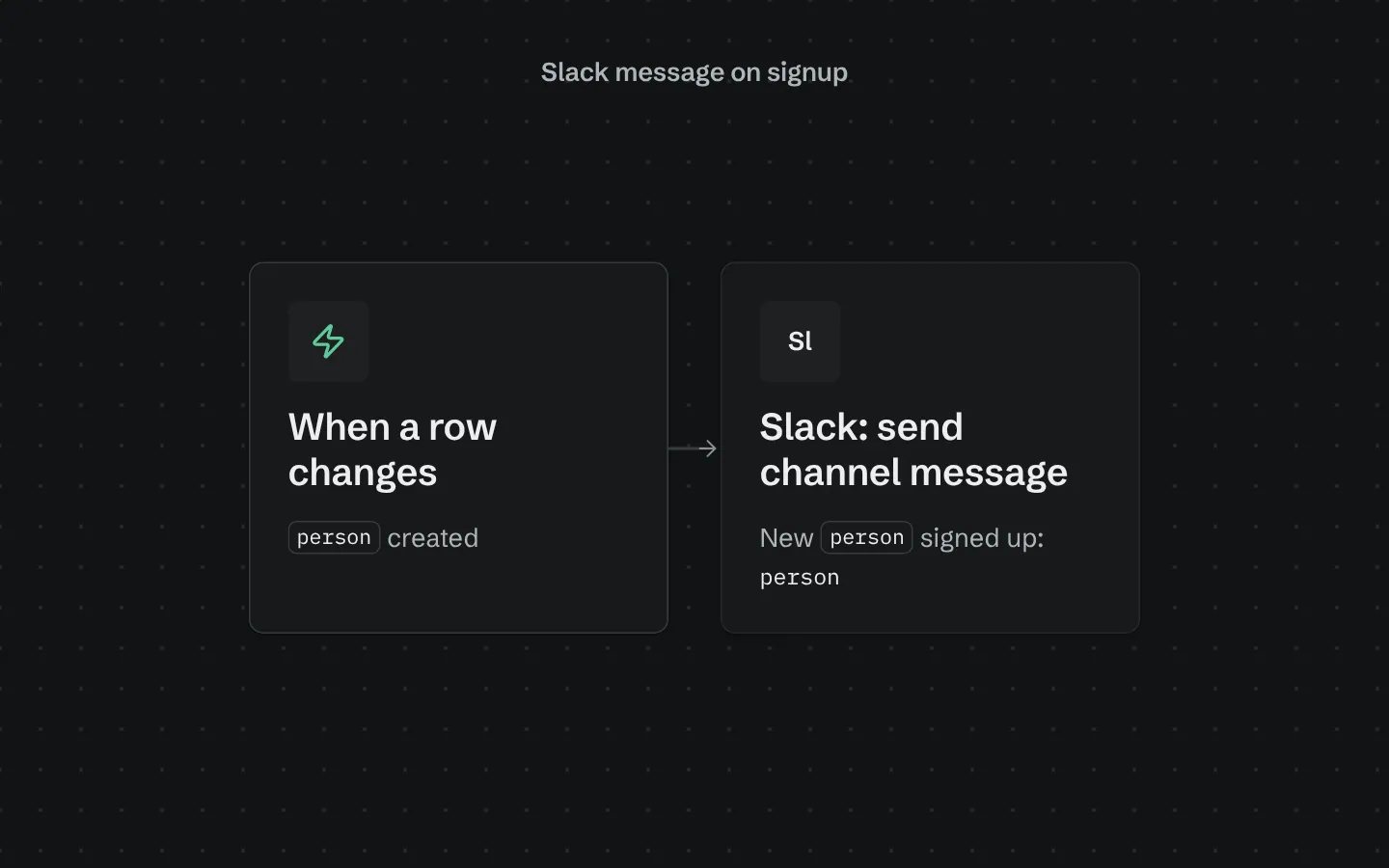
Slack message on signup
Posts to a Slack channel whenever someone new signs up, with their name and email.