What Appbricx is
Appbricx lets you ship a real, multi-user app without writing a backend. You (or your coding agent) describe the app in one file. Appbricx turns it into a running app with its own database, sign-in, access rules, background jobs and screens, tests it as each kind of user, and puts it on a link.
The problem it solves
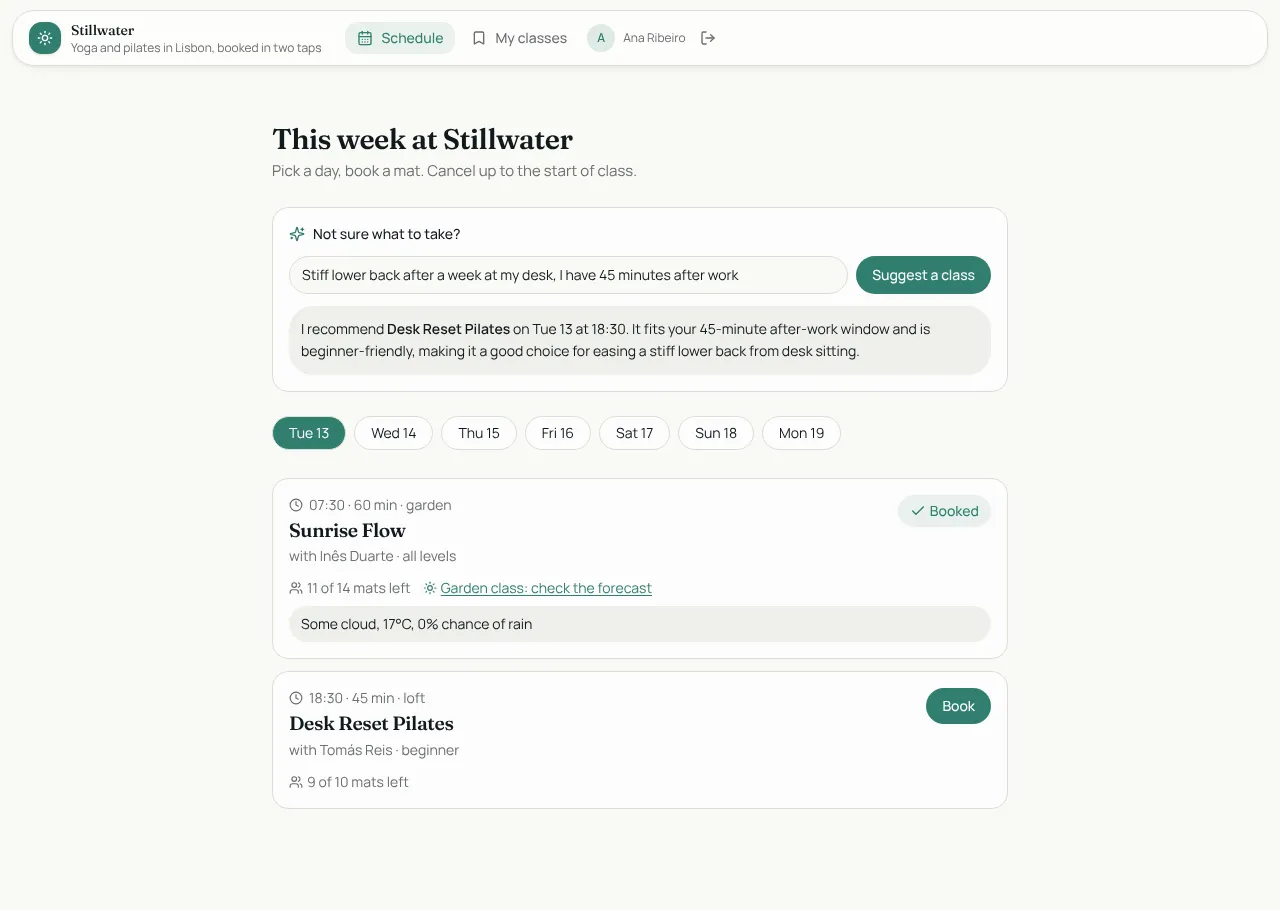
Coding agents are good at writing screens. The hard part of a real app is everything behind them: a database that only shows each user their own rows, sign-in, a rule that stops a class being overbooked whoever calls the API, a job that runs every morning, a payment that the browser can't fake, a way back when a release goes wrong. Appbricx provides all of that, so the agent only has to say what the app is.
What you get with every app
- A Postgres database with separate development and production copies.
- Sign-in: email and password, magic link, Google with no setup, GitHub, two-factor codes, organisations.
- Roles and access enforced by the database itself (row-level security).
- Business rules that refuse bad writes on the server.
- Screens: ready-made blocks, or your own React components.
- Workflows on data changes, schedules and webhooks, plus server functions your screens call.
- AI, payments, files and messages built in, with keys kept on the server.
- Verify: every role, every table and every page checked before a release.
- Publishing on an Appbricx link or your domain, with a backup before every publish and one-click rollback.
- No lock-in: export the code, or run Appbricx on your own servers.
Two ways to build
| You use | How it works | Start here |
|---|---|---|
| A coding agent (Claude Code, Cursor, any MCP client) or the CLI | Your agent writes the app contract and calls Appbricx tools to check, apply, verify and deploy it. | Agent quickstart |
| The built-in builder in your browser | You describe the app in chat; the builder writes the same contract for you. | Builder quickstart |
Both produce the same kind of app from the same contract, so you can start in one and carry on in the other.
Who it is for
- Developers who build with coding agents and want a backend they don't have to write or babysit.
- Freelancers and agencies who ship apps for clients and need proof each role sees only what it should.
- Founders and teams who want a working product on a link this week, and the option to self-host later.
Good to know
- Plans and limits are on the pricing page.
- Apps run on Appbricx Cloud by default. You can also self-host.
- Your agent never needs your password: it signs in through your browser, and you can revoke it any time.