Live activity feed
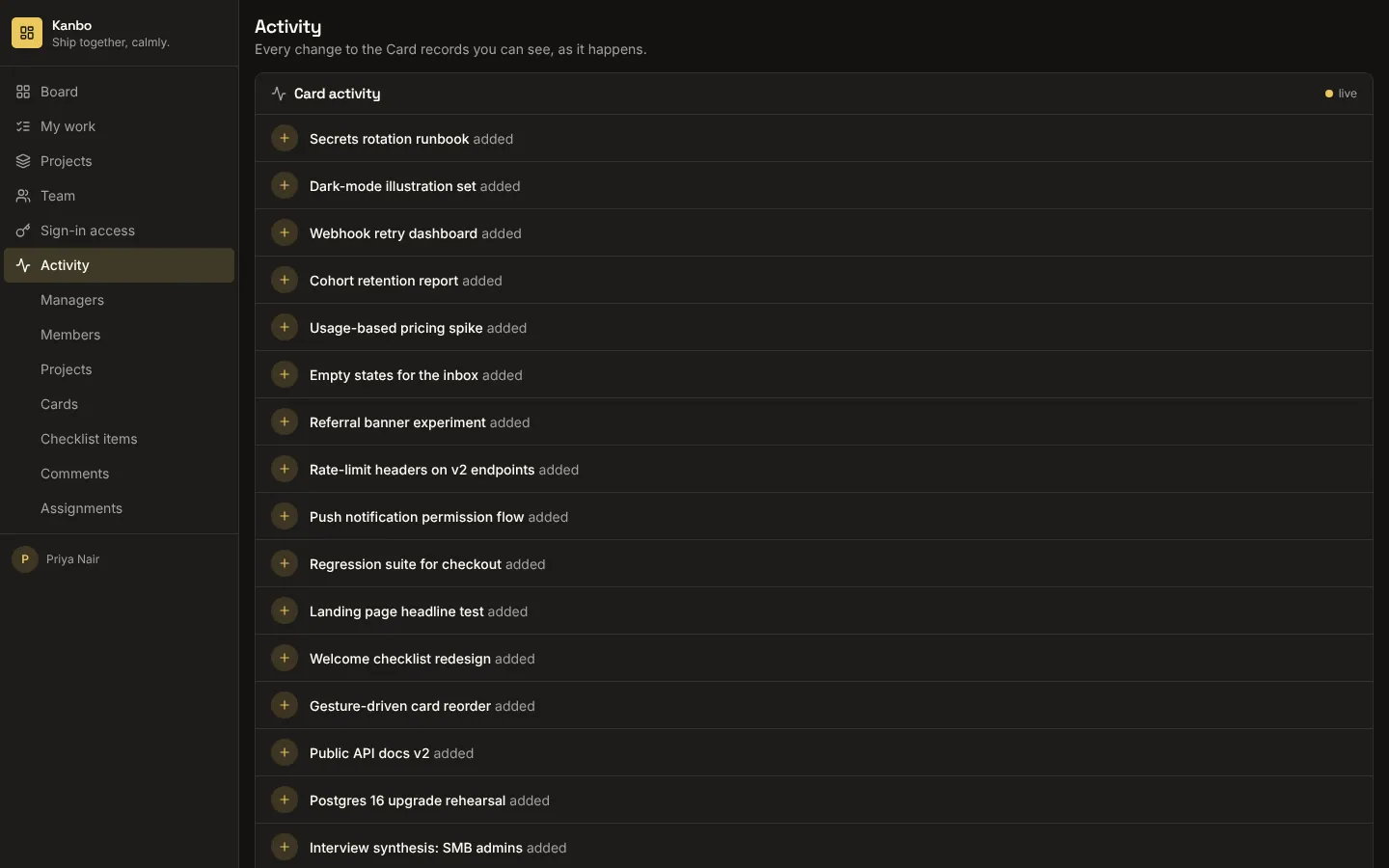
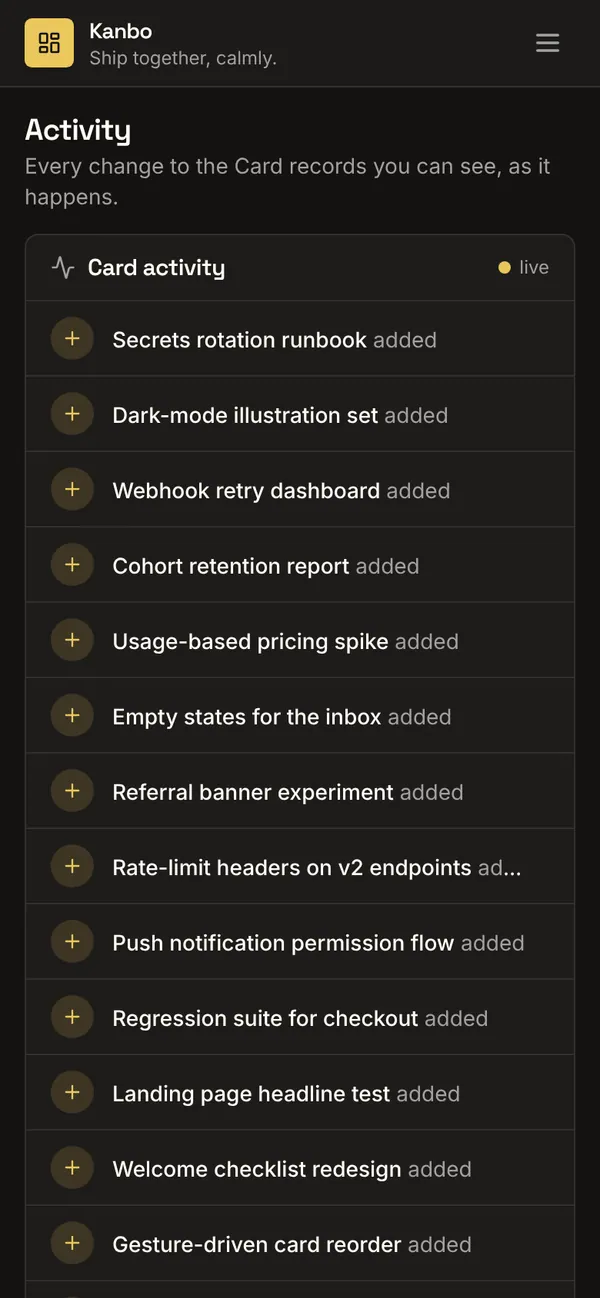
A custom component that shows the latest changes to one of your tables, then every create, update and removal the moment it happens. The template makes that table live in your contract's realtime section, so each change is re-read on the server as each viewer before it reaches them: nobody sees activity on a record they couldn't open. Place it on a dashboard, a record list or its own Activity page.
What it adds to your app
Component LiveActivity (props: title, entity, labelField, limit). The table made live (realtime). An Activity page.
Pages
/activityActivity (‹page_role›)
Components
LiveActivityWhat just happened to the ‹entity› rows you can see: recent changes, then every create, update and removal as it happens
Realtime
‹entity›Live: each change reaches whoever can read the row
Set it up
It merges into the contract of an app you already have. Nothing is overwritten: a name you already use is refused until you pass a prefix.
- Pick the project
Use the button above, or ask your coding agent with the Appbricx MCP server connected (quickstart).
- Point it at your tables and roles
Leave out the ones with defaults; a wrong one is refused with the options your app has.
Param What it is Example entityThe table whose changes the feed shows (it becomes live). ticketpage_roleThe role the Activity page is for. Optional. agent - Preview, then apply to dev
A dry run shows the diff and the check report; applying it changes your dev environment only.
- Deploy
When dev looks right, deploy. Production gets a snapshot first, so you can roll back.
Use it with your coding agent
The agent reads the template, runs a dry run, shows you the diff and applies it.
Add the Live activity feed template (slug "activity-feed") to my Appbricx project. Read it with get_template, run use_template with dry_run first and show me the diff, then apply it. Ask me where it attaches if you can't tell from my contract (entity: table to follow; page_role: who sees the activity page).{
"tool": "use_template",
"arguments": {
"slug": "activity-feed",
"project_id": "<your project id>",
"params": {
"entity": "ticket",
"page_role": "agent"
},
"dry_run": true
}
}appbricx templates use activity-feed --param entity=ticket --param page_role=agent --dry-runGoes well with
Huddle
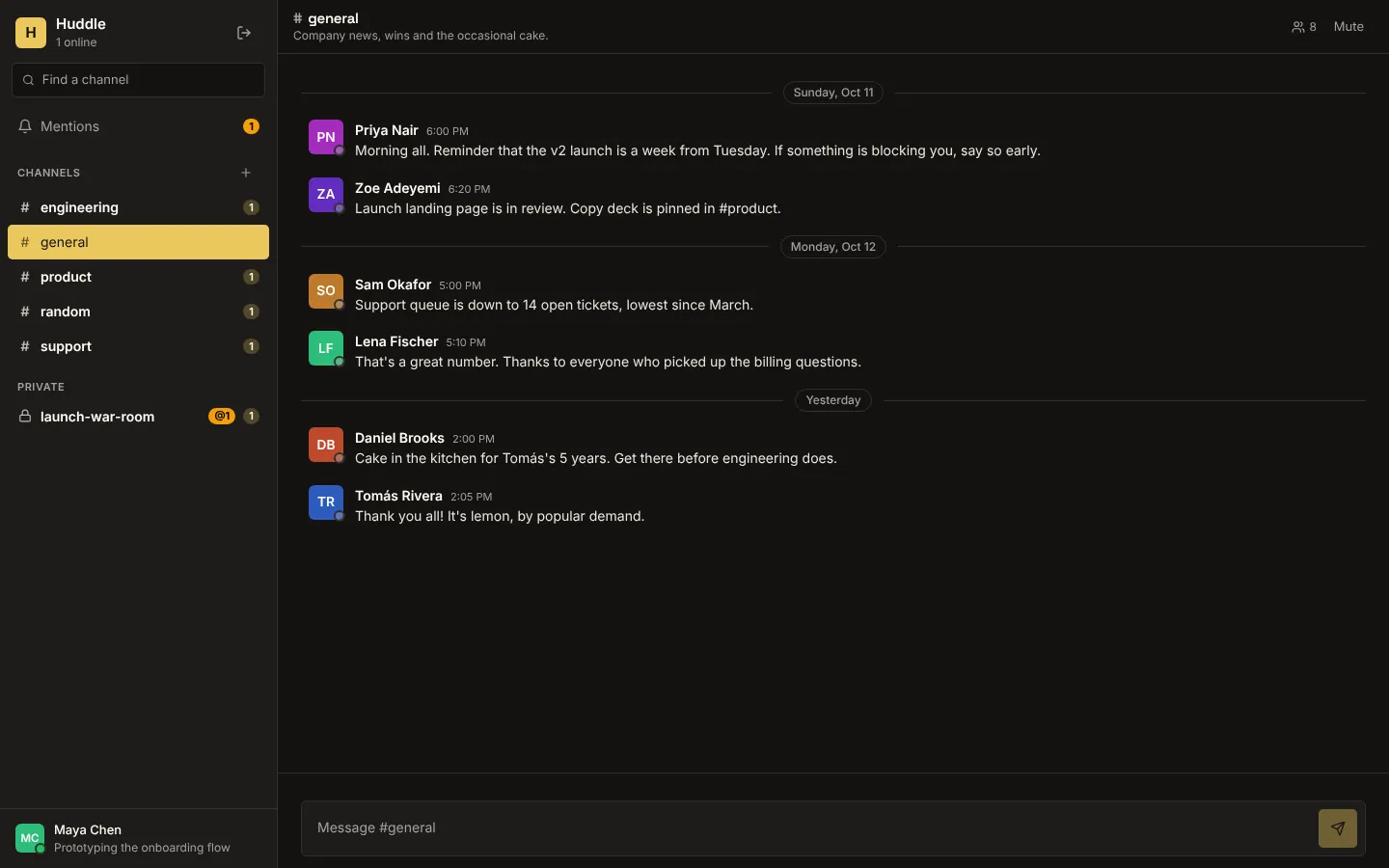
Realtime team chat: public and private channels, live messages, typing indicators, who's online, unread counts and @mentions.
Margin
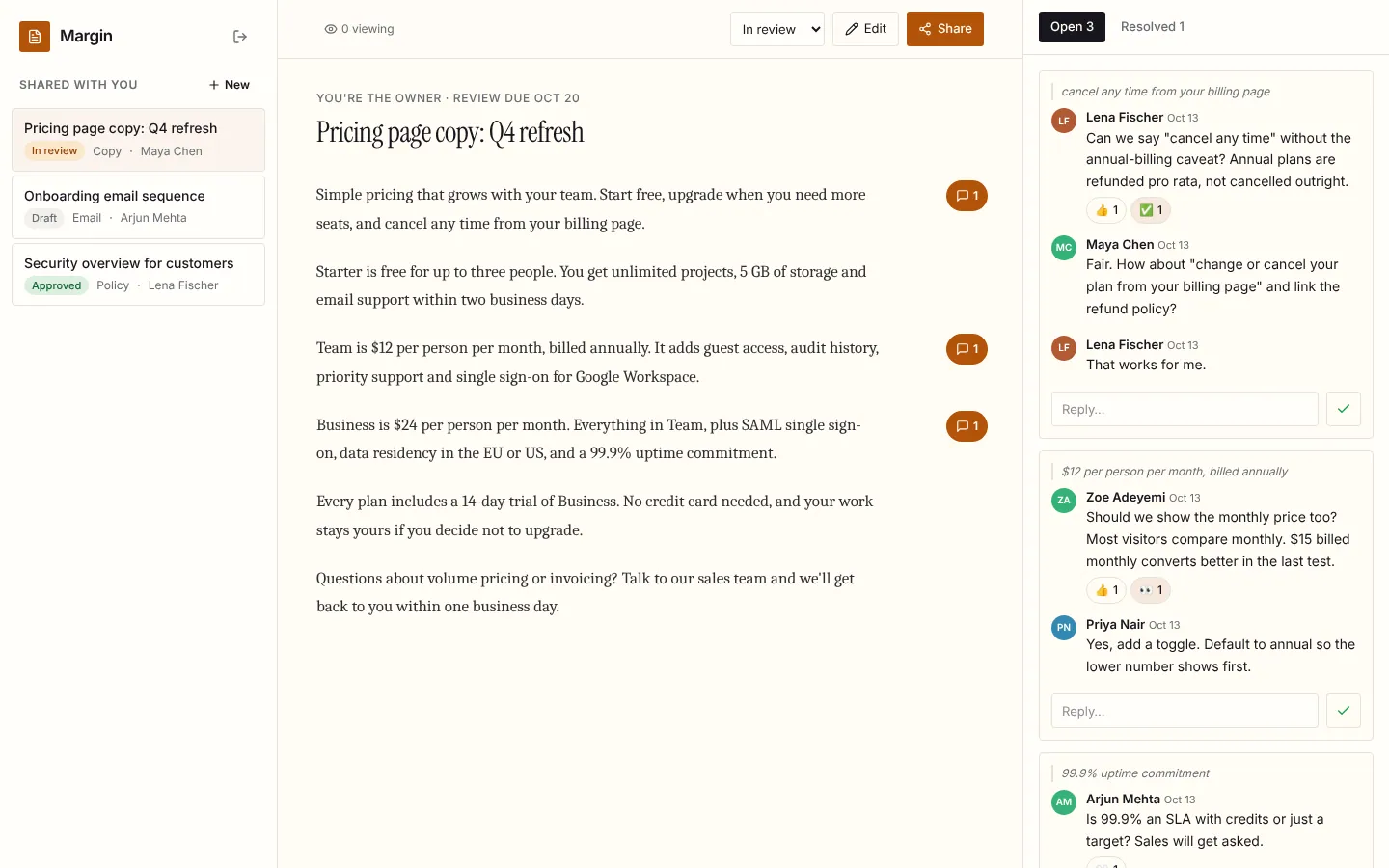
Live document review: comments in the margin, replies, reactions and resolve, who's viewing, and edits that appear for every reader as they're saved.
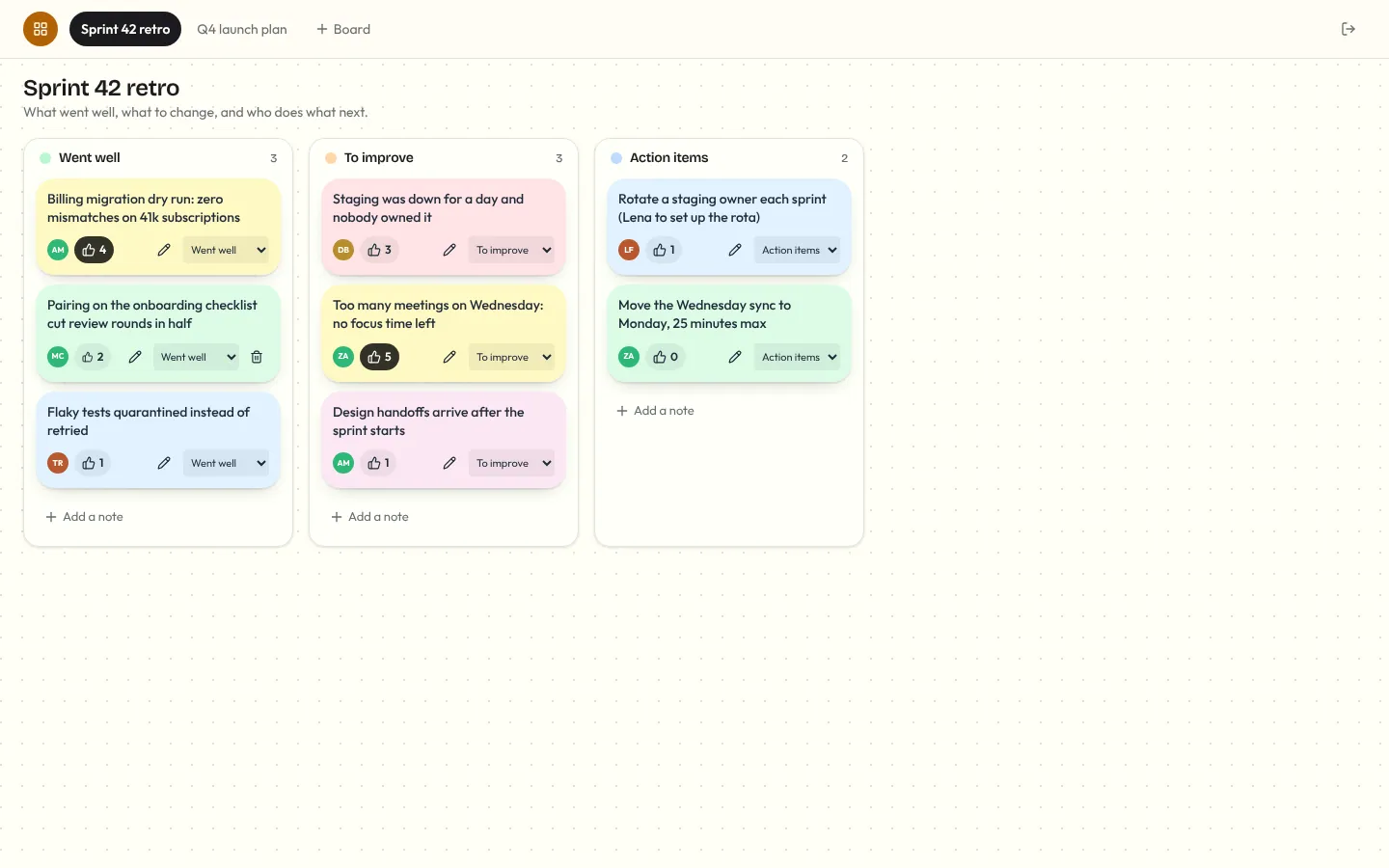
Corkboard
Multiplayer sticky-note board for retros and planning: notes you add, edit, drag between lanes and vote on, live for everyone, with who's on the board and who's editing which note.