Client portal
A portal an agency, studio or consultancy shares with its clients. The agency runs projects, shares deliverables for review, swaps files and sends invoices; each client's people sign in and see only their own organisation's projects, files, invoices and messages, enforced in Postgres with organisation scope. Approvers sign off a deliverable or ask for changes, and every decision is kept with who made it and when. Workflows thread every review and share into the project's messages, email the client's contact, flag overdue invoices daily and send a weekly review summary.
Invite-only. The agency team runs projects and billing; client contacts see only their own organisation and approve work.
What's inside
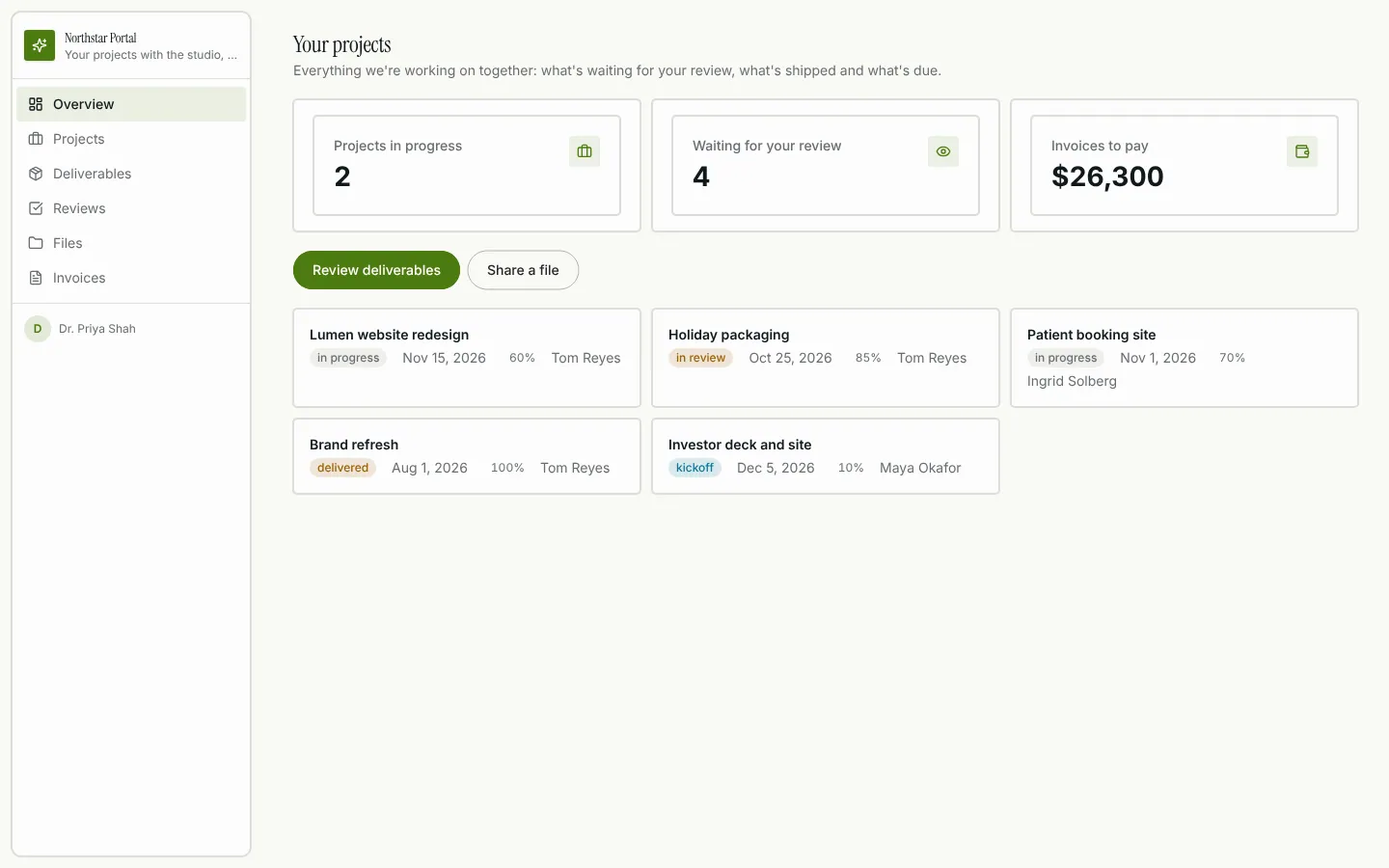
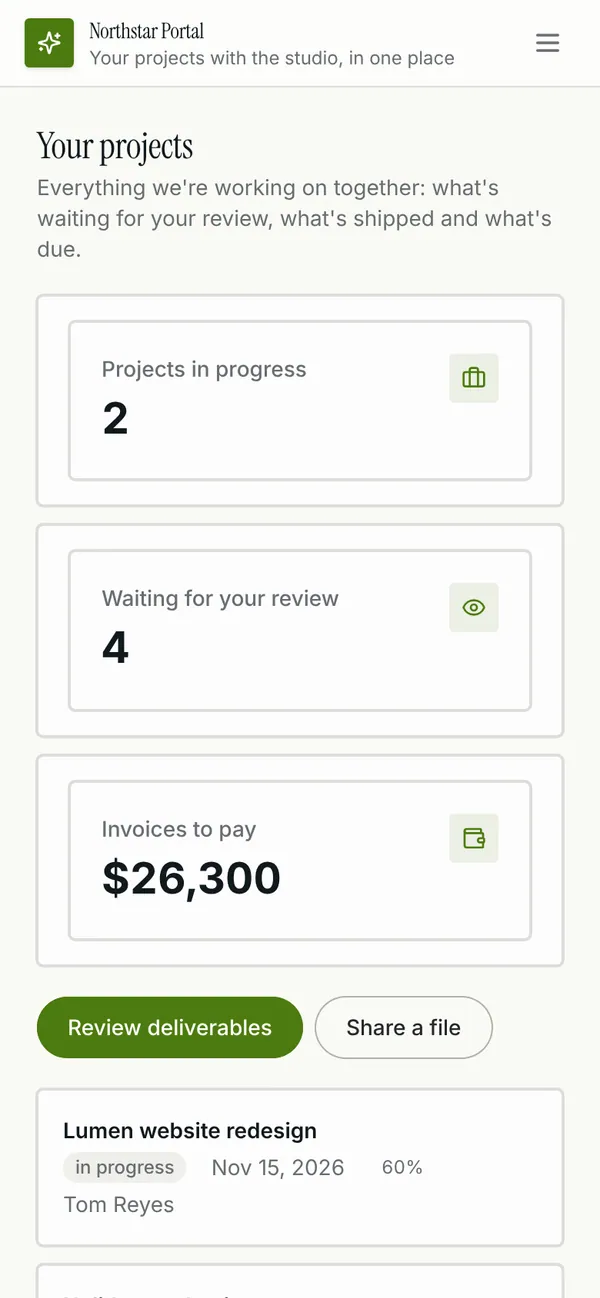
Client overview: projects, what's waiting for review and what's to pay. Project pages with deliverables, files, invoices and a message thread. Reviews: approve or ask for changes, with a kept record of every decision. Files shared both ways, invoices with payment links and overdue flags. Agency pages for clients, client contacts, client access and the studio team.
Tables
agencyname, email, title, avatarclientname, email, job_title, phone, avatarorganisationname, website, industry, logo, billing_email, account_lead_id, primary_contact_id, statusmembershiporganisation_id, client_id, access_level, statusprojectorganisation_id, name, summary, status, start_on, due_on, budget, progress, …deliverableproject_id, organisation_id, title, description, file, link, version, revises_id, …approvaldeliverable_id, organisation_id, client_id, decision, urgency, commentmessageproject_id, organisation_id, body, author_name, author_sideshared_fileproject_id, organisation_id, name, file, link, category, shared_by, noteinvoiceorganisation_id, project_id, number, description, amount, currency, issued_on, due_on, …
Roles
agencyAgency team, staffclientClient, staff
Pages
/overviewOverview (client)/projectsProjects (agency, client)/projects/:idProject (agency, client)/deliverablesDeliverables (agency, client)/deliverables/:idDeliverable (agency, client)/reviewsReviews (agency, client)/filesFiles (agency, client)/invoicesInvoices (agency, client)/clientsClients (agency)/clients/:idClient (agency)/contactsClient contacts (agency)/accessClient access (agency)- and 2 more
Rules on every write
projectProgress is a percentagedeliverableThis must belong to the project's clientdeliverableThe client reviews deliverablesapprovalThis review can't be recordedmessageThis must belong to the project's clientshared_fileThis must belong to the project's clientshared_fileAttach a file or paste a linkinvoiceThis must belong to the project's clientinvoiceCheck the invoice
How its workflows run
Each one is a server workflow in your project: it runs on its trigger, with retries, and its runs show in the builder's log.
- Stamp a message and tell the other side
When a row changes:
message created. Then: Look up project, then Update message, then Notify, then Send email. - Ask the client to review a new deliverable
When a row changes:
deliverable created. Then: Look up project, then Update deliverable, then Create message. - Apply a client's review
When a row changes:
approval created. Then: Look up deliverable, then Update approval, then Create message. - Stamp a shared file
When a row changes:
shared_file created. Then: Look up project, then Notify, then Update shared_file. - Email a new invoice to the client
When a row changes:
invoice created. Then: Send email. - Flag overdue invoices and remind
On a schedule:
schedule daily 09:00 over invoice. Then: Look up invoice, then Update invoice, then Send email, then Notify. - Thank the client when an invoice is paid
When a row changes:
invoice updated, when status is paid. Then: Update invoice, then Send email. - Weekly review summary for the studio
On a schedule:
schedule weekly fri 16:00 over approval. Then: Send email.
Set it up
It starts a new project, with its data, roles and sign-in ready.
- Start the project
Use the button above, or ask your coding agent with the Appbricx MCP server connected (quickstart).
- Sign in as each role
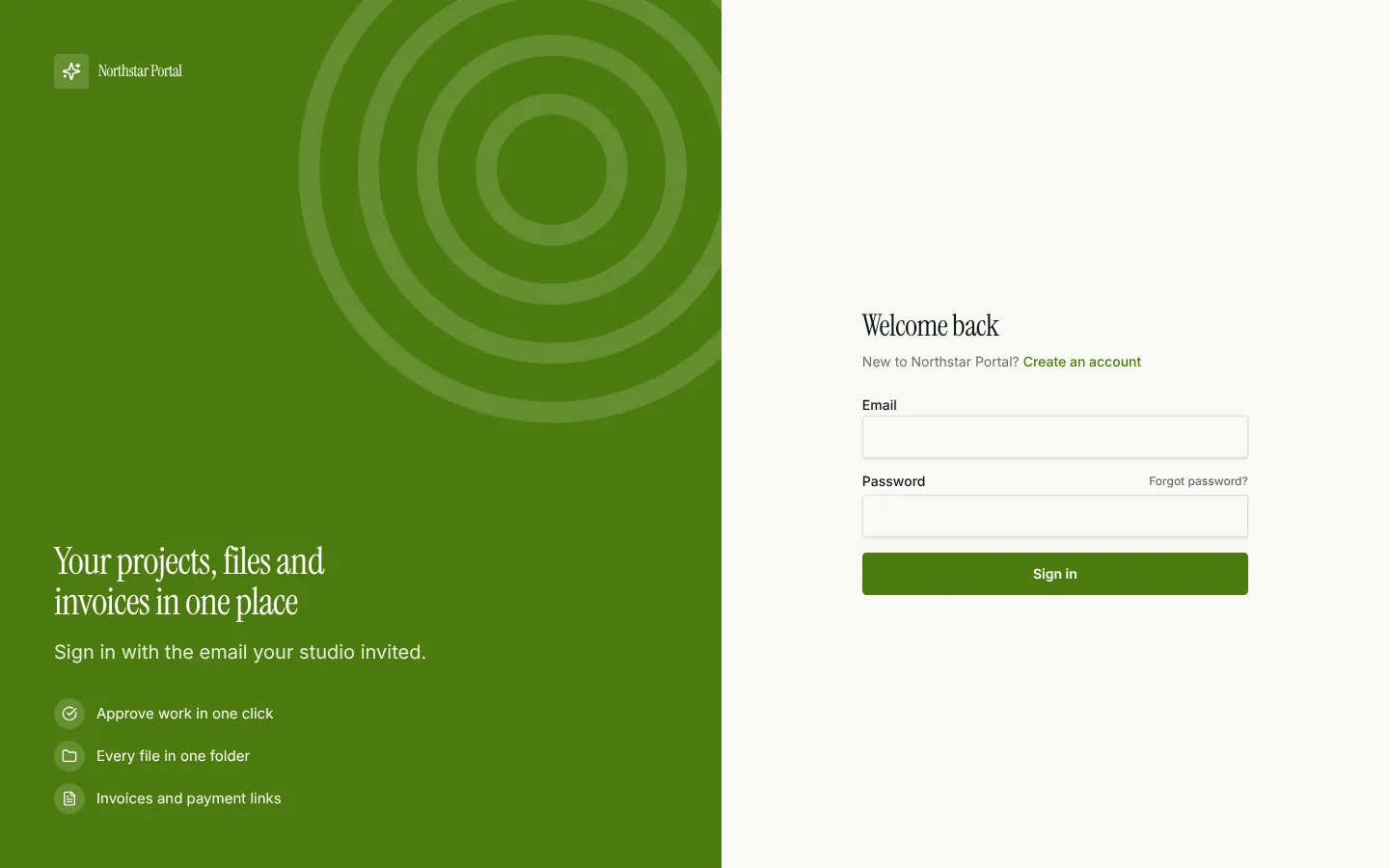
The demo logins open each role's home. Change what you like in plain words or in the contract.
- Deploy
When dev looks right, deploy. Production gets a snapshot first, so you can roll back.
Use it with your coding agent
The agent creates the project, builds it and signs in as each role.
Start a new Appbricx project from the Client portal template (slug "client-portal") with use_template. Call it "My Client portal", then sign in as each role, verify it and tell me what to change first.{
"tool": "use_template",
"arguments": {
"slug": "client-portal",
"name": "My Client portal"
}
}appbricx templates use client-portal --name "My Client portal"Goes well with
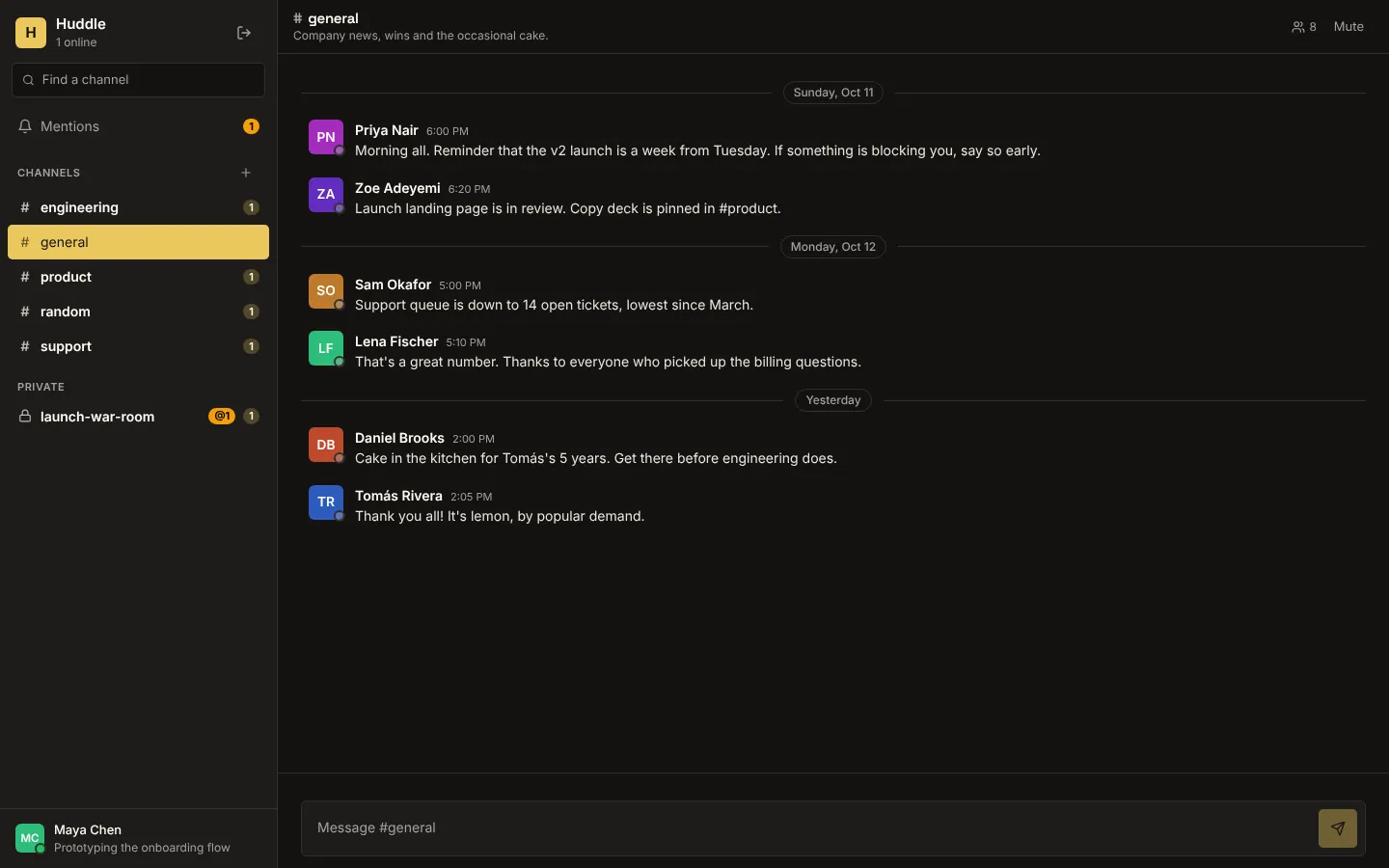
Huddle
Realtime team chat: public and private channels, live messages, typing indicators, who's online, unread counts and @mentions.
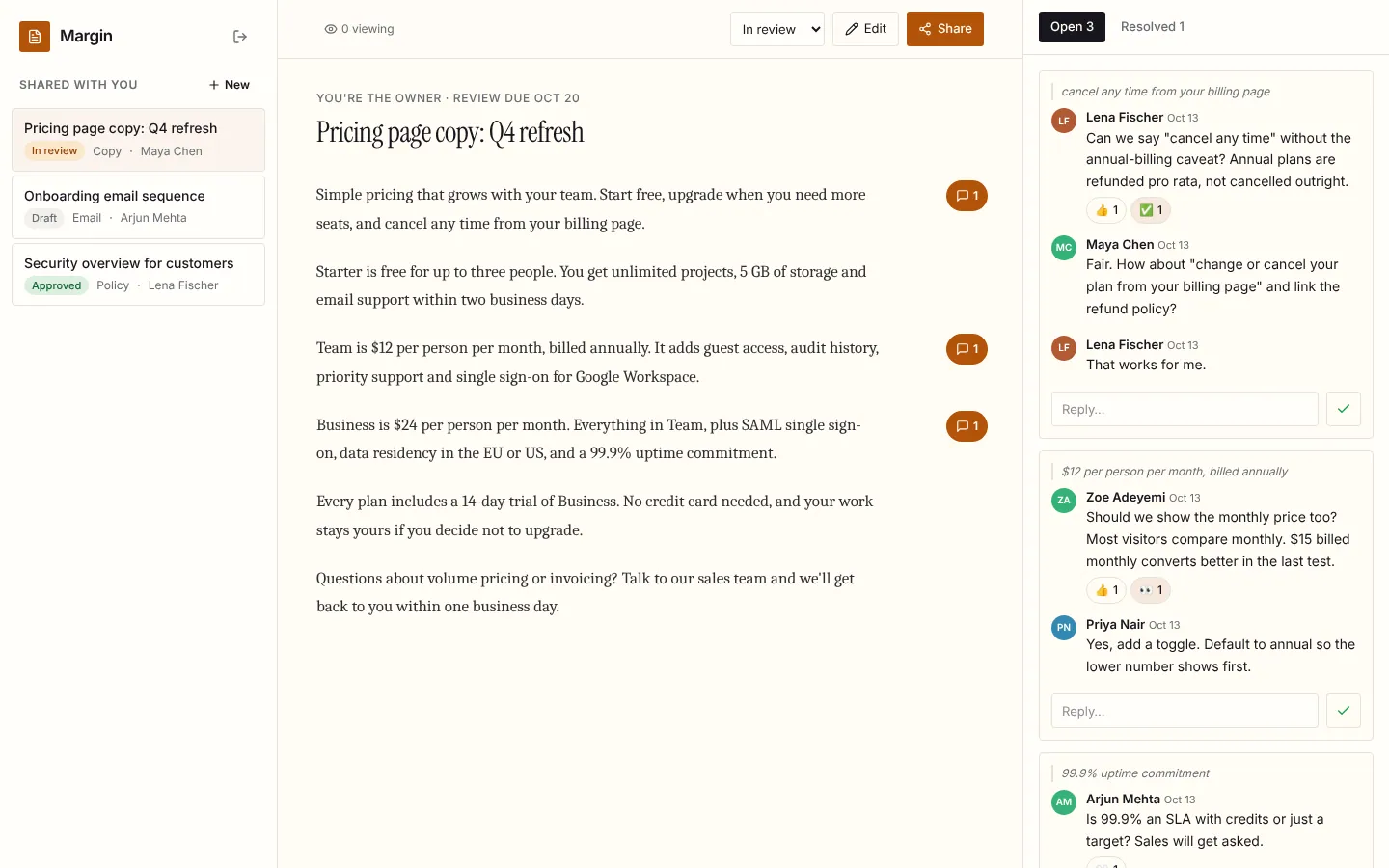
Margin
Live document review: comments in the margin, replies, reactions and resolve, who's viewing, and edits that appear for every reader as they're saved.
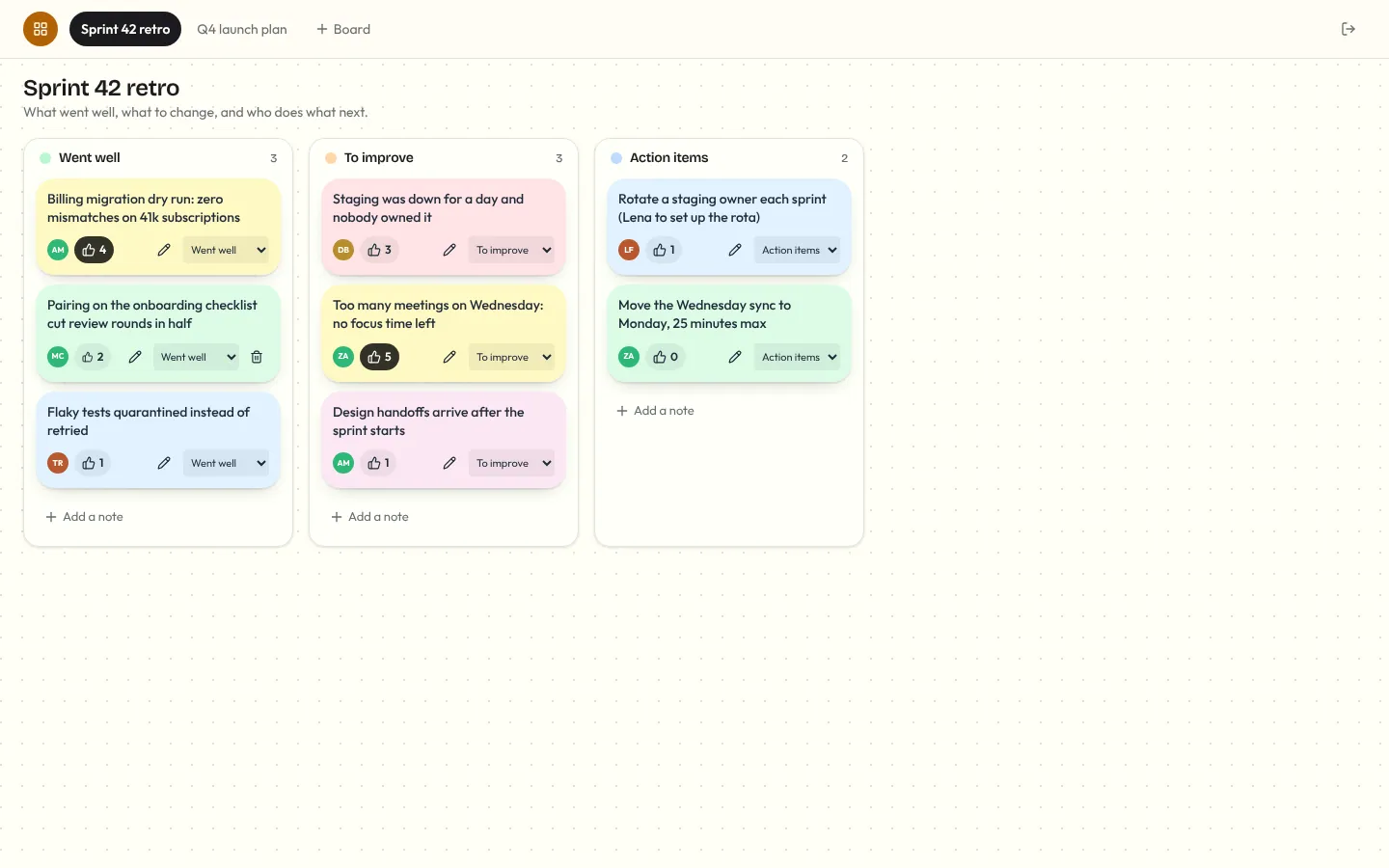
Corkboard
Multiplayer sticky-note board for retros and planning: notes you add, edit, drag between lanes and vote on, live for everyone, with who's on the board and who's editing which note.