Presence avatars
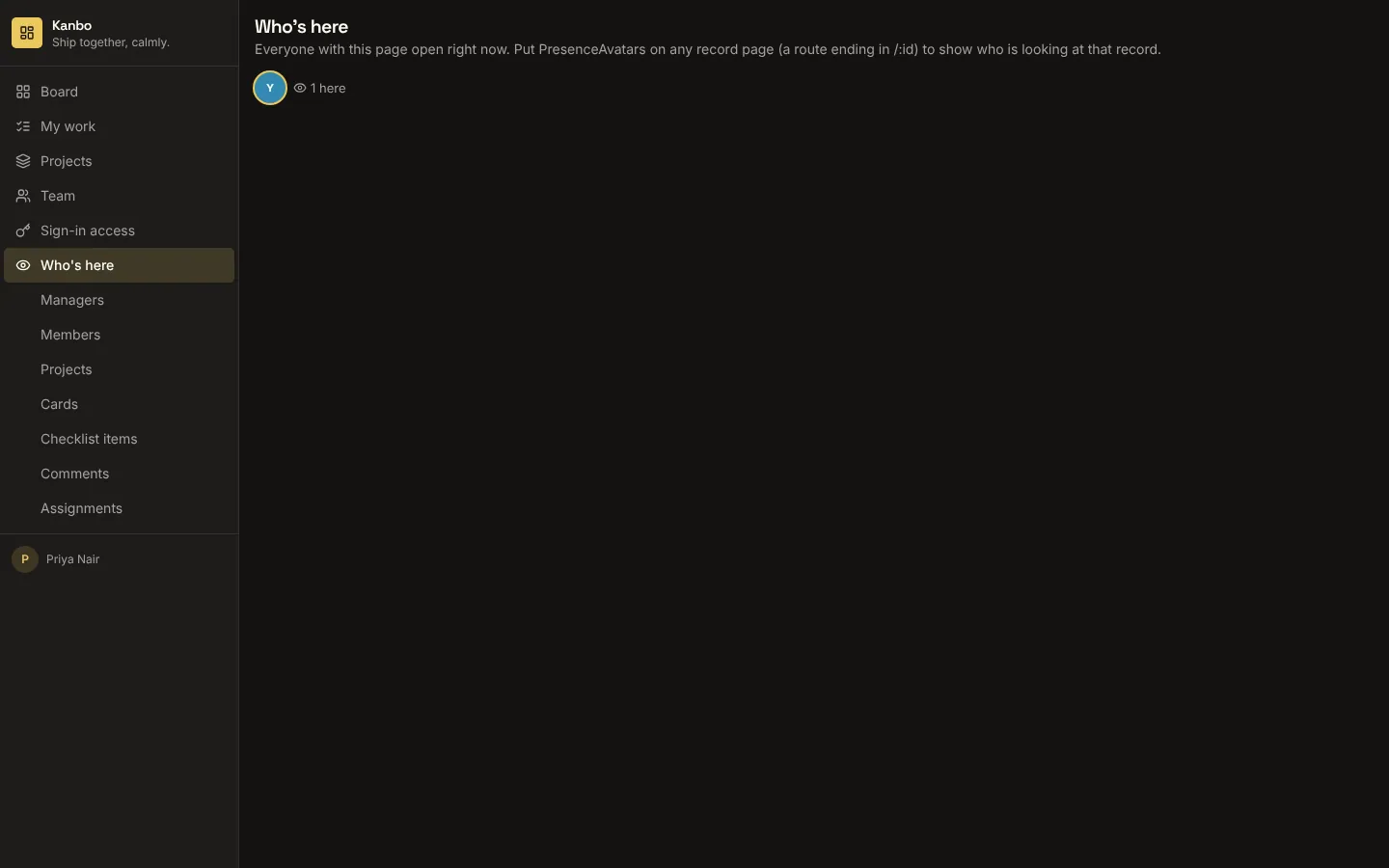
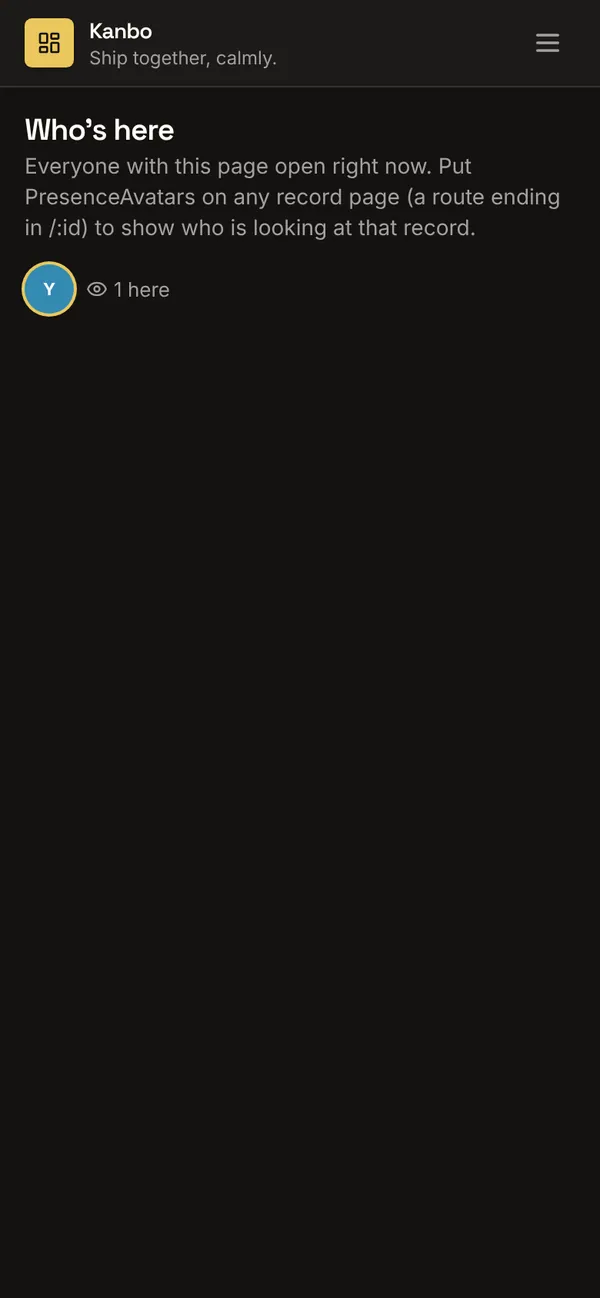
A custom component for any page: on a record page (a route ending in /:id) it shows who else has that record open; elsewhere, who has the page open. It uses two realtime presence channels: one per record of the table you choose, which only people who can read that record may join, and one per page for signed-in people. Nobody can send on either channel; they only say who is here.
What it adds to your app
Component PresenceAvatars (props: room, max, label). Two presence channels: per record and per page. A Who's here page.
Pages
/live-viewWho's here (‹page_role›)
Components
PresenceAvatarsFaces of the people looking at this ‹entity› record (or this page) right now
Realtime
viewers:<‹entity›>Channel. Join: signed_in (and can read the ‹entity›). Send: none. Shows who is herepage_viewersChannel. Join: signed_in. Send: none. Shows who is here
Set it up
It merges into the contract of an app you already have. Nothing is overwritten: a name you already use is refused until you pass a prefix.
- Pick the project
Use the button above, or ask your coding agent with the Appbricx MCP server connected (quickstart).
- Point it at your tables and roles
Leave out the ones with defaults; a wrong one is refused with the options your app has.
Param What it is Example entityThe table whose record pages show who is viewing them. ticketpage_roleThe role the sample page is for. Optional. agent - Preview, then apply to dev
A dry run shows the diff and the check report; applying it changes your dev environment only.
- Deploy
When dev looks right, deploy. Production gets a snapshot first, so you can roll back.
Use it with your coding agent
The agent reads the template, runs a dry run, shows you the diff and applies it.
Add the Presence avatars template (slug "presence-avatars") to my Appbricx project. Read it with get_template, run use_template with dry_run first and show me the diff, then apply it. Ask me where it attaches if you can't tell from my contract (entity: records; page_role: who sees the who's here page).{
"tool": "use_template",
"arguments": {
"slug": "presence-avatars",
"project_id": "<your project id>",
"params": {
"entity": "ticket",
"page_role": "agent"
},
"dry_run": true
}
}appbricx templates use presence-avatars --param entity=ticket --param page_role=agent --dry-runGoes well with
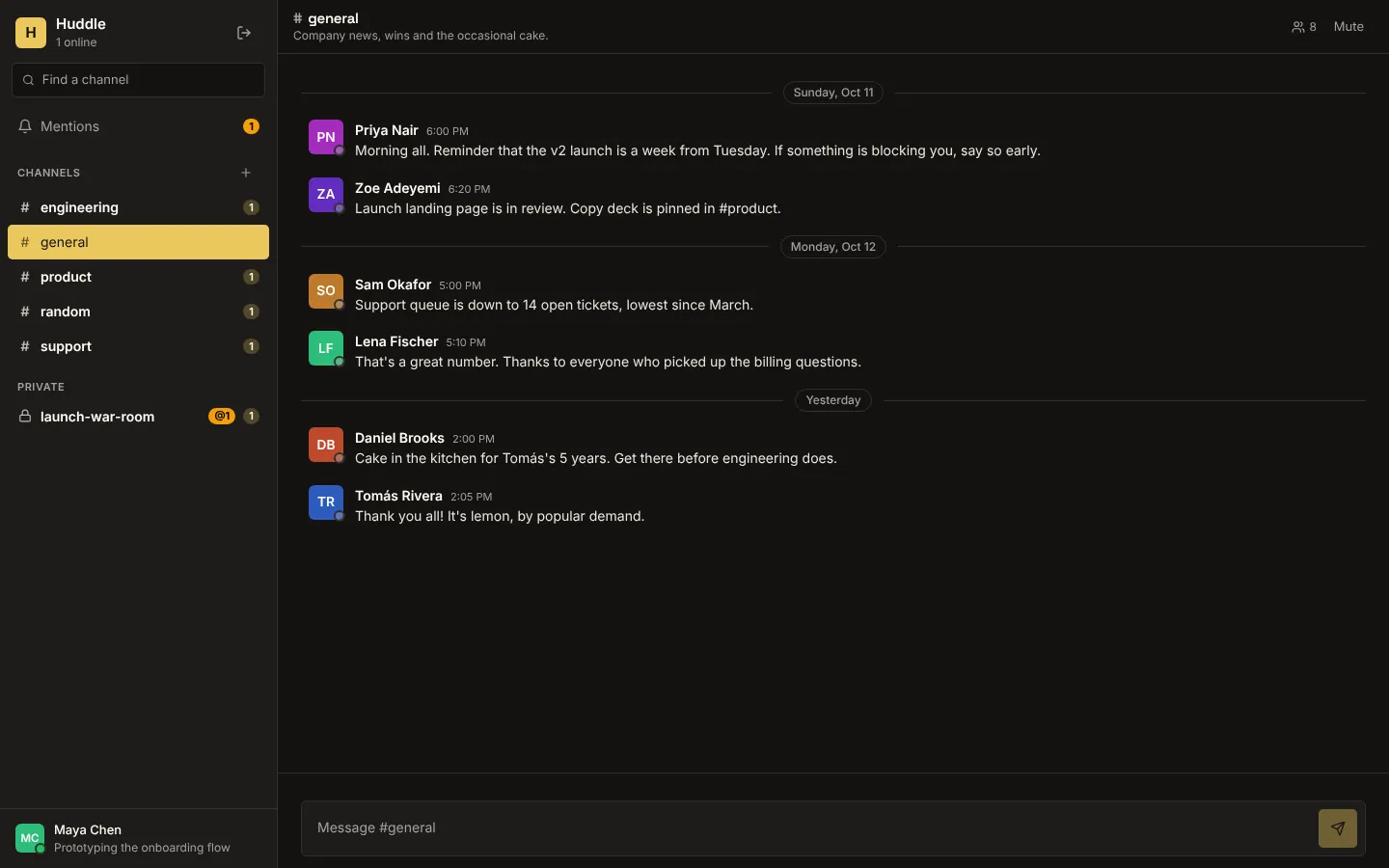
Huddle
Realtime team chat: public and private channels, live messages, typing indicators, who's online, unread counts and @mentions.
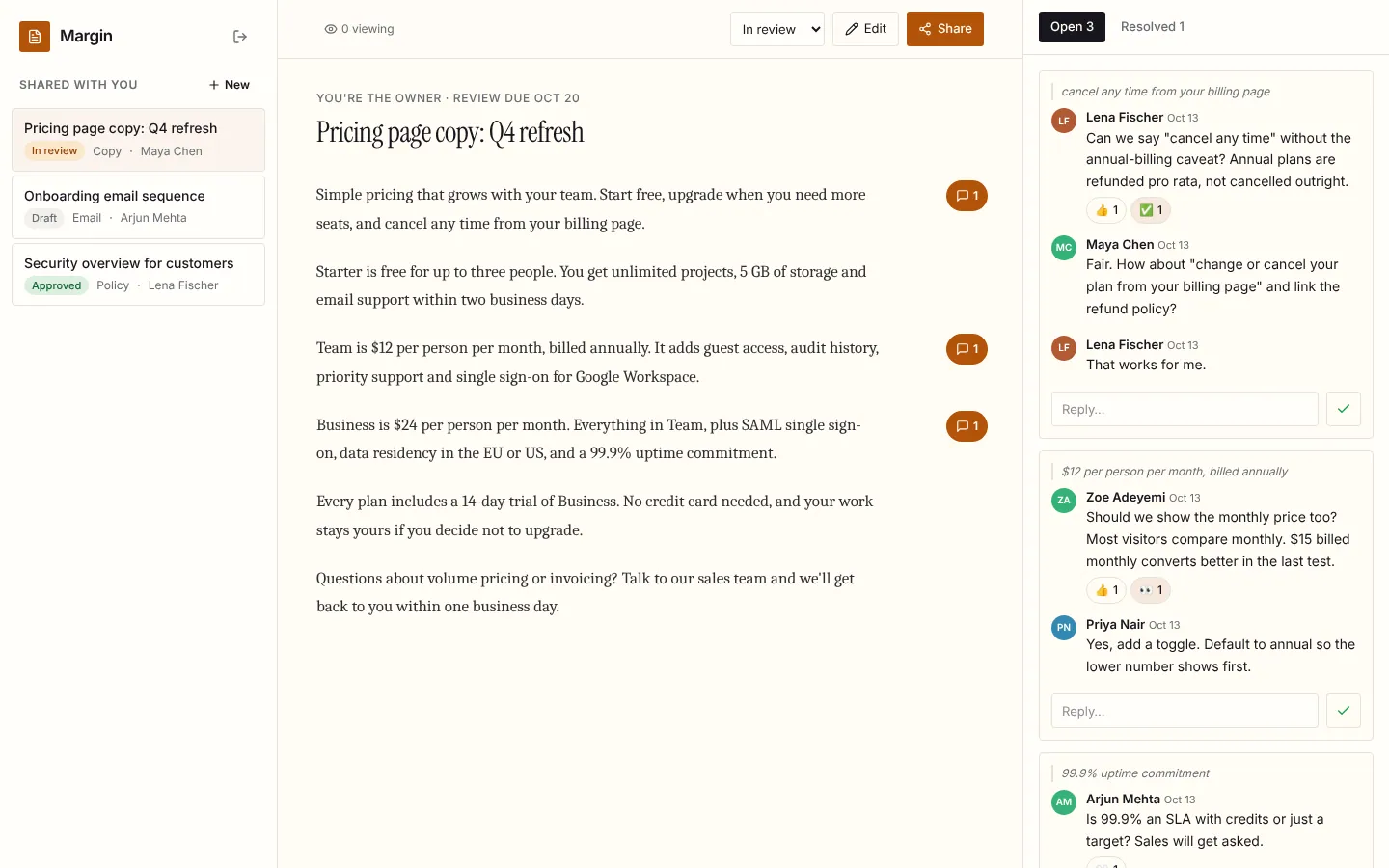
Margin
Live document review: comments in the margin, replies, reactions and resolve, who's viewing, and edits that appear for every reader as they're saved.
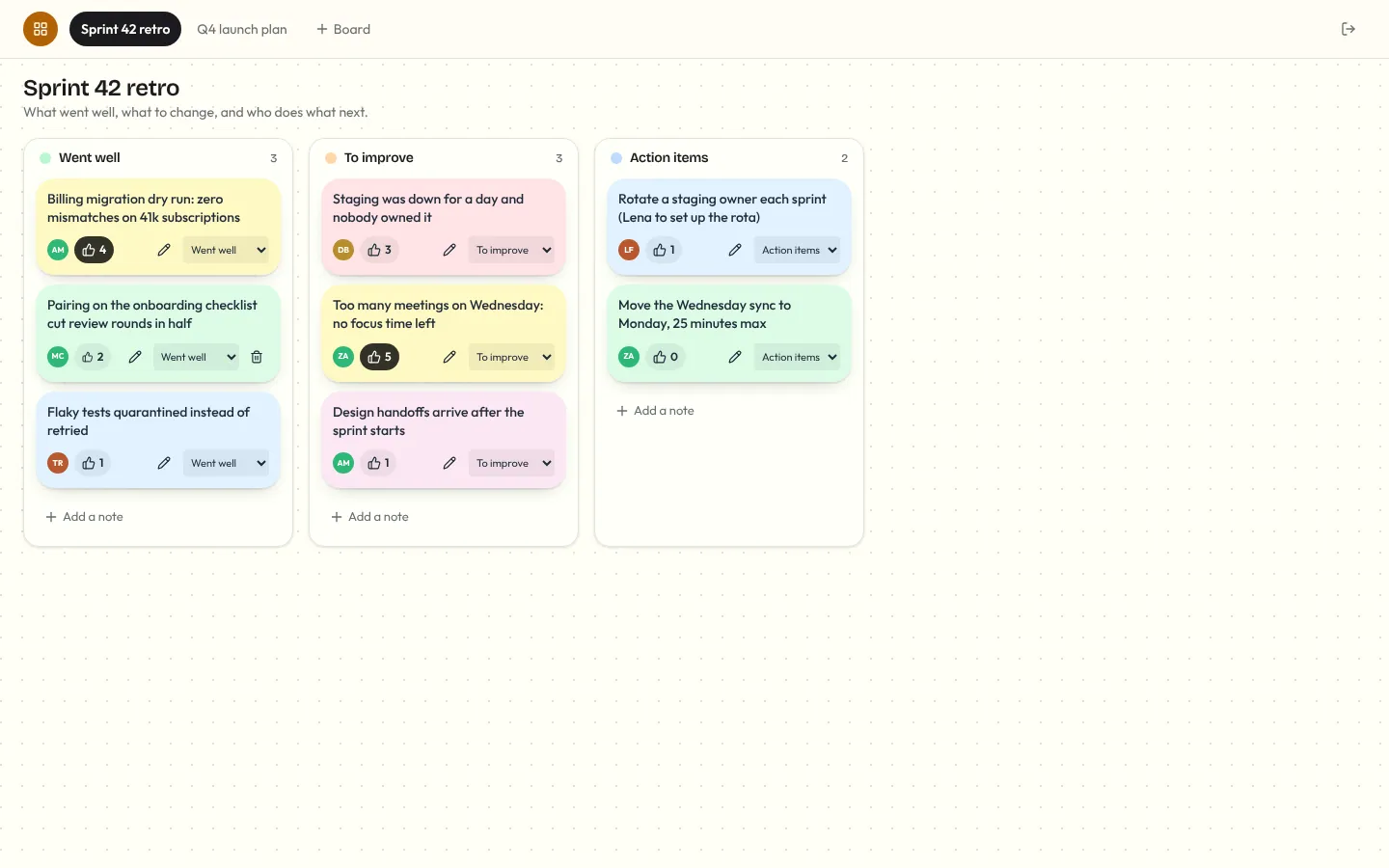
Corkboard
Multiplayer sticky-note board for retros and planning: notes you add, edit, drag between lanes and vote on, live for everyone, with who's on the board and who's editing which note.