Sales CRM
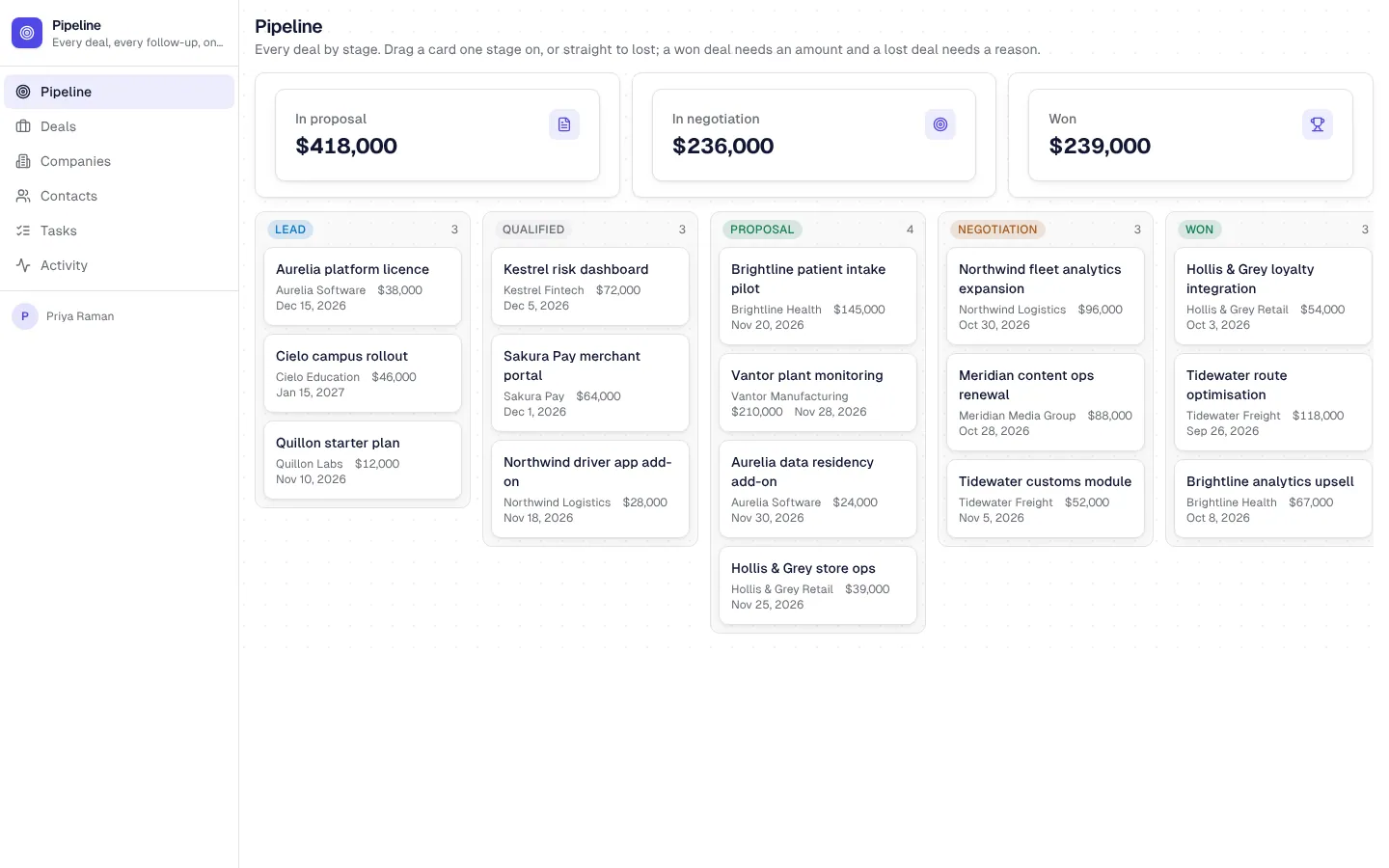
A CRM for a startup or agency sales team. Deals move across a pipeline board (lead, qualified, proposal, negotiation, won, lost); each deal has its activity timeline and follow-up tasks. Reps see and edit only their own deals, activities and tasks, enforced in Postgres; managers see the whole team, forecast the month and reassign. Rules stop a rep moving work into a colleague's book, closing a deal as won without an amount or as lost without a reason. A daily job adds a follow-up when a deal goes quiet for two weeks, a weekly email sums the pipeline by stage, and a signed webhook turns website form submissions into leads.
Invite-only. Sales reps work their own deals; sales managers see everything, forecast and manage the team.
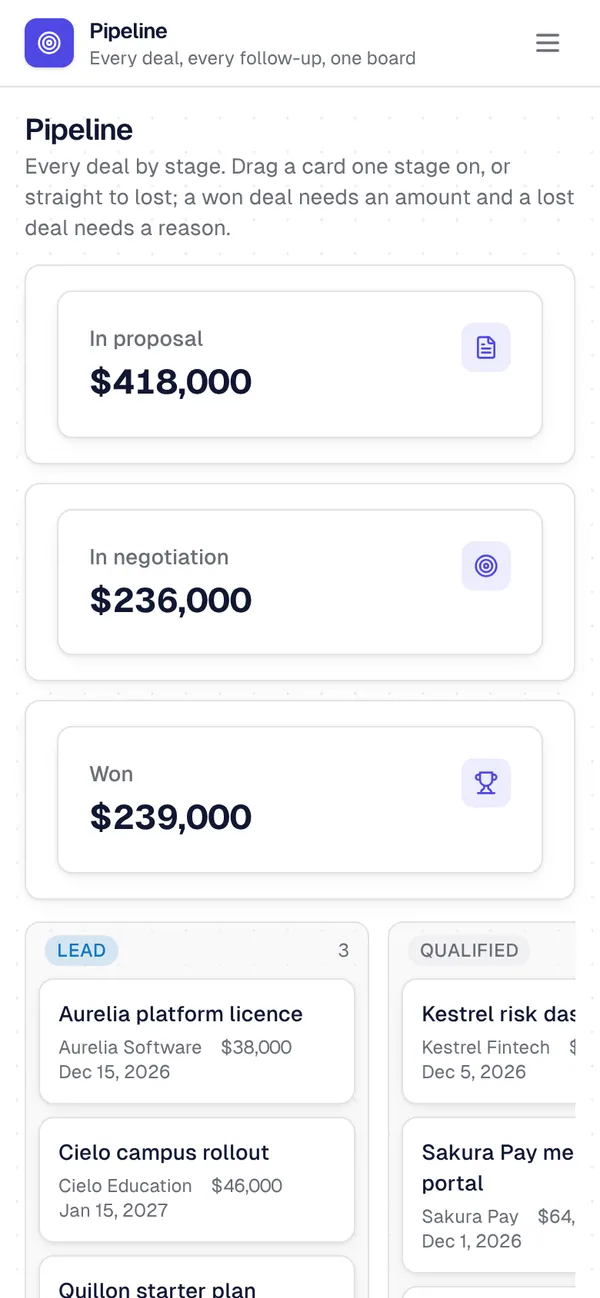
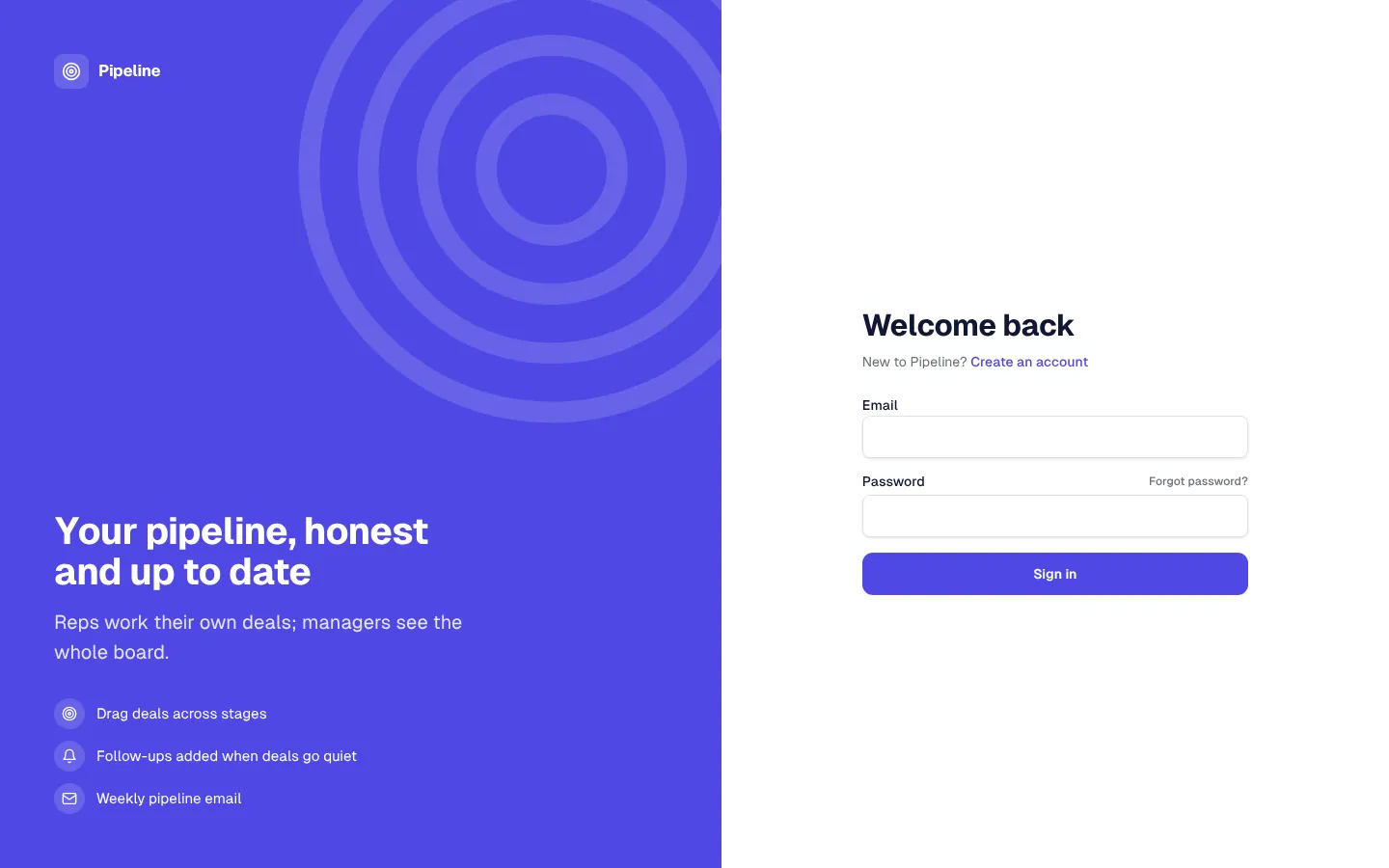
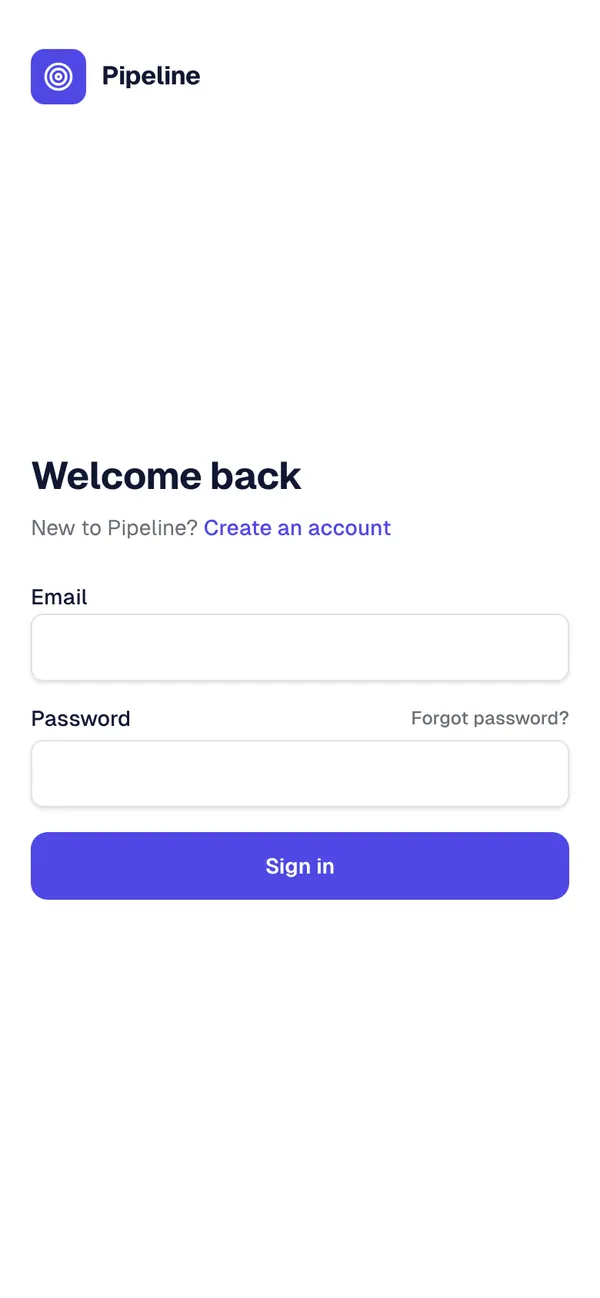
What's inside
Pipeline board with stage totals, deal pages with an activity timeline and tasks. Companies and contacts with their deals and activity. Tasks grouped by status, and a team activity feed. Manager forecast: won and lost this month against last month, pipeline by rep. Reps, managers and a Team & access page.
Tables
managername, email, title, avatarrepname, email, title, territory, seniority, quota, manager_id, avatarcompanyname, website, industry, size, city, status, owner_id, notescontactname, email, phone, job_title, company_id, owner_id, lifecycle, source, …dealtitle, company_id, contact_id, owner_id, stage, amount, probability, close_date, …activitysummary, kind, outcome, details, deal_id, contact_id, owner_id, occurred_attasktitle, deal_id, owner_id, due_on, status, priority
Roles
repSales rep, staffmanagerSales manager, staff
Pages
/pipelinePipeline (rep, manager)/deals/:idDeal (rep, manager)/dealsDeals (rep, manager)/companiesCompanies (rep, manager)/companies/:idCompany (rep, manager)/contactsContacts (rep, manager)/contacts/:idContact (rep, manager)/tasksTasks (rep, manager)/activityActivity (rep, manager)/forecastForecast (manager)/repsReps (manager)/managersManagers (manager)- and 1 more
Rules on every write
companyReps add companies to their own bookcontactReps add contacts to their own bookdealReps work their own pipelinedealThis deal can't close like thatactivityLog activities as yourselftaskReps plan their own tasks
How its workflows run
Each one is a server workflow in your project: it runs on its trigger, with retries, and its runs show in the builder's log.
- Fill deal defaults and tell the owner
When a row changes:
deal created. Then: Look up rep, then Update deal, then Notify. - Celebrate and log a won deal
When a row changes:
deal updated, when stage is won. Then: Update deal, then Create activity, then Notify. - Close out a lost deal
When a row changes:
deal updated, when stage is lost. Then: Update deal, then Create activity. - Stamp activities and keep the deal's last touch
When a row changes:
activity created. Then: Look up rep, then Update activity. - Add a follow-up when a deal goes quiet
On a schedule:
schedule daily 08:00 over deal. Then: Look up deal, then Create task. - Tell a rep about a new task
When a row changes:
task created. Then: Notify. - Weekly pipeline email to managers
On a schedule:
schedule weekly mon 08:00 over deal. Then: Send email. - Website form to contact
When a webhook arrives:
webhook web-lead. Then: Record a row. - Ask managers to assign a new lead
When a row changes:
contact created. Then: Notify.
Set it up
It starts a new project, with its data, roles and sign-in ready.
- Start the project
Use the button above, or ask your coding agent with the Appbricx MCP server connected (quickstart).
- Sign in as each role
The demo logins open each role's home. Change what you like in plain words or in the contract.
- Deploy
When dev looks right, deploy. Production gets a snapshot first, so you can roll back.
Use it with your coding agent
The agent creates the project, builds it and signs in as each role.
Start a new Appbricx project from the Sales CRM template (slug "sales-crm") with use_template. Call it "My Sales CRM", then sign in as each role, verify it and tell me what to change first.{
"tool": "use_template",
"arguments": {
"slug": "sales-crm",
"name": "My Sales CRM"
}
}appbricx templates use sales-crm --name "My Sales CRM"