Sieve
Tickets arrive from the customer help centre, an email webhook or a lead logging a call. A workflow triages each one: category, priority, sentiment, a summary and a suggested first reply, with a confidence. Confident tickets are routed by ordered rules to a team and the least busy specialist, with an SLA clock from the priority; the rest wait in the lead's review queue. Specialists reply from macros or an AI draft; a sweep flags missed SLAs. Without an AI key, keyword rules triage at lower confidence and macros draft the replies.
Customers sign up and open requests. Specialists answer what's routed to them. Leads review triage and own the rules.
What's inside
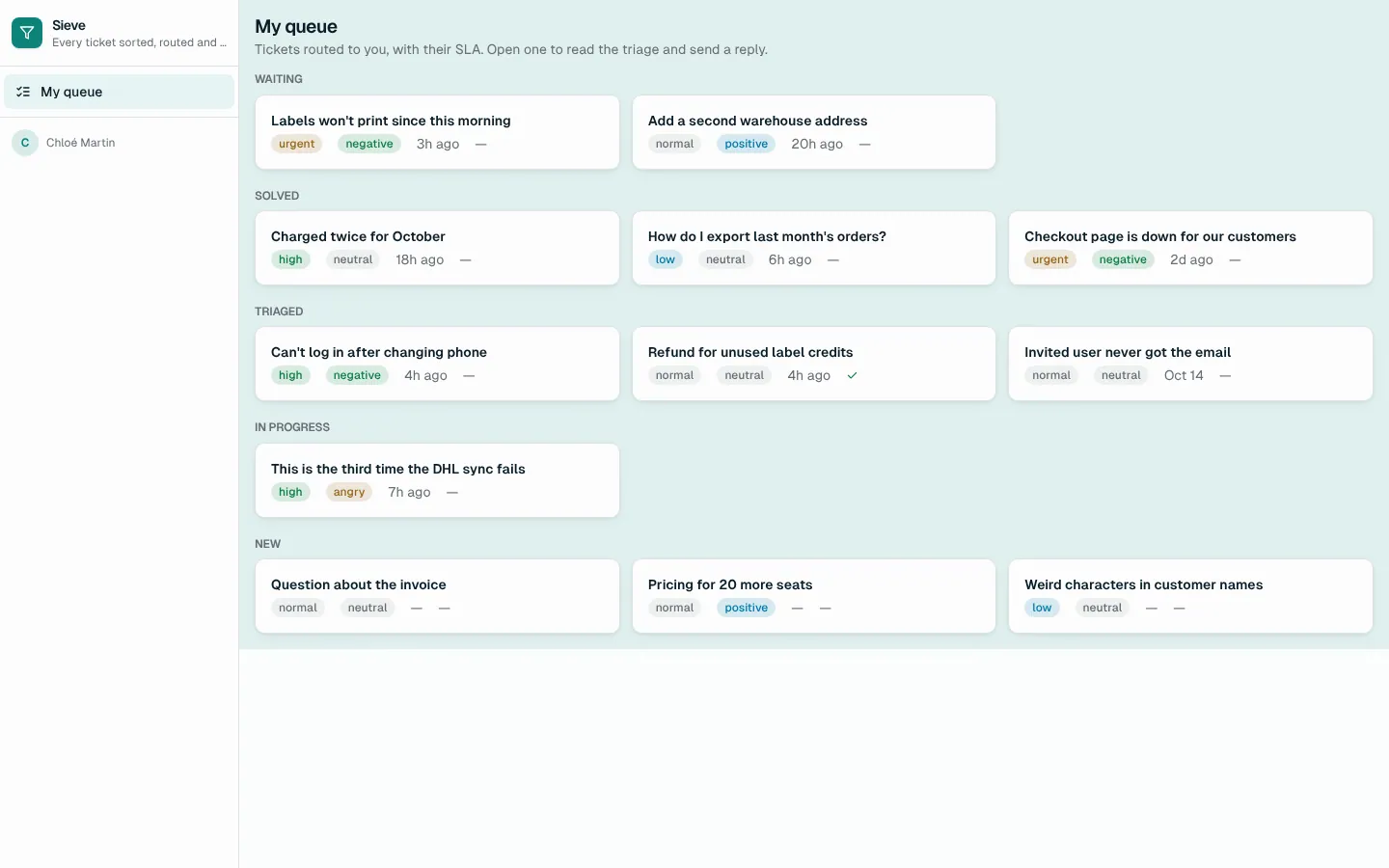
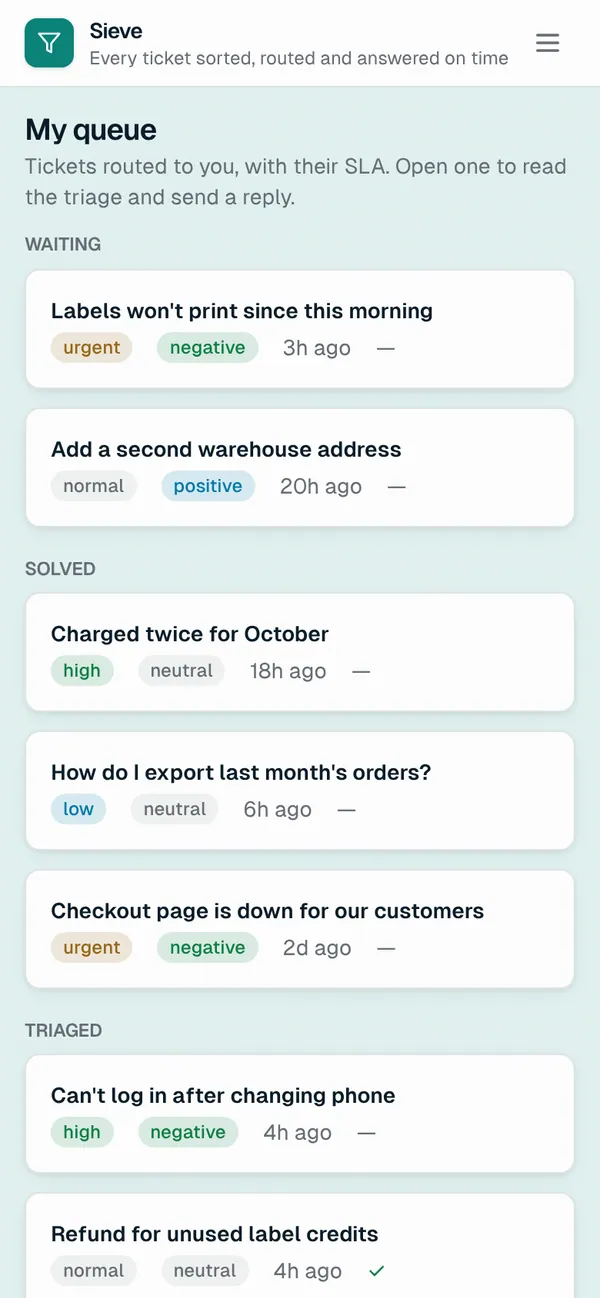
Customer help centre with request status and replies. Lead review queue for low-confidence triage, accept or correct. Ticket page with triage, route, SLA clock and an AI or macro reply. Routing rules, SLA policies, macros and teams. Triage log with confidence, mode and corrections.
Tables
customername, email, company, planleadname, emailteamname, descriptionspecialistname, email, team_id, activerouting_rulename, position, match_category, match_priority, keywords, team_id, assignee_id, active, …sla_policypriority, first_response_minutes, clockmacroname, category, tone, body, usesticketsubject, body, progress, channel, customer_id, from_email, from_name, received_at, …triageticket_id, summary, outcome, category, priority, sentiment, confidence, suggested_reply, …replyticket_id, author_role, author_name, body, macro_id
Roles
customerCustomer, consumerleadSupport lead, staffspecialistSpecialist, staff
Pages
/helpHelp (customer)/reviewReview (lead)/ticketsTickets (lead)/queueMy queue (specialist)/tickets/:idTicket (lead, specialist)/rulesRouting rules (lead)/macrosMacros (lead)/slaSLAs (lead)/teamsTeams (lead)/insightsTriage log (lead)/customersCustomers (lead)/peopleSpecialists (lead)- and 1 more
Components
MyRequestsCustomer help centre: open a request, see its status and the conversation, replyTriageReviewLead's queue of low-confidence triage: the AI's call with its confidence, accept or correct, then routeTriagePanelOn a ticket: its triage, route and SLA clock, a suggested reply from AI or a macro, send and solve
Rules on every write
ticketCustomers describe the problem; the triage agent does the restreplyReply refused
How its workflows run
Each one is a server workflow in your project: it runs on its trigger, with retries, and its runs show in the builder's log.
- Turn inbound email into tickets
When a webhook arrives:
webhook inbound-email. Then: Record a row. - Triage a new ticket
When a row changes:
ticket created. Then: Look up macro, then Create triage, then Look up triage, then Notify, then Update ticket. - Route a triaged ticket
When a row changes:
ticket updated, when progress is triaged. Then: Look up routing_rule, then Update ticket, then Notify. - Accept or correct a triage
When the app calls it:
server function (lead). Then: Look up ticket, then Update triage. - Draft a reply
When the app calls it:
server function (specialist, lead). Then: Look up ticket. - Track replies and tell the other side
When a row changes:
reply created. Then: Look up ticket, then Update ticket, then Notify, then Send email. - Flag tickets past their SLA
On a schedule:
schedule every 15m over ticket. Then: Look up ticket, then Update ticket, then Notify. - Tell the customer it's solved
When a row changes:
ticket updated, when progress is solved. Then: Notify, then Send email. - Weekly triage digest
On a schedule:
schedule weekly mon 08:45 over ticket. Then: Notify lead, then Send email.
Set it up
It starts a new project, with its data, roles and sign-in ready.
- Start the project
Use the button above, or ask your coding agent with the Appbricx MCP server connected (quickstart).
- Sign in as each role
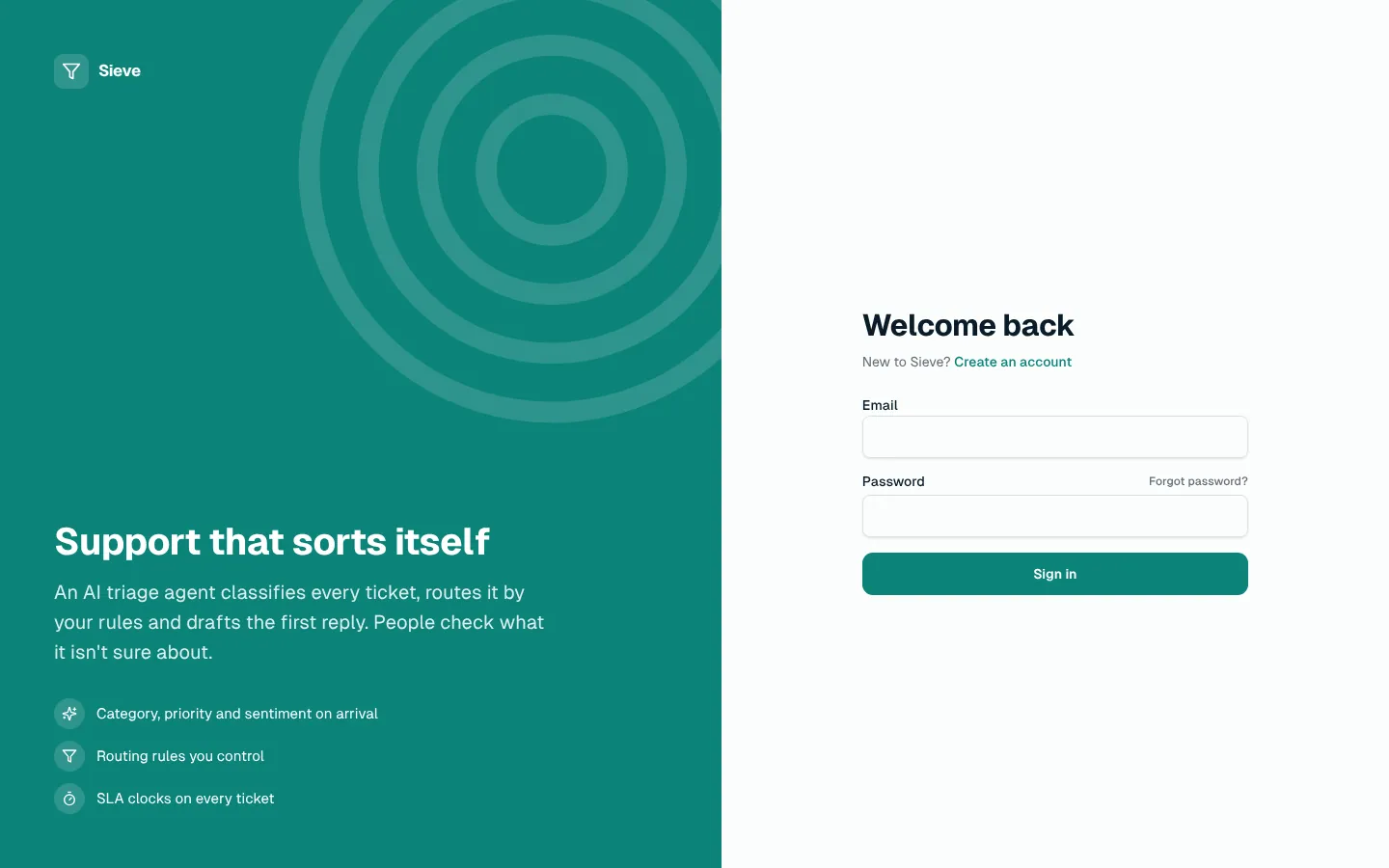
The demo logins open each role's home. Change what you like in plain words or in the contract.
- Deploy
When dev looks right, deploy. Production gets a snapshot first, so you can roll back.
Use it with your coding agent
The agent creates the project, builds it and signs in as each role.
Start a new Appbricx project from the Sieve template (slug "sieve") with use_template. Call it "My Sieve", then sign in as each role, verify it and tell me what to change first.{
"tool": "use_template",
"arguments": {
"slug": "sieve",
"name": "My Sieve"
}
}appbricx templates use sieve --name "My Sieve"Goes well with
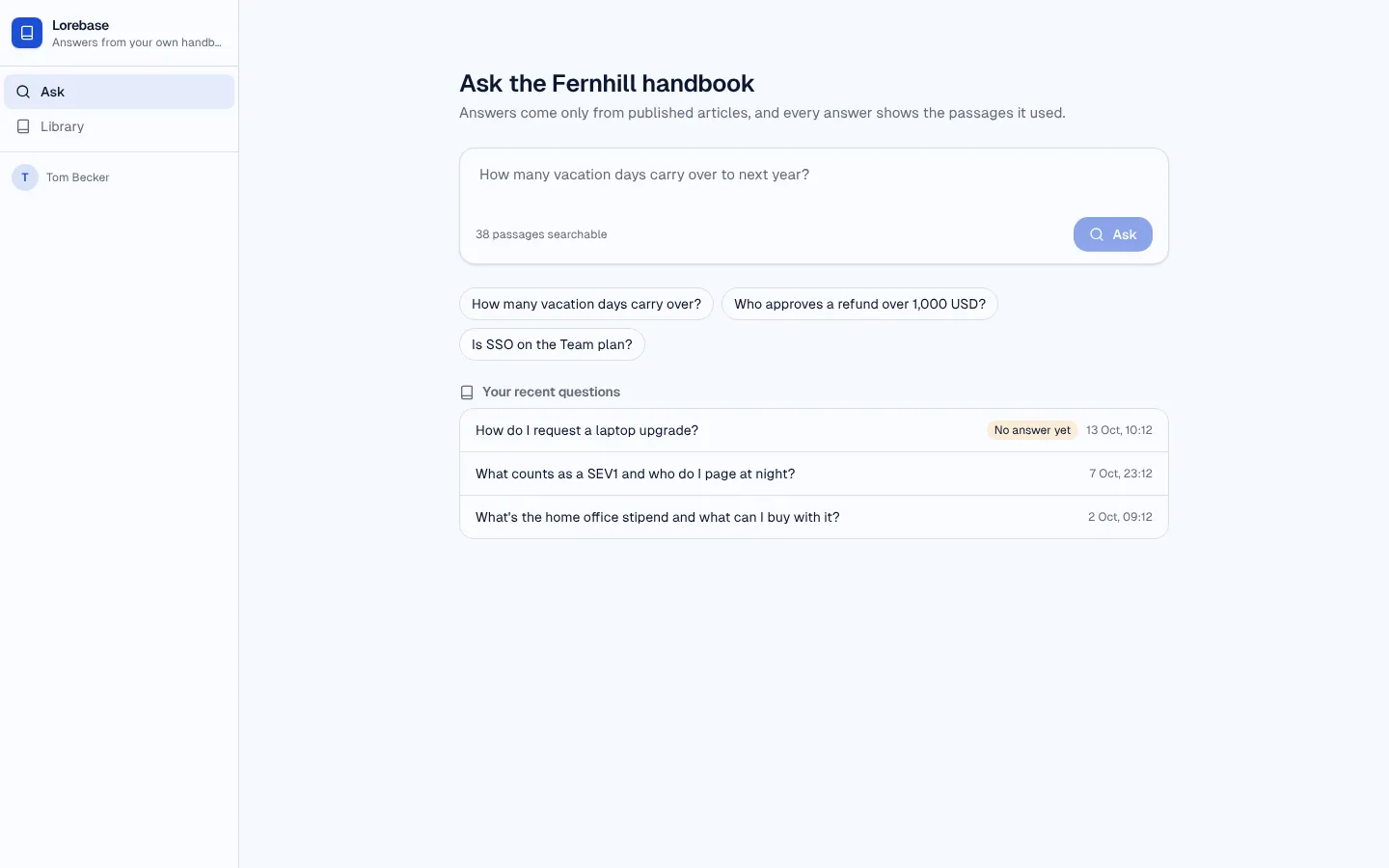
Lorebase
RAG knowledge-base assistant: ask your handbook, get an answer that cites its passages, rate it, and close the gaps.
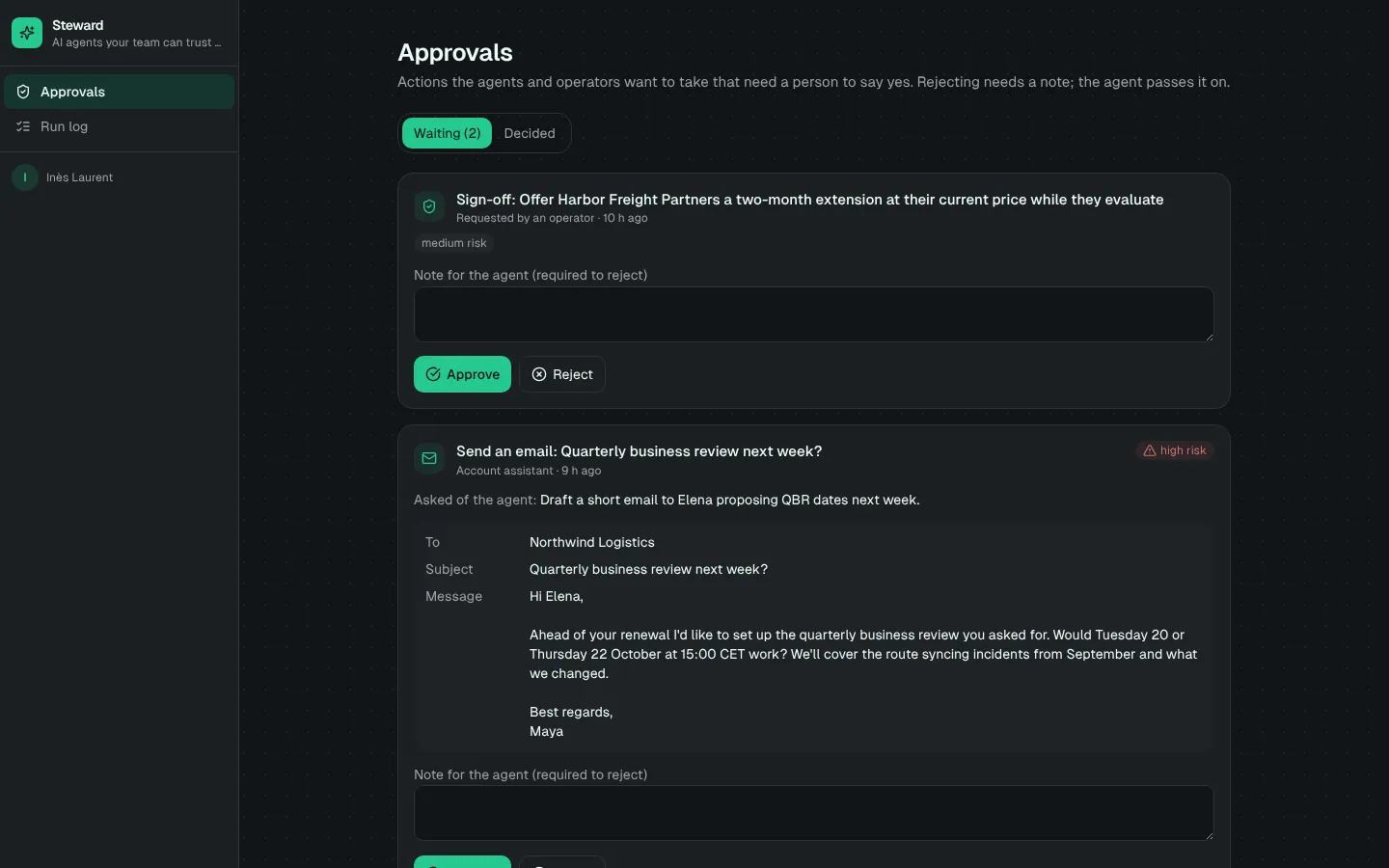
Steward
Custom AI agent with tools, memory, a step-by-step run log and human approval before sensitive actions.
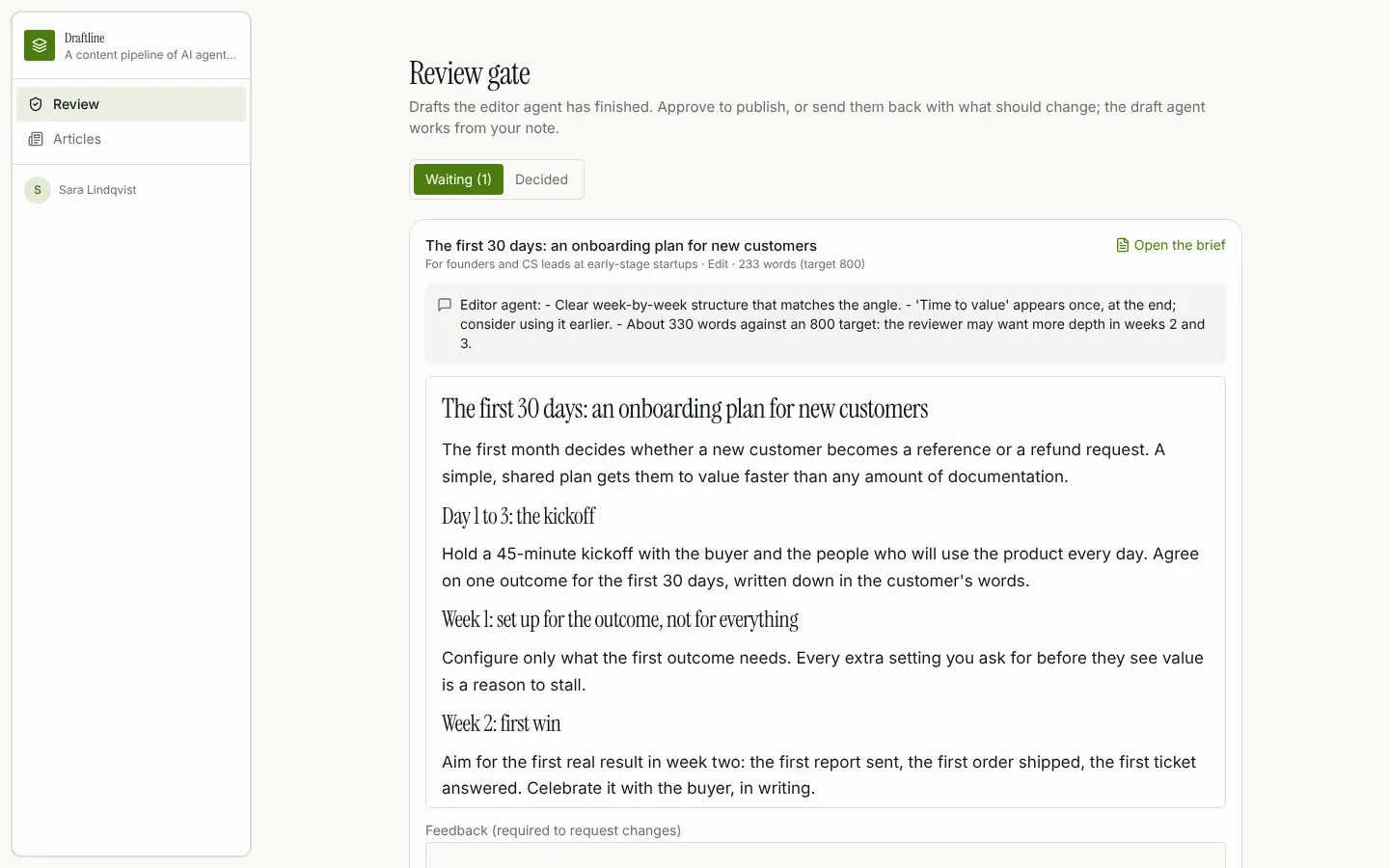
Draftline
Multi-agent content pipeline: research, draft and edit agents hand off to each other, retry on failure, and a reviewer approves before publish.