Steward
Operators build agents (instructions, a model hint, a step limit) and give them tools that map to real server code: look up a customer, create a task, notify the team, email a customer, read an allowlisted web page. A server function runs the agent loop with ctx.ai, logging every plan, tool call and result. Tools marked as needing approval pause the run; reviewers approve or reject from their queue and a workflow resumes it. Each conversation keeps a running summary as memory. Without an AI key the agent follows keyword rules and says so.
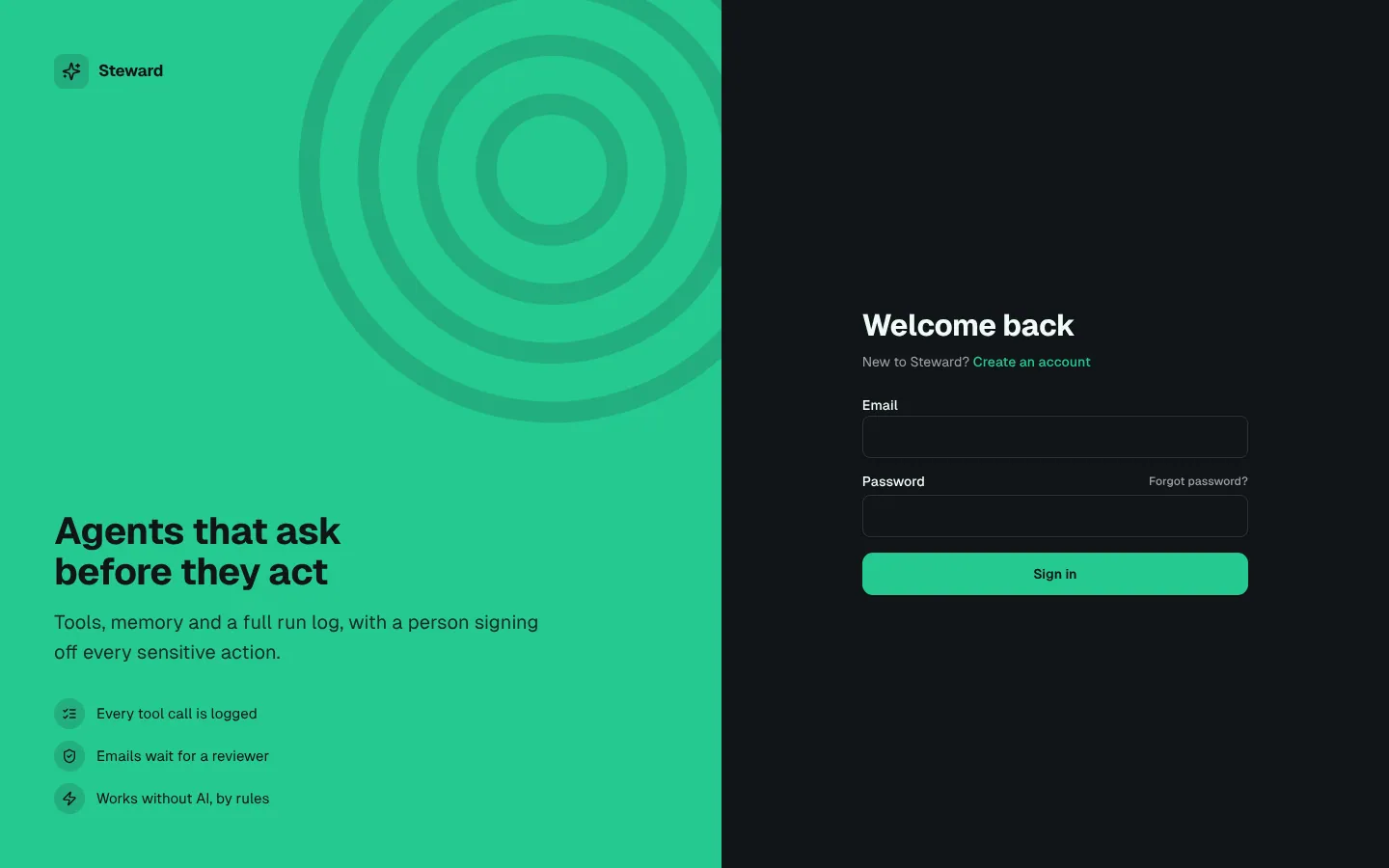
Invite-only. Operators build and run agents. Reviewers approve what the agents want to do.
What's inside
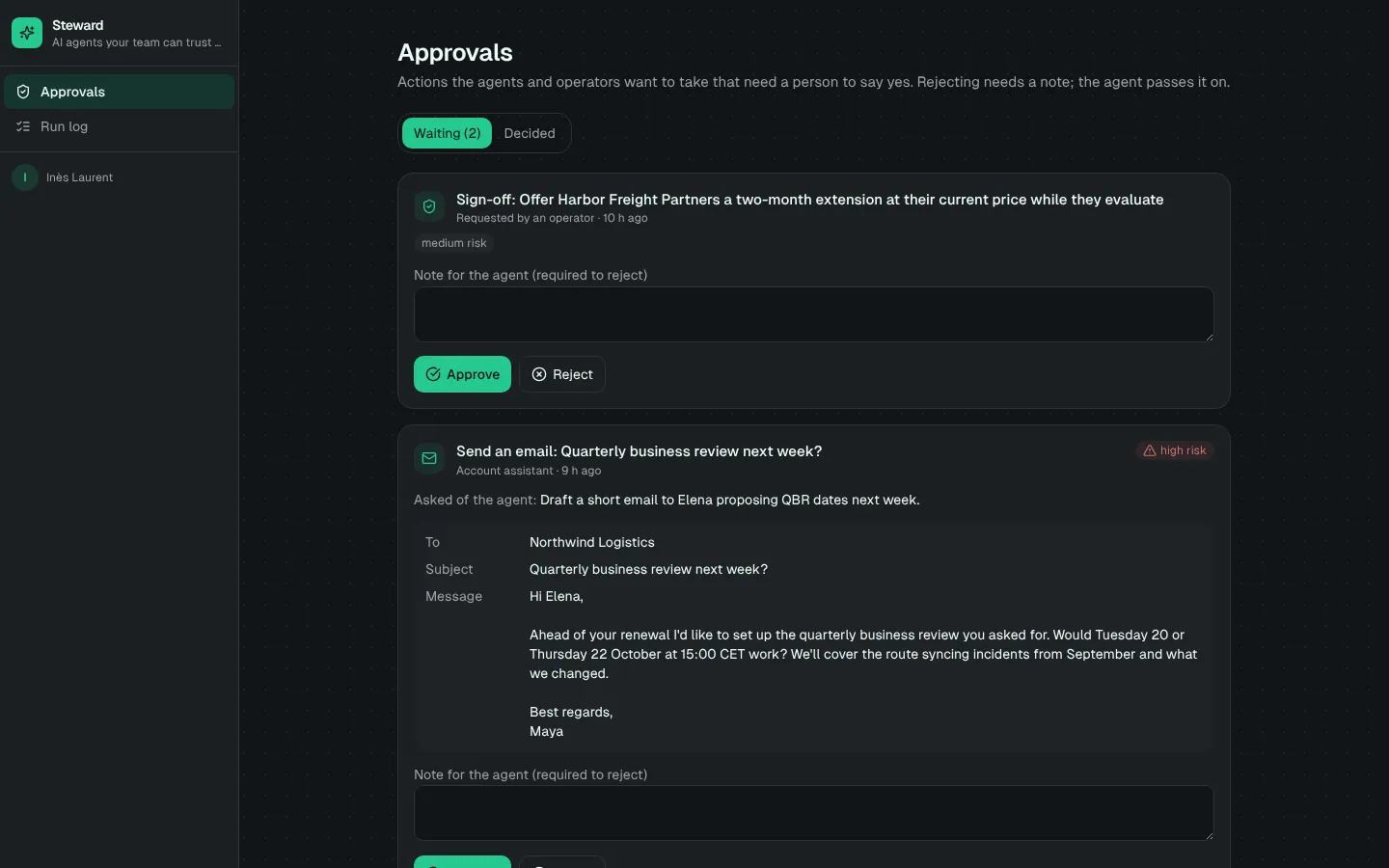
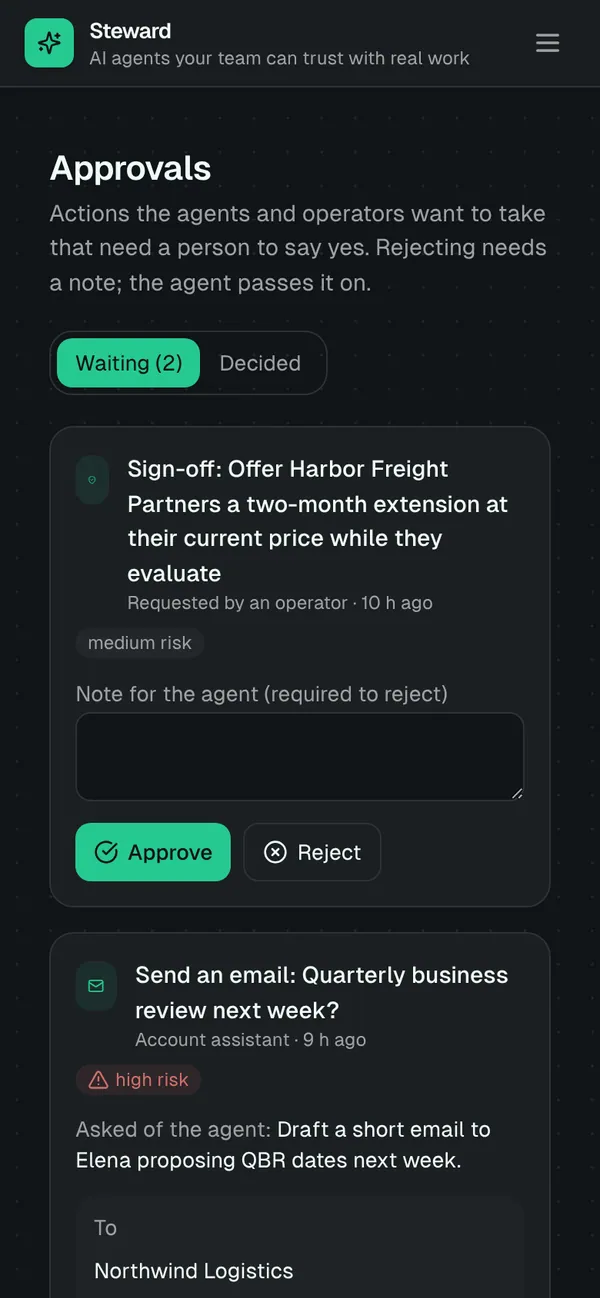
Agent console: conversations, memory and a live run log. Reviewer approval queue with the exact email, task or message to approve. Run log with every plan, tool call, result, timing and estimated tokens. Agents, tools, tool access, customers and tasks to manage. Run queue and manual sign-off requests.
Tables
operatorname, email, titlereviewername, email, titleagentname, purpose, instructions, model_hint, max_steps, enabledtoolkey, name, description, needs_approval, allowlistagent_toolagent_id, tool_id, enabledcustomername, contact_name, email, plan, mrr, health, renewal_on, notestasktitle, details, customer_id, due_on, status, sourceconversationagent_id, title, operator_id, summary, message_count, last_message_atmessageconversation_id, role, content, run_id, atrunagent_id, conversation_id, trigger, status, answer, ai_mode, steps, est_tokens, …run_steprun_id, seq, kind, title, tool_key, input, output, latency_ms, …approvalrun_id, agent_id, tool_key, action, payload, risk, decision, reviewer_id, …
Roles
operatorOperator, staffreviewerReviewer, staff
Pages
/consoleConsole (operator)/approvalsApprovals (reviewer)/sign-offsSign-offs (operator)/runsRuns (operator)/run-logRun log (reviewer)/runs/:idRun (operator, reviewer)/conversationsConversations (operator)/conversations/:idConversation (operator)/agentsAgents (operator)/agents/:idAgent (operator)/toolsTools (operator)/tool-accessTool access (operator)- and 4 more
Components
AgentConsoleChat with an agent: conversations, the thread, its memory and the live run log, plus queued runs to startApprovalQueueReviewers' queue of agent and operator actions waiting for approval, with the payload, approve and reject
Rules on every write
toolLook-ups and reading allowlisted pages run without approval; only actions can need oneapprovalApproval refused
How its workflows run
Each one is a server workflow in your project: it runs on its trigger, with retries, and its runs show in the builder's log.
- Run an agent
When the app calls it:
server function (operator). Then: Look up run, then Create conversation, then Update run, then Notify, then Send email. - Ask reviewers for approval
When a row changes:
approval created. Then: Notify reviewer, then Send email. - Resume the run when a reviewer decides
When a row changes:
approval updated. Then: Update approval, then Look up run, then Notify, then Create run_step, then Send email. - Update the conversation's memory
When a row changes:
run updated, when status is completed. Then: Look up conversation, then Update conversation. - Remind reviewers about waiting approvals
On a schedule:
schedule hourly over approval. Then: Look up approval, then Notify, then Update approval.
Set it up
It starts a new project, with its data, roles and sign-in ready.
- Start the project
Use the button above, or ask your coding agent with the Appbricx MCP server connected (quickstart).
- Sign in as each role
The demo logins open each role's home. Change what you like in plain words or in the contract.
- Deploy
When dev looks right, deploy. Production gets a snapshot first, so you can roll back.
Use it with your coding agent
The agent creates the project, builds it and signs in as each role.
Start a new Appbricx project from the Steward template (slug "steward") with use_template. Call it "My Steward", then sign in as each role, verify it and tell me what to change first.{
"tool": "use_template",
"arguments": {
"slug": "steward",
"name": "My Steward"
}
}appbricx templates use steward --name "My Steward"Goes well with
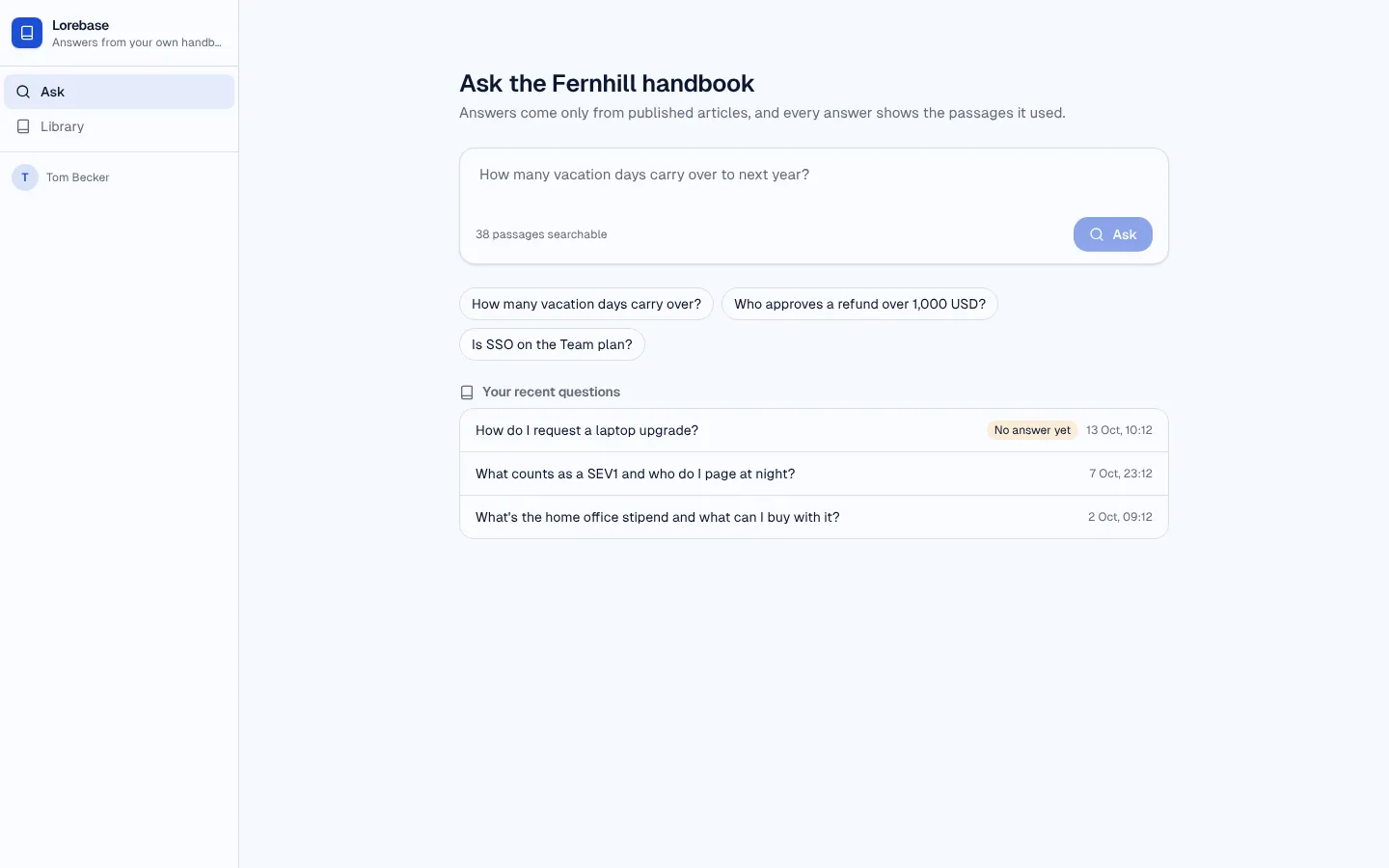
Lorebase
RAG knowledge-base assistant: ask your handbook, get an answer that cites its passages, rate it, and close the gaps.
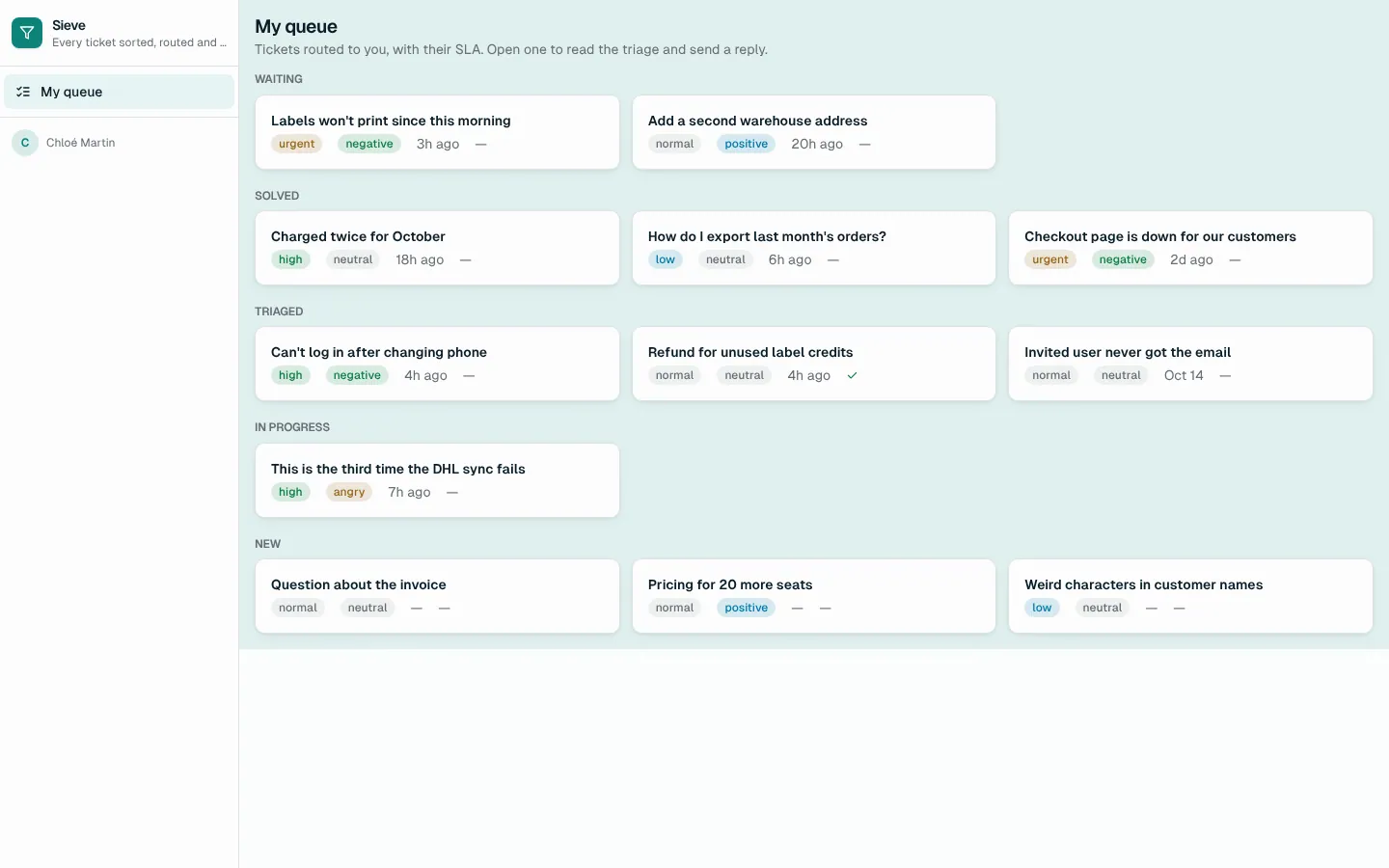
Sieve
Support triage agent: AI classifies every ticket with a confidence, routes it by your rules, drafts the reply; leads review the unsure ones.
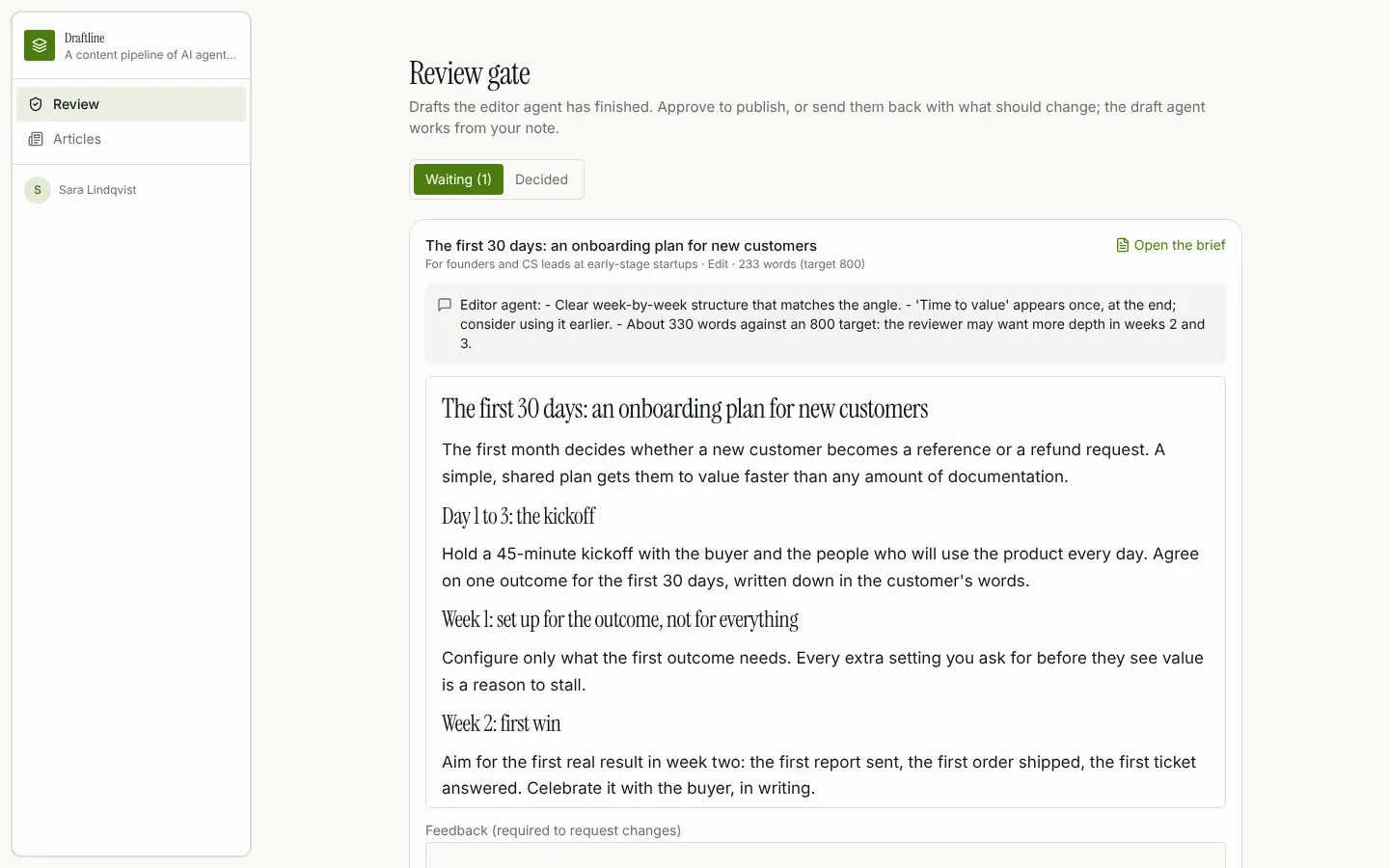
Draftline
Multi-agent content pipeline: research, draft and edit agents hand off to each other, retry on failure, and a reviewer approves before publish.