Waitlist with referrals
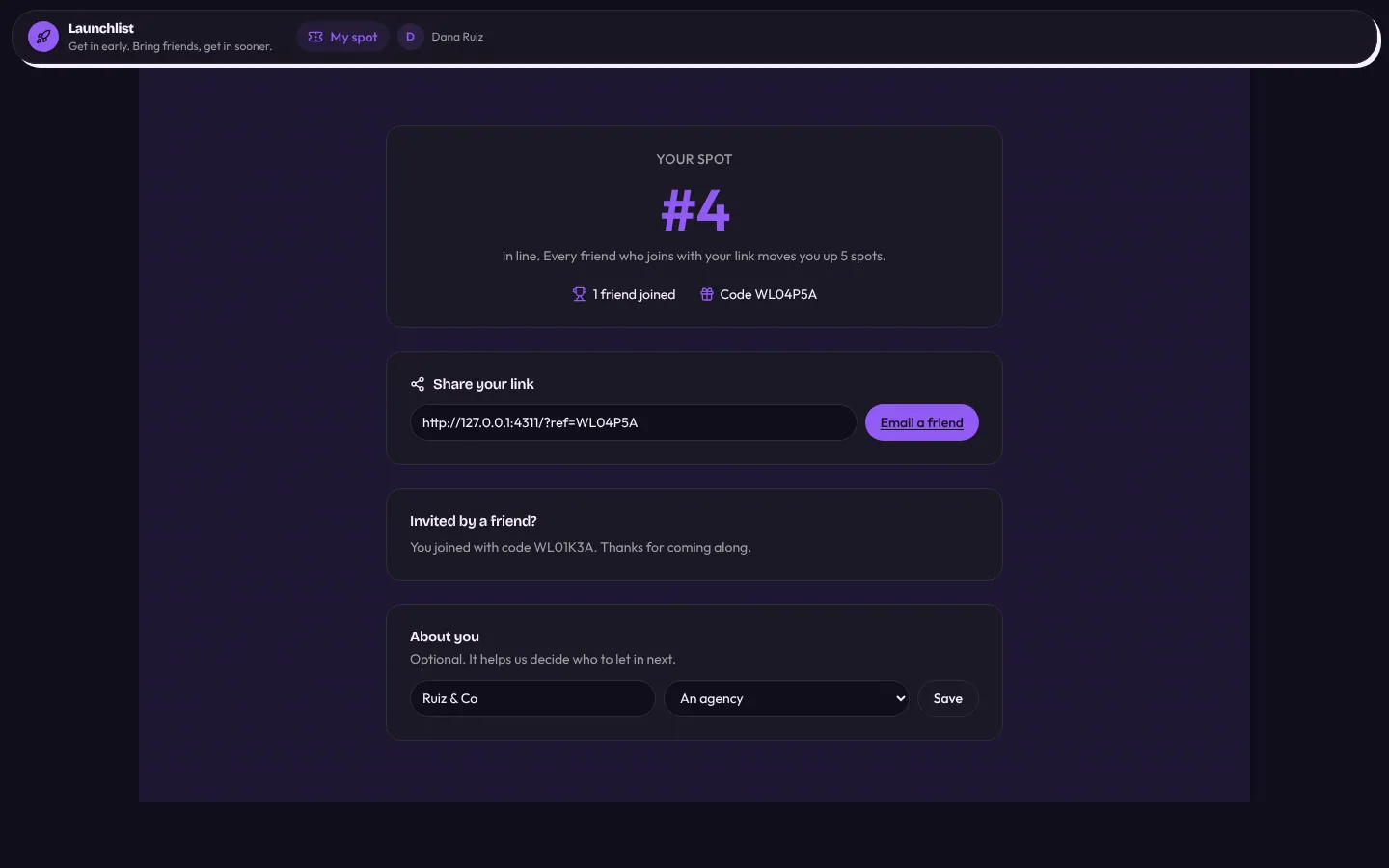
A pre-launch waitlist for a startup or product launch. Visitors land on a public launch page and sign up; each gets a place in line and a referral code. When a friend joins with the code, a workflow credits the referrer and recomputes the line, so referrers move up five spots per friend and get an email saying where they now stand. The team sees the whole list front first, drags people from waiting to invited (which emails them), sends invite batches from the front of the line or to the top referrers, and exports the list as CSV. Rules stop subscribers changing their position, code or status, using their own code or claiming a second referrer.
Anyone signs up from the launch page as a subscriber; the team is invited.
What's inside
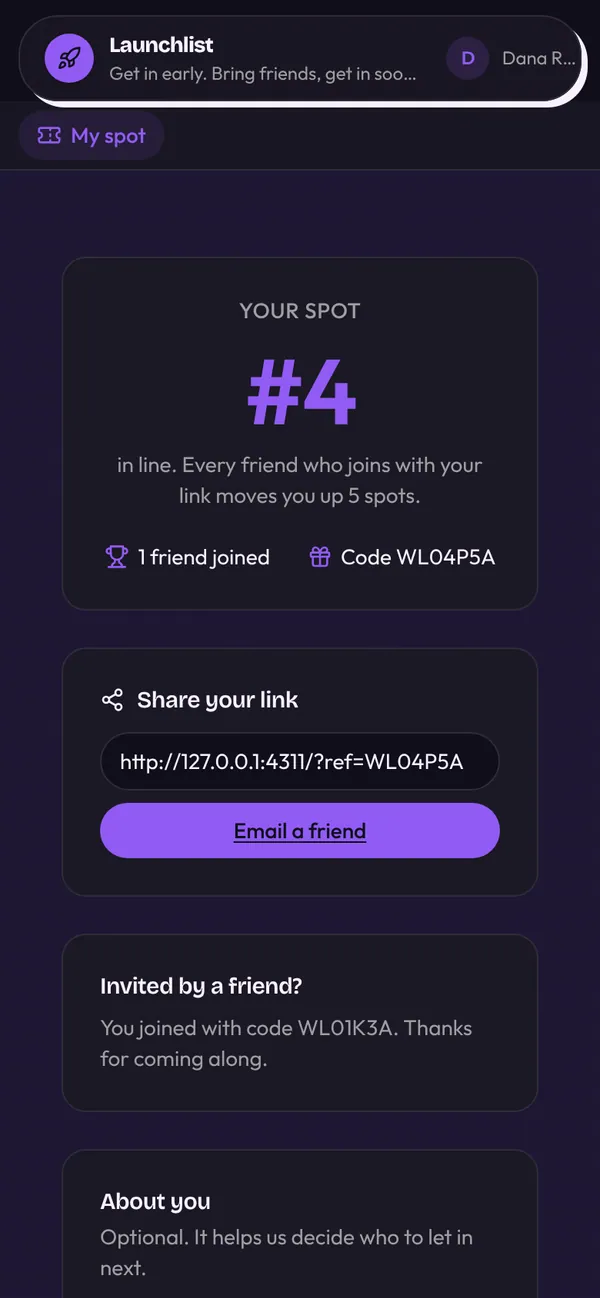
Public launch page with hero, how-it-works, FAQ and sign-up. My spot: place in line, referral link and code, a friend's code box. Team list front first, an invite board and invite batches. CSV export of the whole list. Team pages and Team & access.
Tables
subscribername, email, company, use_case, referral_code, referred_by_code, referrer_id, referral_count, …teamname, email, titleinvite_batchname, size, audience, status, message, sent_at, invited_count
Roles
subscriberSubscriber, consumerteamTeam, staff
Pages
/Home/my-spotMy spot (subscriber)/waitlistWaitlist (team)/waitlist/:idSubscriber (team)/pipelineInvites (team)/batchesBatches (team)/batches/:idBatch (team)/exportExport (team)/team-membersTeam (team)/teamTeam & access (team)
Components
MySpotThe subscriber's place in line, their referral link and code, and a box for a friend's codeCsvExportDownload the rows of a table the viewer may see as a CSV file, with a preview of the first rows
Rules on every write
subscriberThat part of your spot is ours to changeinvite_batchPick a batch size
How its workflows run
Each one is a server workflow in your project: it runs on its trigger, with retries, and its runs show in the builder's log.
- Give a new subscriber a spot and a referral code
When a row changes:
subscriber created. Then: Look up subscriber, then Update subscriber, then Send email. - Credit the friend who referred someone
When a row changes:
subscriber updated. Then: Look up subscriber, then Update subscriber, then Send email. - Recompute everyone's place in line
On a schedule:
schedule hourly over subscriber. Then: Look up subscriber, then Update subscriber. - Email an invitation
When a row changes:
subscriber updated, when status is invited. Then: Update subscriber, then Send email. - Invite a batch from the front of the line
When a row changes:
invite_batch updated, when status is sent. Then: Look up subscriber, then Update subscriber, then Send email, then Notify, then Look up subscriber, then Update subscriber. - Daily sign-up summary for the team
On a schedule:
schedule daily 09:00 over subscriber. Then: Send email.
Set it up
It starts a new project, with its data, roles and sign-in ready.
- Start the project
Use the button above, or ask your coding agent with the Appbricx MCP server connected (quickstart).
- Sign in as each role
The demo logins open each role's home. Change what you like in plain words or in the contract.
- Deploy
When dev looks right, deploy. Production gets a snapshot first, so you can roll back.
Use it with your coding agent
The agent creates the project, builds it and signs in as each role.
Start a new Appbricx project from the Waitlist with referrals template (slug "waitlist-referrals") with use_template. Call it "My Waitlist with referrals", then sign in as each role, verify it and tell me what to change first.{
"tool": "use_template",
"arguments": {
"slug": "waitlist-referrals",
"name": "My Waitlist with referrals"
}
}appbricx templates use waitlist-referrals --name "My Waitlist with referrals"