AI chat panel
Adds an Assistant page (or a side panel you can open from any page) where each signed-in person chats with an AI that knows your app's data. A server function reads the newest records of the tables you choose as that person, under their own permissions, so a customer's assistant only knows their own orders while a manager's sees the team's, and sends them to the model with the conversation. Conversations and messages are stored per person and private to them. Suggested questions get people started, answers render as markdown, and when AI isn't available for the project the person sees why and can retry; their question is kept.
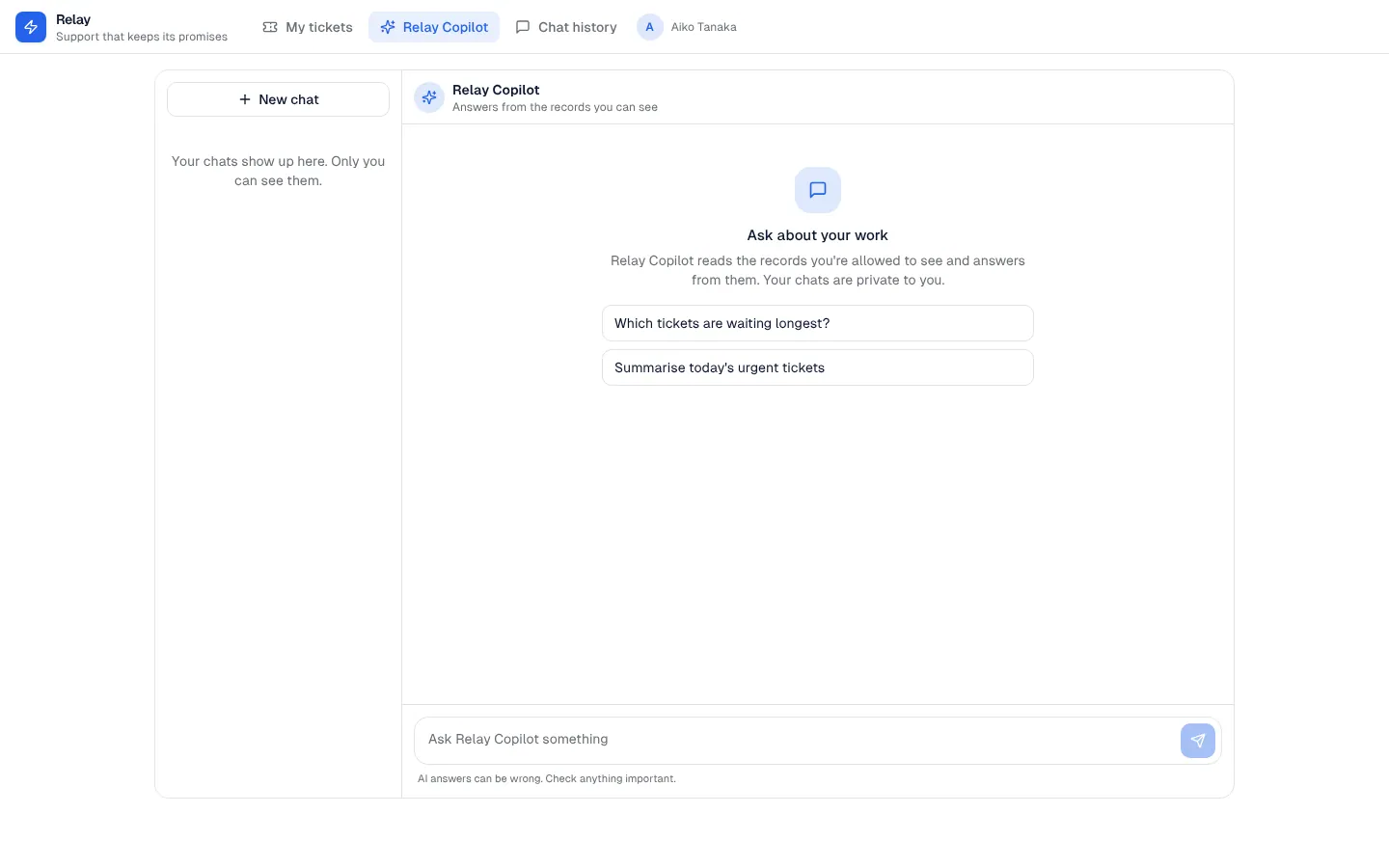
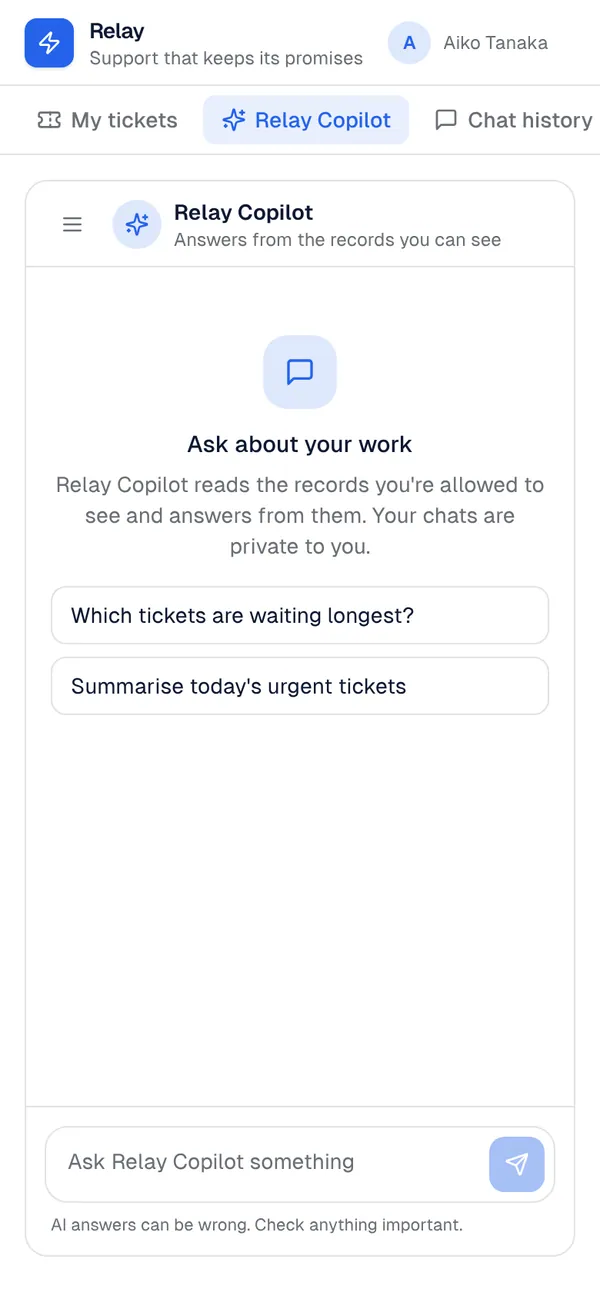
What it adds to your app
Tables assistant_chat and assistant_message, private to each person. Server function ai-chat-reply (ctx.ai with the person's own records as context). AiChatPanel component: an Assistant page, or a side panel on any page.
Tables
assistant_chattitle, last_message_atassistant_messageconversation_id, author, content
Pages
/assistant‹assistant_name› (@everyone)/assistant-historyChat history (@everyone)
Components
AiChatPanelA private AI chat that answers from the ‹context_entity› records the signed-in person can see: conversations, suggested questions, markdown answers, retry; a full page or a side panel
Rules on every write
assistant_chatKeep the chat title under 120 characters.assistant_messageA message needs some text.assistant_messageYou can only add messages to your own chats.
How its workflows run
Each one is a server workflow in your project: it runs on its trigger, with retries, and its runs show in the builder's log.
- Answer a chat message from the records the person can see
When the app calls it:
server function. Then: Look up assistant_chat, then Create assistant_message, then Update assistant_chat.
Set it up
It merges into the contract of an app you already have. Nothing is overwritten: a name you already use is refused until you pass a prefix.
- Pick the project
Use the button above, or ask your coding agent with the Appbricx MCP server connected (quickstart).
- Point it at your tables and roles
Leave out the ones with defaults; a wrong one is refused with the options your app has.
Param What it is Example context_entityThe table whose records the assistant reads to answer (as the person asking). ticketcontext_entity_2Optional: a second table it reads. Optional. customerassistant_nameWhat the assistant is called on the page and in its answers. Optional. CopilotsuggestionsUp to four starter questions, separated by |. Optional. Which tickets are waiting longest?|Summarise this week's tickets - Preview, then apply to dev
A dry run shows the diff and the check report; applying it changes your dev environment only.
- Deploy
When dev looks right, deploy. Production gets a snapshot first, so you can roll back.
Use it with your coding agent
The agent reads the template, runs a dry run, shows you the diff and applies it.
Add the AI chat panel template (slug "ai-chat-panel") to my Appbricx project. Read it with get_template, run use_template with dry_run first and show me the diff, then apply it. Ask me where it attaches if you can't tell from my contract (context_entity: what it knows about; context_entity_2: also knows about (optional); assistant_name: assistant name; suggestions: suggested questions).{
"tool": "use_template",
"arguments": {
"slug": "ai-chat-panel",
"project_id": "<your project id>",
"params": {
"context_entity": "ticket",
"context_entity_2": "customer",
"assistant_name": "Copilot",
"suggestions": "Which tickets are waiting longest?|Summarise this week's tickets"
},
"dry_run": true
}
}appbricx templates use ai-chat-panel --param context_entity=ticket --param context_entity_2=customer --param assistant_name=Copilot --param suggestions=Which tickets are waiting longest?|Summarise this week's tickets --dry-runGoes well with
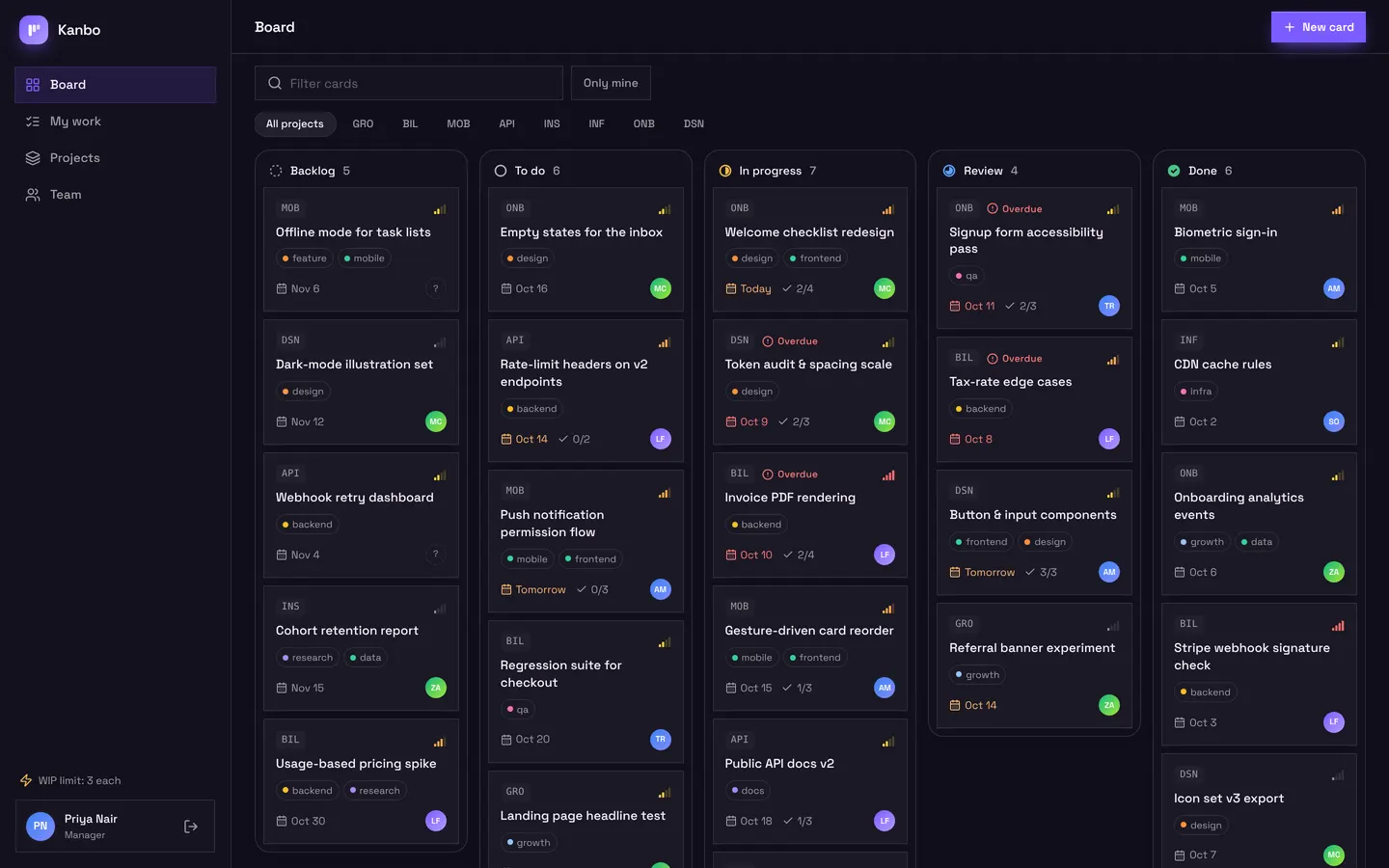
Kanbo
Team project board with drag-and-drop cards, checklists, comments and my work.
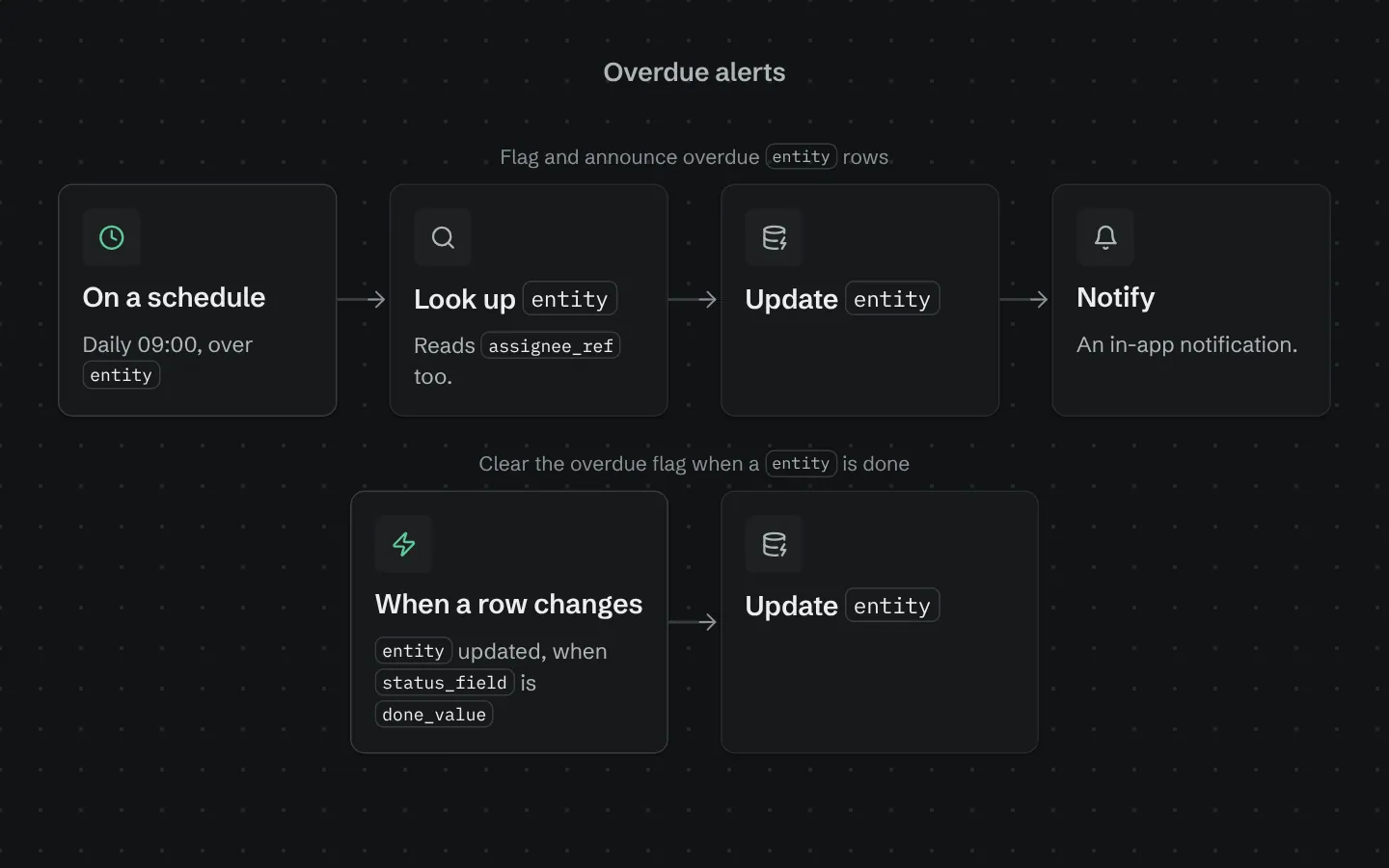
Overdue alerts
Each morning, flags rows past their due date, tells the person assigned and sends the team a list.
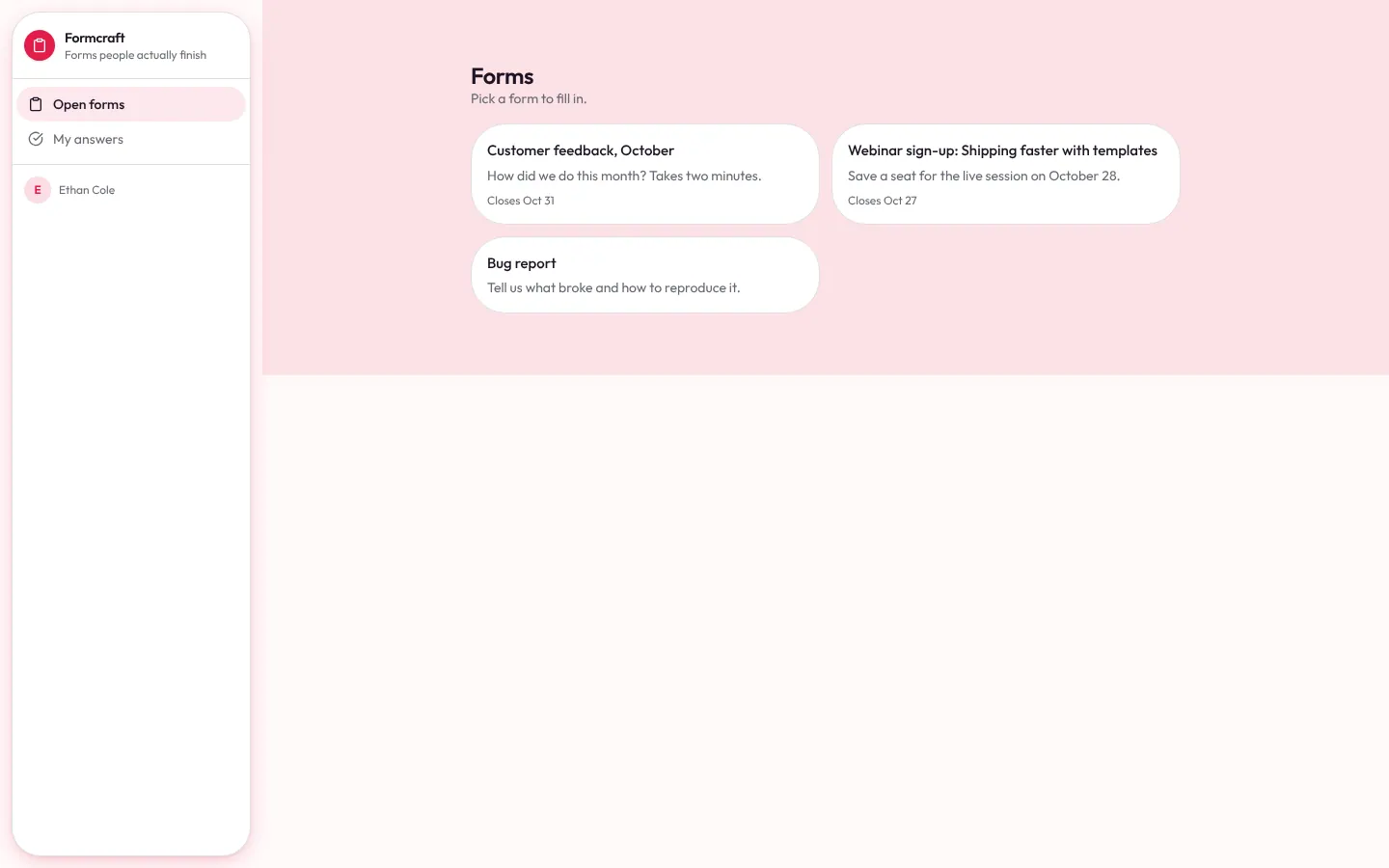
Form builder
Form builder: forms with nine question types, a share link, open sign-up for respondents, a signed webhook for website forms, response review, notifications and CSV export.