Data grid
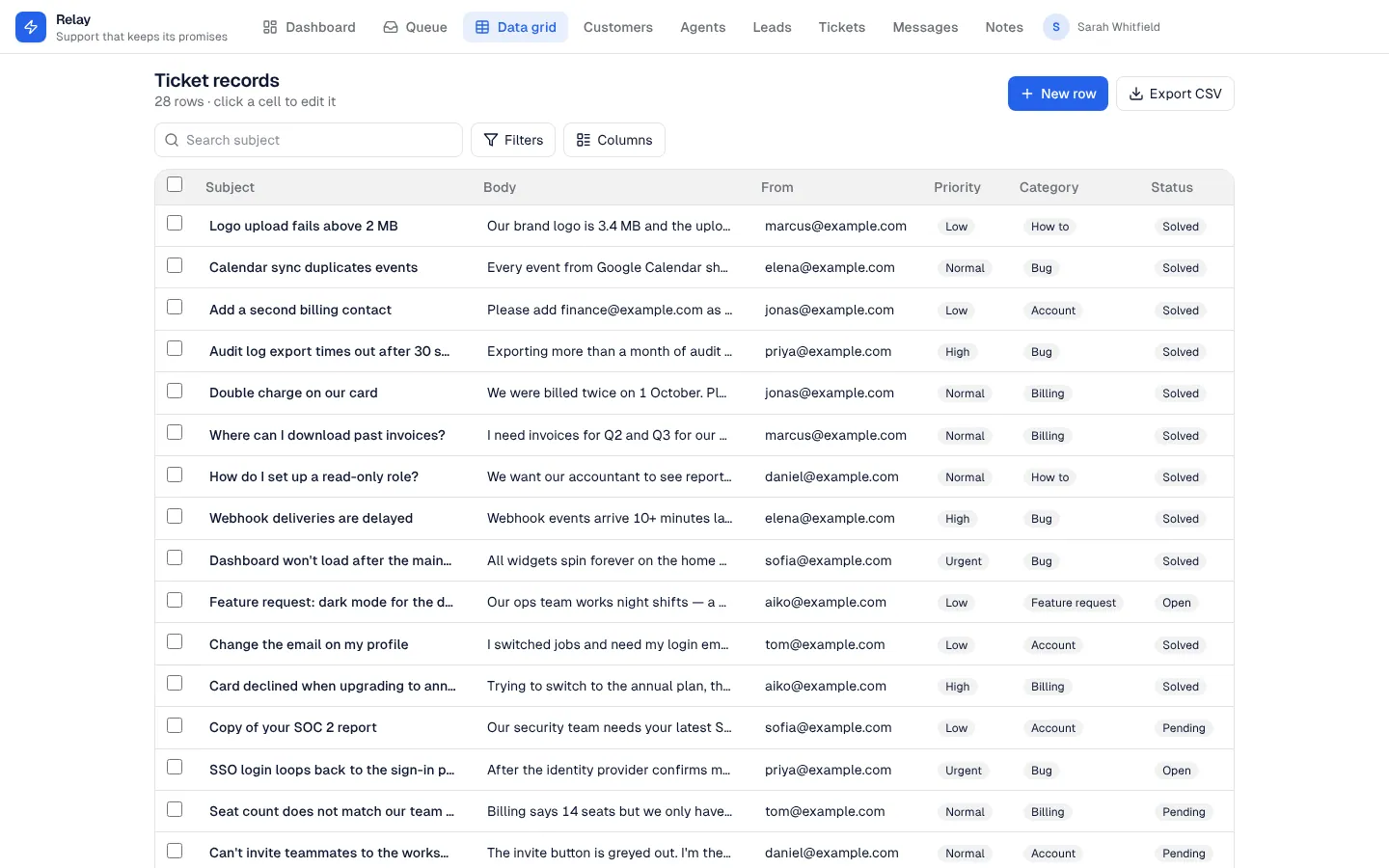
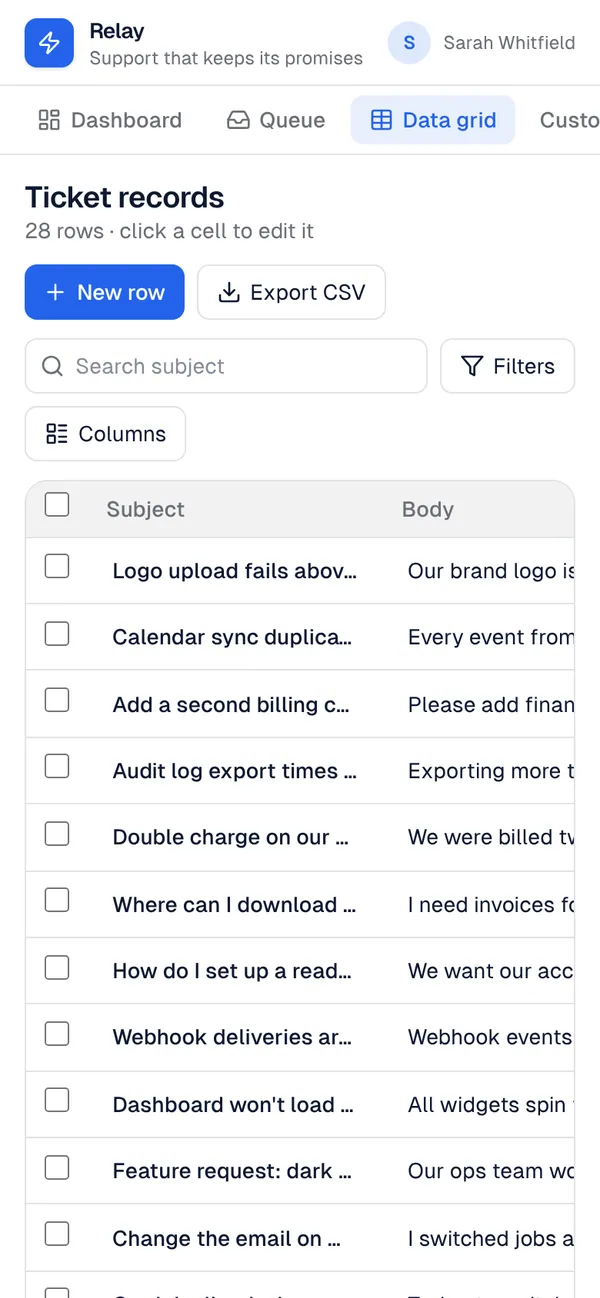
A custom component for working through the rows of one of your tables. Click a column to sort by it, search the title field, filter by any choice, yes/no or reference field, show and hide columns, and page through. Click a cell to edit it in place (Enter saves, Escape cancels); a lifecycle status only offers the moves the server allows. Add a row with every field in a form, tick rows to delete them together, and export the current search and filters as a CSV that opens in any spreadsheet. Sorting, search, filters and paging all run on the server, so it stays fast on large tables, and each role only gets the actions its permissions allow.
What it adds to your app
Component DataGrid (props: entity, fields, titleField, columns, pageSize, detailRoute). A Data grid page for the role you choose.
Pages
/data-gridData grid (‹page_role›)
Components
DataGridA spreadsheet-style grid over ‹entity›: sort by any column, search, filter by choices and people, edit cells in place, add and bulk-delete rows, choose columns, page through, export CSV
Set it up
It merges into the contract of an app you already have. Nothing is overwritten: a name you already use is refused until you pass a prefix.
- Pick the project
Use the button above, or ask your coding agent with the Appbricx MCP server connected (quickstart).
- Point it at your tables and roles
Leave out the ones with defaults; a wrong one is refused with the options your app has.
Param What it is Example entityThe table the grid shows and edits. orderpage_roleThe role the Data grid page is for. Optional. staff - Preview, then apply to dev
A dry run shows the diff and the check report; applying it changes your dev environment only.
- Deploy
When dev looks right, deploy. Production gets a snapshot first, so you can roll back.
Use it with your coding agent
The agent reads the template, runs a dry run, shows you the diff and applies it.
Add the Data grid template (slug "data-grid") to my Appbricx project. Read it with get_template, run use_template with dry_run first and show me the diff, then apply it. Ask me where it attaches if you can't tell from my contract (entity: table in the grid; page_role: who sees the grid).{
"tool": "use_template",
"arguments": {
"slug": "data-grid",
"project_id": "<your project id>",
"params": {
"entity": "order",
"page_role": "staff"
},
"dry_run": true
}
}appbricx templates use data-grid --param entity=order --param page_role=staff --dry-runGoes well with
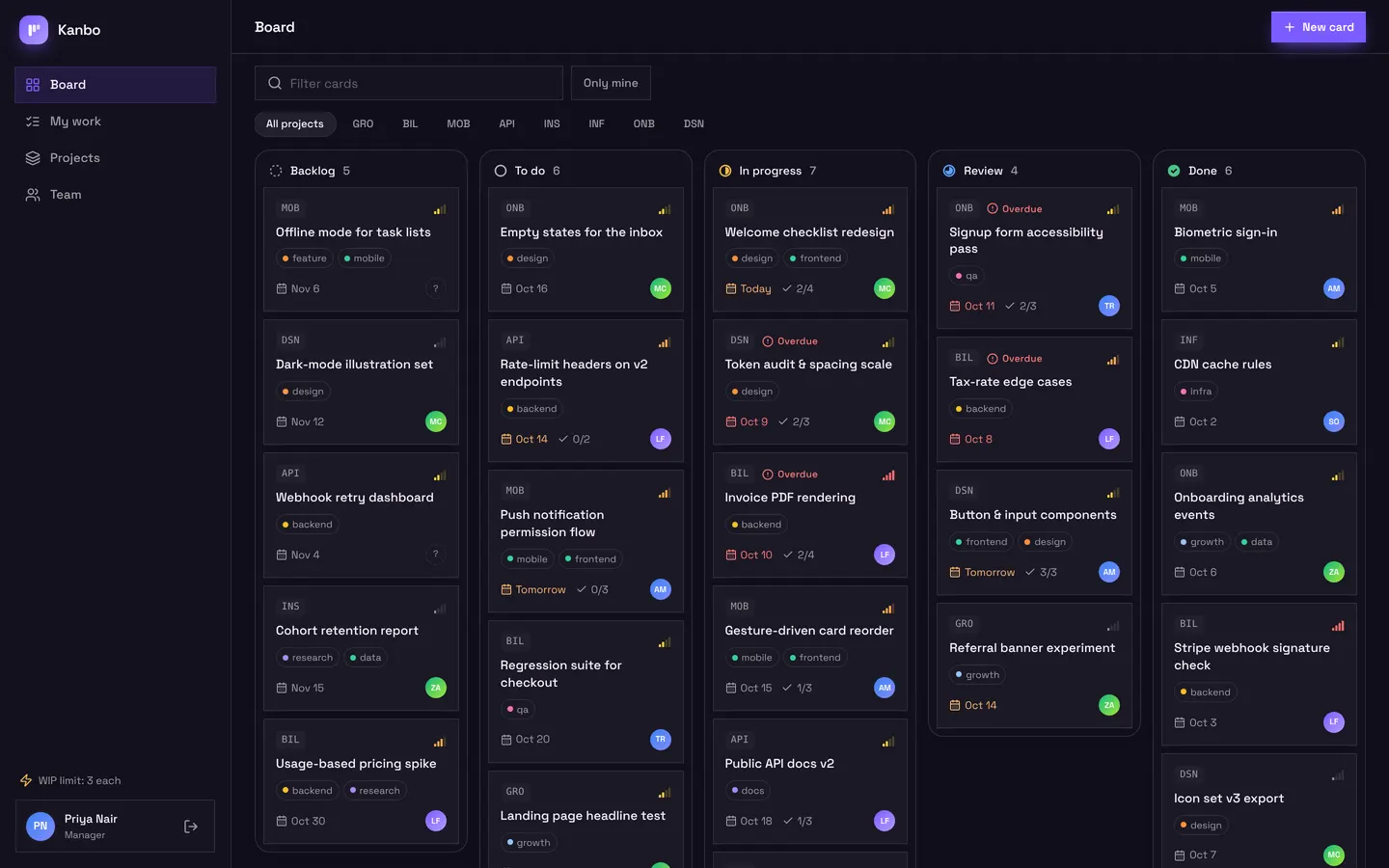
Kanbo
Team project board with drag-and-drop cards, checklists, comments and my work.
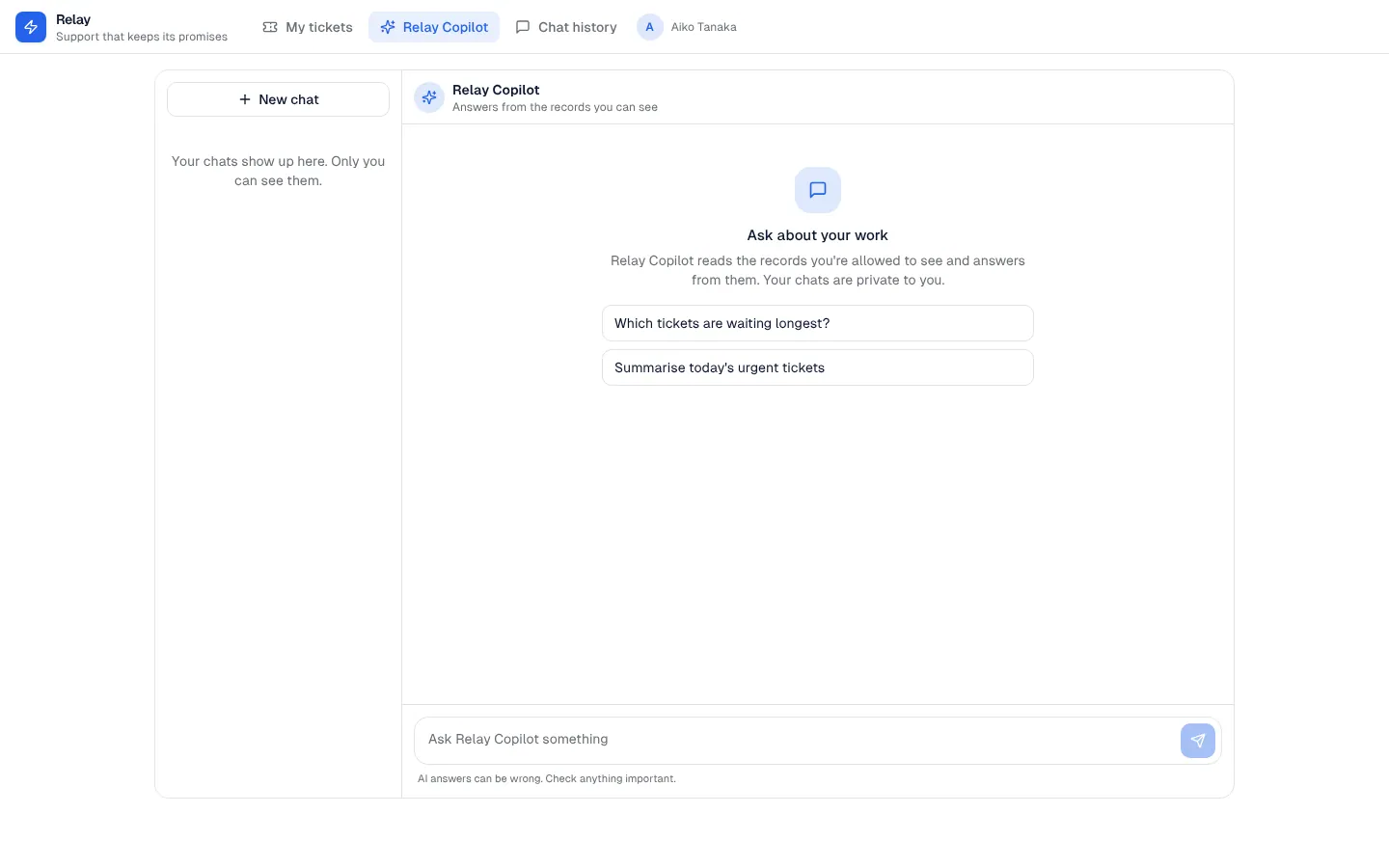
AI chat panel
A private AI assistant inside your app that answers from the records each person is allowed to see, with saved conversations.
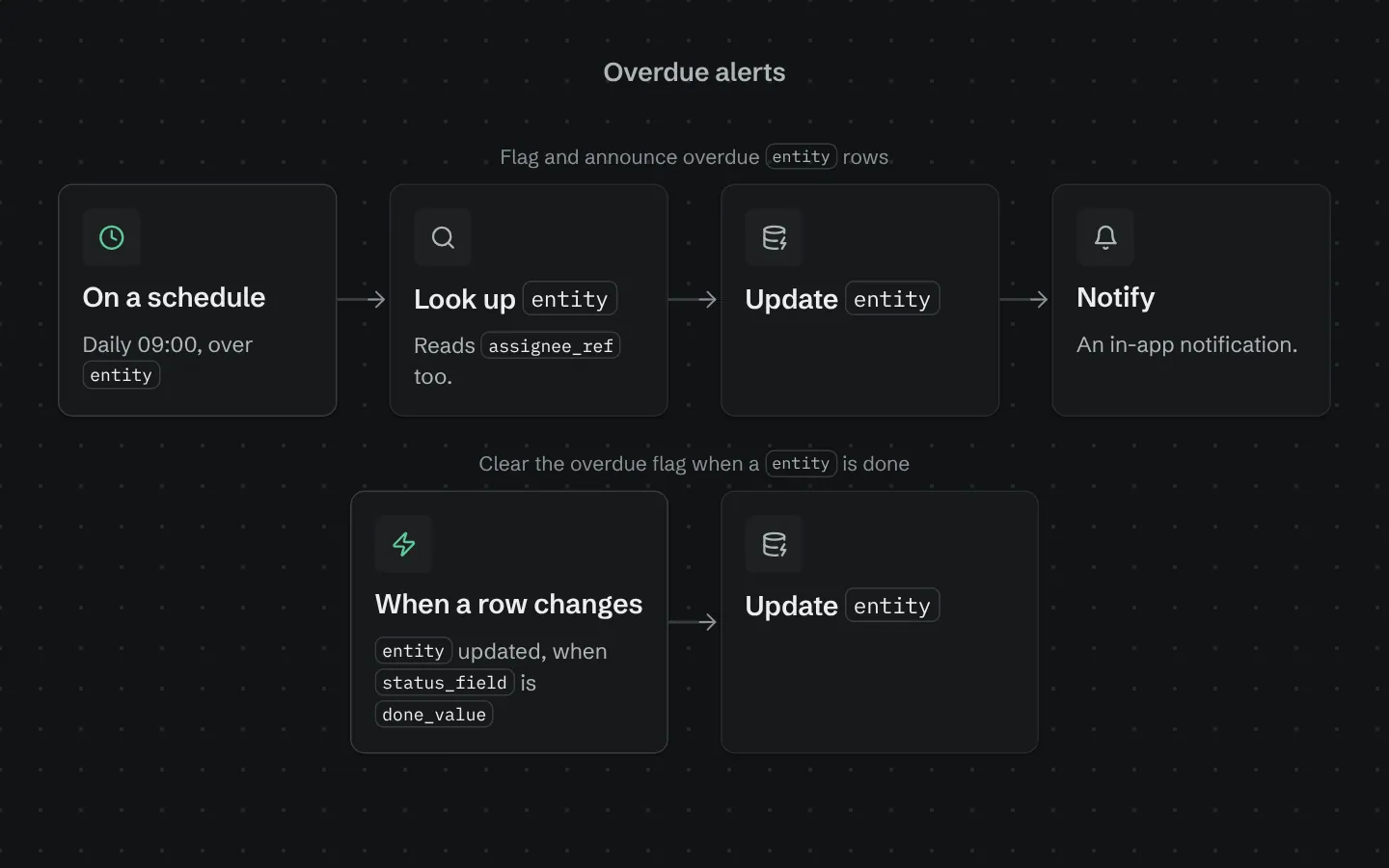
Overdue alerts
Each morning, flags rows past their due date, tells the person assigned and sends the team a list.